
Mastering Nowcasting on Your Apple Watch: A Comprehensive Guide
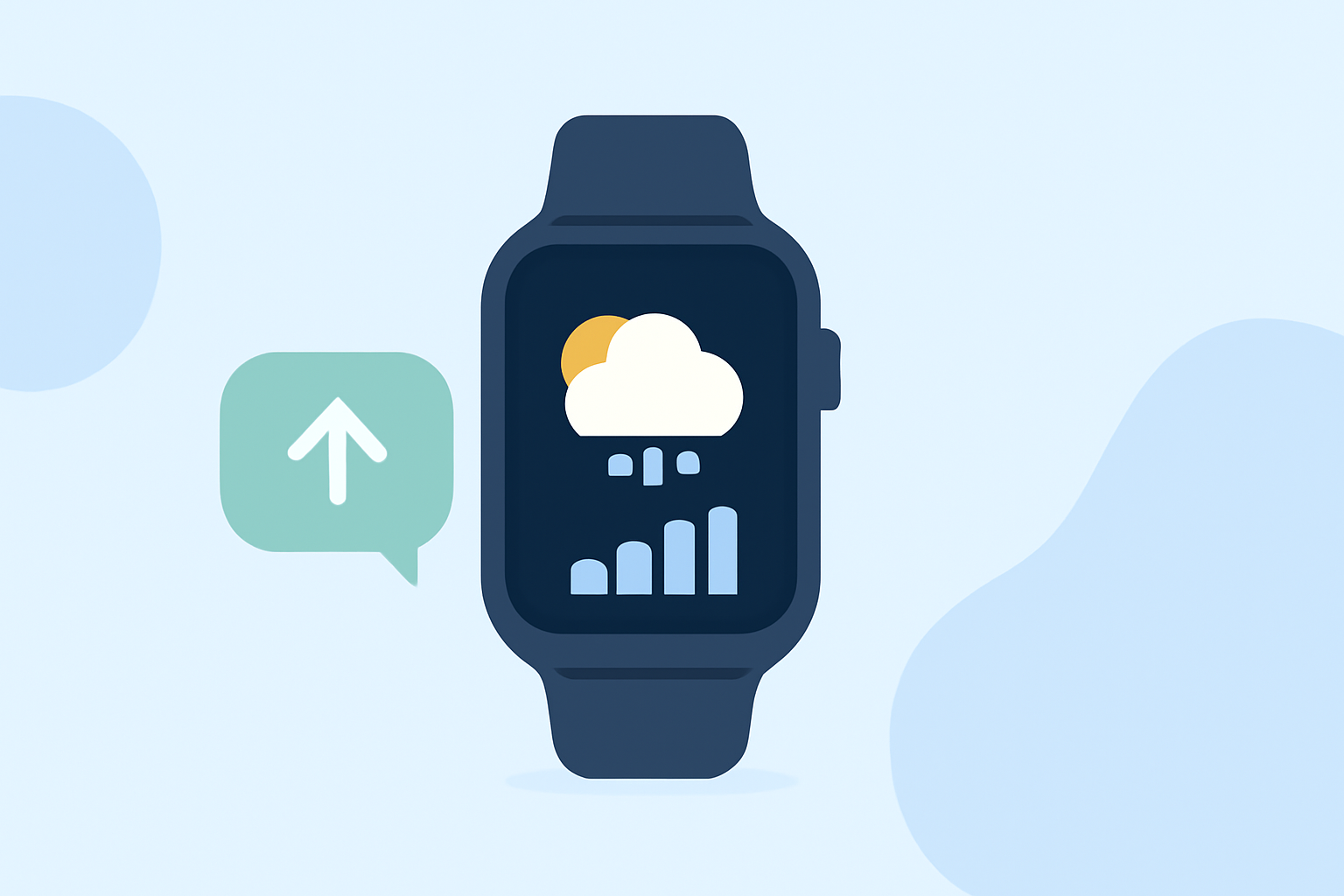
Nowcasting, a term in meteorology, refers to the prediction of weather conditions over short periods, typically up to a few hours. (en.wikipedia.org) This technique is invaluable for obtaining immediate, localized weather information, especially in rapidly changing conditions.
Understanding Nowcasting on Apple Watch
While the native Weather app on your Apple Watch provides current conditions and forecasts, it may not offer the granularity of nowcasting. Nowcasting delivers hyper-local, real-time weather updates, such as imminent rain or sudden temperature changes, which can be crucial for daily planning.
Enhancing Your Apple Watch with Nowcasting Capabilities
To integrate nowcasting into your Apple Watch experience, consider the following approaches:
-
Third-Party Apps: Several applications available on the App Store offer nowcasting features compatible with Apple Watch. These apps provide real-time, localized weather updates directly on your wrist.
-
Complications and Widgets: Many nowcasting apps offer complications that can be added to your watch face, allowing for quick access to current weather conditions. Additionally, widgets on your iPhone can complement your watch's functionality, providing a seamless weather monitoring experience.
Setting Up Nowcasting on Your Apple Watch
To get started with nowcasting on your Apple Watch:
-
Download a Nowcasting App: Visit the App Store on your iPhone or Apple Watch and search for nowcasting applications. Ensure the app is compatible with your watchOS version.
-
Install and Configure the App: After installation, open the app on your Apple Watch. Follow the on-screen instructions to set up your location preferences and enable notifications.
-
Add Complications: Customize your watch face by adding the app's complication. This allows you to view real-time weather updates at a glance.
Benefits of Nowcasting on Apple Watch
-
Immediate Alerts: Receive timely notifications about sudden weather changes, such as unexpected rain or temperature drops.
-
Enhanced Planning: Make informed decisions about outdoor activities, travel, and daily routines based on the most current weather information.
-
Localized Information: Access weather data specific to your exact location, ensuring relevance and accuracy.
Conclusion
Integrating nowcasting into your Apple Watch experience empowers you with precise, real-time weather information, enhancing your ability to respond to immediate weather changes effectively. By selecting the right nowcasting app and customizing your watch face, you can stay informed and prepared for any weather scenario.