
Optimizing Battery Life with Weather Widgets on Tablets
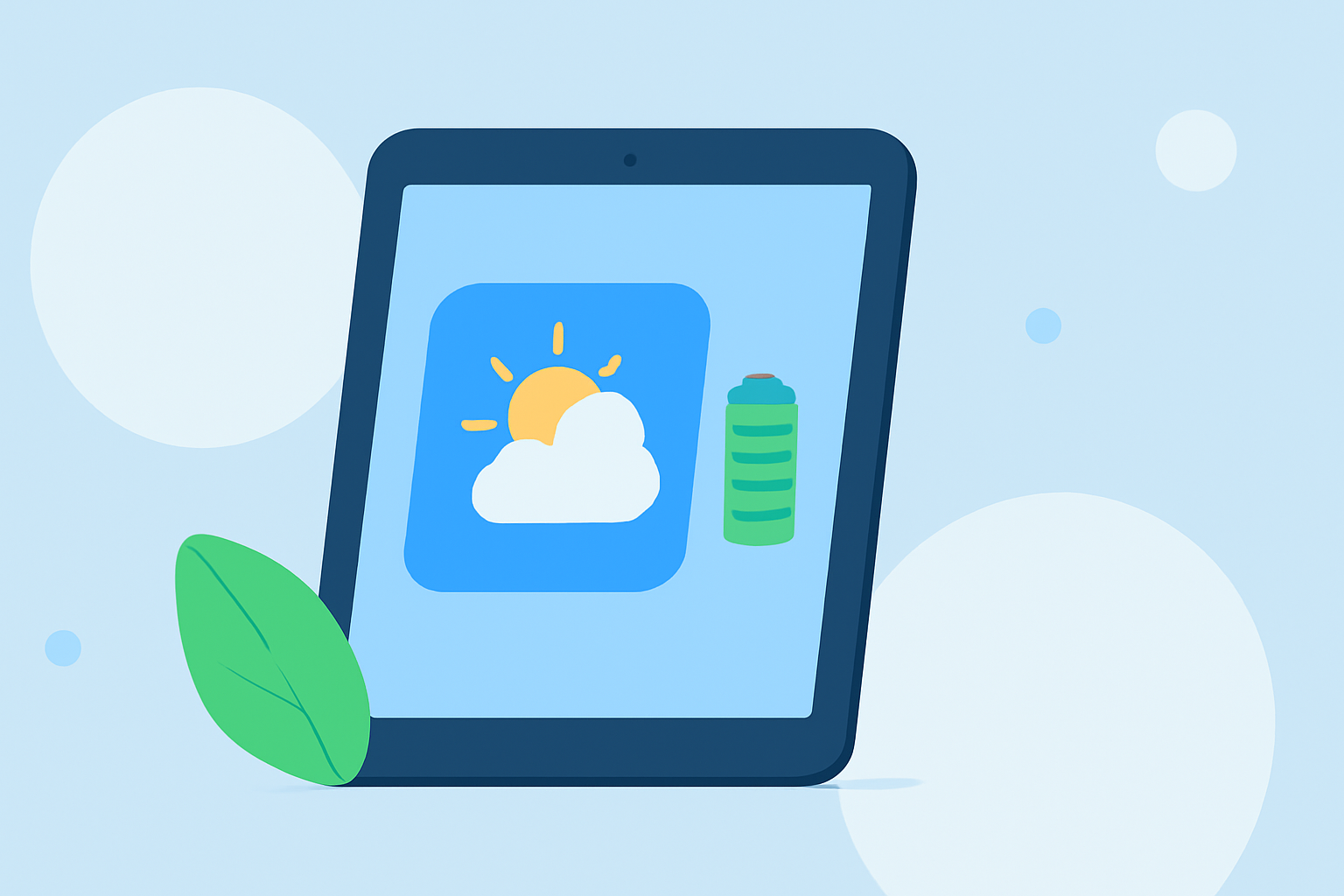
Weather widgets provide convenient, real-time updates on your tablet's home screen, but they can impact battery life. Understanding how they function and implementing strategies to optimize their use can help you maintain device performance.
How Do Weather Widgets Affect Battery Life?
Weather widgets are dynamic elements that fetch and display current weather information. This process involves periodic data retrieval, which can consume battery power. The extent of battery drain depends on several factors:
-
Update Frequency: Widgets that refresh data every few minutes will drain more battery than those that update every 30 minutes. (bfgapps.co)
-
Location Services: Widgets using GPS to provide location-specific weather updates can consume additional power. (bfgapps.co)
-
Widget Size and Complexity: Larger widgets with animations or detailed graphics require more processing power, leading to higher battery usage. (bfgapps.co)
How Can I Minimize Battery Drain from Weather Widgets?
To reduce the impact of weather widgets on your tablet's battery life, consider the following strategies:
-
Adjust Update Intervals: Set your weather widget to update less frequently, such as every 30 minutes or hourly, to conserve battery power. (bfgapps.co)
-
Limit Location Access: Configure the widget to use your location only when the app is in use, rather than continuously accessing GPS data. (bfgapps.co)
-
Choose Simpler Widgets: Opt for smaller, static widgets without animations or complex graphics to reduce processing demands. (bfgapps.co)
-
Monitor Battery Usage: Regularly check your tablet's battery usage settings to identify and manage apps or widgets that consume excessive power. (bfgapps.co)
Does Clime Offer a Battery-Friendly Weather Widget?
Clime provides a weather widget designed with efficiency in mind. By allowing users to customize update intervals and choose from various widget sizes, Clime helps minimize battery drain while delivering accurate weather information. This flexibility ensures that you can enjoy real-time updates without compromising your tablet's battery life.
Conclusion
While weather widgets are a valuable tool for staying informed about current conditions, they can impact your tablet's battery life. By adjusting settings, selecting appropriate widgets, and monitoring usage, you can enjoy the benefits of weather updates without significant battery drain. Clime's customizable options provide a solution that balances functionality and efficiency.
Highlights:
- Apple Watch Weather: Complication Vs Widget Speed & Battery, Published on Wednesday, March 18
- Do Widgets Use Up Battery? How They Affect Battery Health And Device Performance [Updated On: February 2026], Published on Wednesday, April 16
- The Best iPhone Weather Widgets in 2026 — BFG