
Optimizing Your Cycling Experience with Apple Watch Weather Features
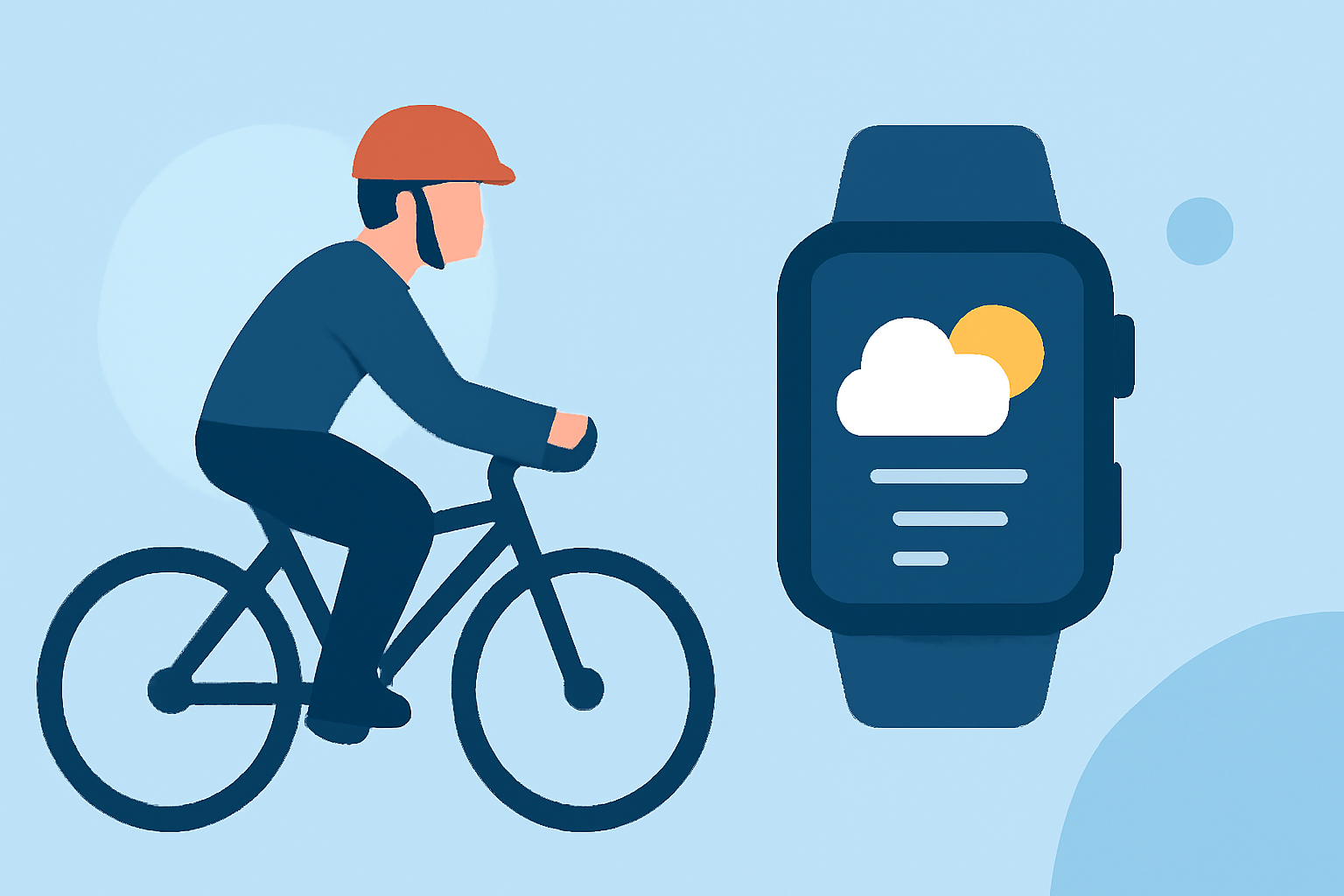
Cycling enthusiasts know that weather conditions can significantly impact the quality and safety of a ride. With the Apple Watch, you have a powerful tool to monitor and plan for optimal cycling conditions. Here's how to make the most of it:
1. How Can I Check the Current Weather on My Apple Watch?
To view the current weather:
- Open the Weather App: Tap the Weather app icon on your Apple Watch.
- View Current Conditions: The main screen displays the current temperature, conditions (e.g., sunny, cloudy), and other relevant metrics.
For more detailed information, tap the display to cycle through views showing temperature, precipitation, wind speed, UV index, visibility, humidity, and air quality. (support.apple.com)
2. How Do I Access Hourly and 10-Day Forecasts?
To plan your rides effectively:
- Hourly Forecast: Scroll down within the Weather app to see the forecast for the next 12 hours, including conditions and temperatures.
- 10-Day Forecast: Scroll further to view the 10-day forecast, providing a broader outlook for your cycling plans. (support.apple.com)
3. How Can I Monitor Specific Weather Metrics?
To focus on particular weather aspects:
- Select a Metric: Tap the button at the top right of the Weather app and choose a metric such as air quality.
- View Forecast: Use the Digital Crown to scroll through forecast information for the selected metric. (support.apple.com)
4. How Do I Set Up Severe Weather Alerts?
To stay informed about significant weather events:
- Enable Alerts: When a severe weather event is predicted, an alert may appear at the top of the Weather app. Tap the alert for more information. (support.apple.com)
5. Are There Third-Party Apps to Enhance My Cycling Experience?
Yes, several apps are designed to provide detailed weather information tailored for cyclists:
- Apollo Weather: Offers forecasts built for cycling needs, including hourly ratings and route analysis. (apolloweather.com)
- Weathercaster: Presents forecasts as interactive line charts, displaying temperature, cloud cover, precipitation probability, wind speed, and lightning risk. (weathercaster.app)
- Weathergraph: Provides a visual strip-style forecast with customizable views, including temperature, precipitation, wind, humidity, and more. (weathergraph.app)
6. How Can I Use My Apple Watch as a Cycling Computer?
To track your cycling metrics directly from your wrist:
- Navigr8: Transforms your Apple Watch into a powerful cycling computer, offering features like navigation, route planning, and real-time metrics. (navigr8.com)
7. How Do I Monitor My Heart Rate During Cycling?
To keep track of your heart rate without additional hardware:
- HRM Heart Rate Monitor: Streams heart rate data from your Apple Watch to your bike computer, eliminating the need for a chest strap. (gethrm.app)
By effectively utilizing these features and apps, you can ensure that your cycling rides are both enjoyable and safe, tailored to your specific needs and preferences.