
Optimizing Outdoor Pilates with Apple Watch Weather Insights
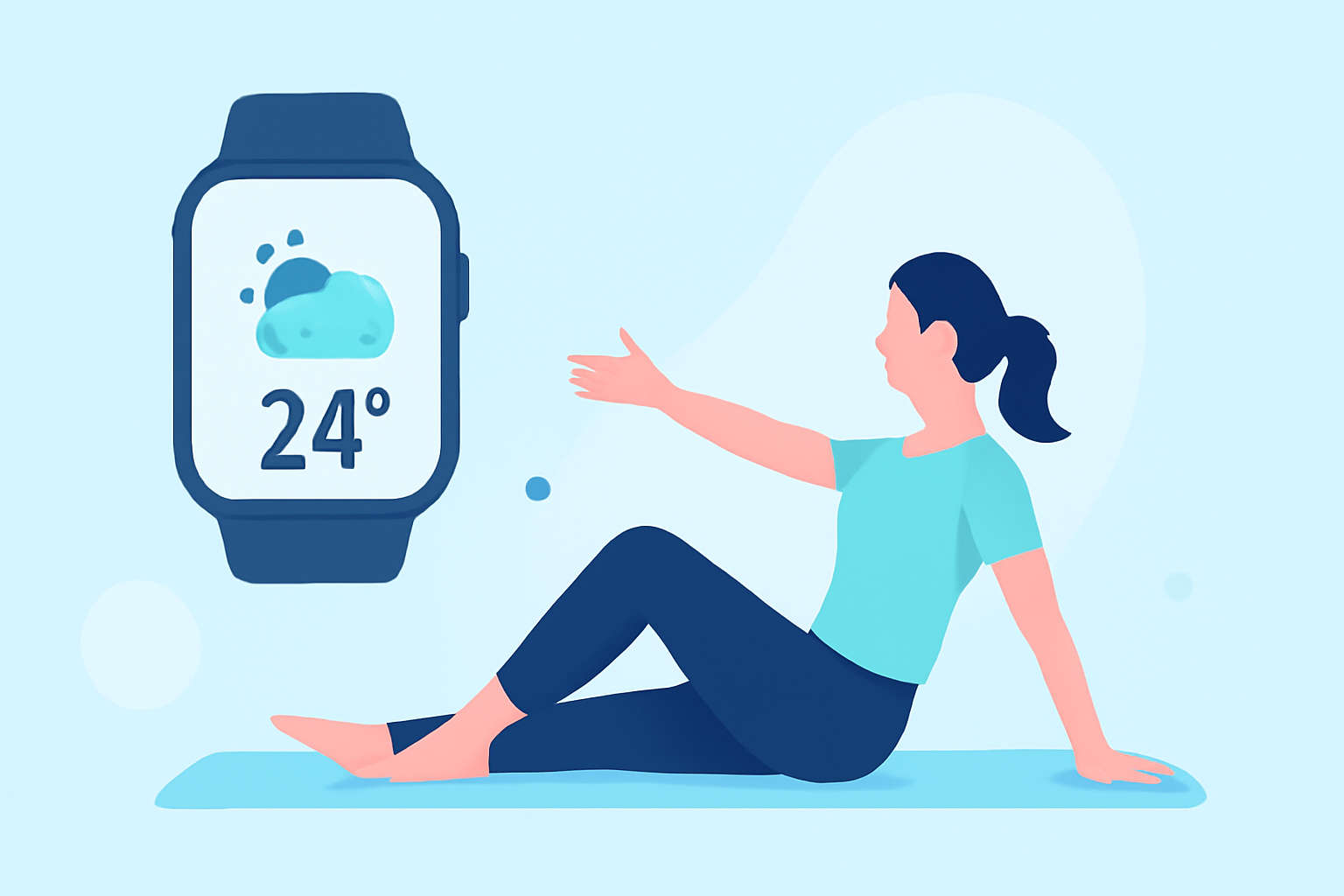
Practicing Pilates outdoors offers fresh air and natural surroundings, but it also exposes you to varying weather conditions. Utilizing your Apple Watch can help you monitor these conditions, ensuring a safe and effective workout.
How Can I Check the Weather on My Apple Watch?
Your Apple Watch provides real-time weather updates through the built-in Weather app. To access it:
- Press the Digital Crown to view your apps.
- Tap the Weather app icon.
Here, you can view current conditions, hourly forecasts, and a 10-day outlook. The app displays details such as temperature, precipitation, wind speed, UV index, humidity, and air quality. (support.apple.com)
What Specific Weather Metrics Should I Monitor for Outdoor Pilates?
For a safe and effective Pilates session outdoors, focus on the following metrics:
- Temperature: Aim for comfortable temperatures to prevent overheating or discomfort.
- Precipitation: Avoid practicing during rain to reduce the risk of slipping.
- Wind Speed: High winds can be distracting and may pose safety risks.
- UV Index: Protect your skin by monitoring UV levels, especially during peak sun hours.
- Humidity: High humidity can lead to dehydration; ensure you're well-hydrated.
How Can I Set Up Activity-Specific Weather Alerts on My Apple Watch?
While the native Weather app provides general forecasts, you can enhance your outdoor Pilates experience by using third-party apps that offer activity-specific weather insights. These apps allow you to set personalized weather criteria tailored to your Pilates sessions.
For instance, some apps enable you to define your ideal weather conditions—such as preferred temperature ranges, wind speeds, and precipitation levels—and receive notifications when these conditions are met. This proactive approach helps you plan your workouts during optimal weather windows.
Can I Access Weather Information Without My iPhone?
Yes, your Apple Watch can provide weather updates independently of your iPhone. Ensure that your watch has a Wi-Fi or cellular connection to access the latest weather data. This feature is particularly useful when you're away from your phone but still need timely weather information for your Pilates session.
Are There Any Additional Features to Enhance My Outdoor Pilates Experience?
Beyond weather monitoring, your Apple Watch offers features that can enhance your outdoor Pilates practice:
- Workout App: Track your Pilates sessions, monitor heart rate, and analyze performance metrics.
- Maps App: Navigate to your preferred outdoor Pilates locations with ease.
- Siri Integration: Use voice commands to check the weather, set reminders, or control music playback during your workout.
By leveraging these features, you can create a more personalized and efficient outdoor Pilates experience.
Incorporating your Apple Watch into your outdoor Pilates routine allows you to monitor weather conditions effectively, ensuring safety and enhancing performance. By staying informed and prepared, you can enjoy the benefits of practicing Pilates in the great outdoors.