
Optimizing Your Outdoor Runs with Smart Display Weather Insights
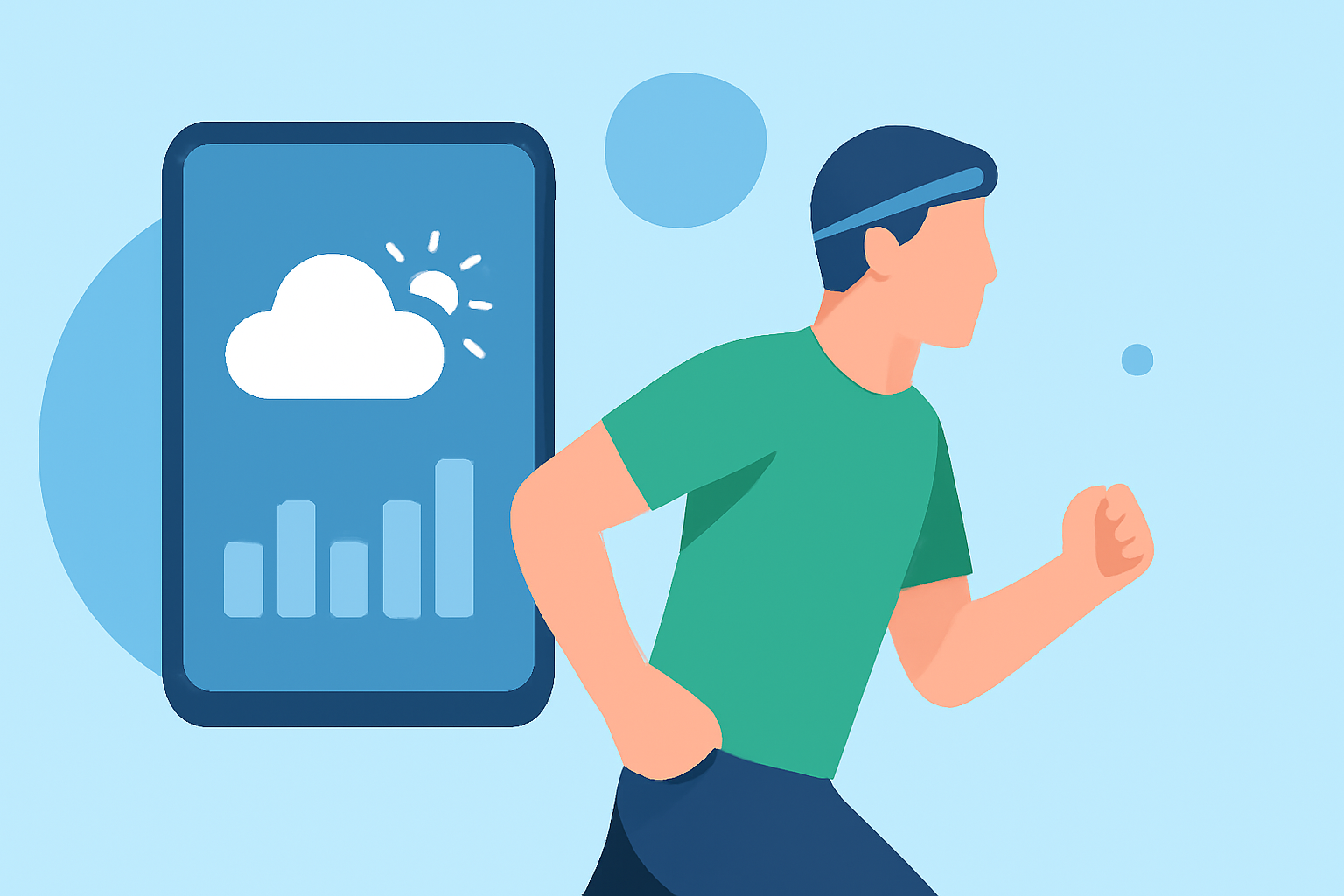
Embarking on an outdoor run requires awareness of current weather conditions to ensure safety and performance. Integrating weather information into your running routine can be seamlessly achieved through smart displays, offering real-time updates and forecasts.
Why Monitor Weather for Outdoor Running?
Understanding weather patterns is crucial for runners to make informed decisions about their training sessions. Adverse conditions such as extreme temperatures, precipitation, or high winds can impact performance and safety. By staying updated, runners can adjust their plans accordingly, choosing optimal times and routes for their workouts.
How Do Smart Displays Enhance Running?
Smart displays, including smartwatches and fitness trackers, provide immediate access to weather data, allowing runners to:
-
Receive Real-Time Updates: Access current conditions, forecasts, and alerts directly on your wrist.
-
Plan Workouts Effectively: Choose the best times for running based on weather predictions.
-
Monitor Environmental Factors: Keep track of temperature, humidity, wind speed, and precipitation to adjust your attire and route.
Which Smart Displays Offer Weather Features?
Many smart displays are equipped with weather functionalities tailored for outdoor activities:
-
Garmin Watches: Certain models feature weather overlays, providing maps with precipitation, cloud coverage, temperature, and wind data. These overlays assist in visualizing weather patterns during runs. (support.garmin.com)
-
Samsung Galaxy Watches: The Samsung Weather app includes an Activity Forecast card, offering insights into weather suitability for activities like running over the next three hours. (sammobile.com)
-
COROS Watches: The Weather Widget sources data from Apple Weather, delivering live updates on conditions such as temperature, wind direction, and humidity, directly on the watch face. (support.coros.com)
How to Set Up Weather Features on Your Smart Display?
Configuring weather features varies by device but generally involves:
-
Connecting to a Smartphone: Ensure your smart display is paired with your smartphone via Bluetooth.
-
Enabling Location Services: Allow the device to access your location for accurate weather data.
-
Accessing Weather Settings: Navigate to the weather app or widget on your device to customize settings and view forecasts.
For detailed instructions, refer to the user manual or support resources specific to your device.
How Does Clime Support Outdoor Runners?
Clime offers a comprehensive weather application designed to enhance outdoor activities, including running. With Clime, you can access real-time weather updates, detailed forecasts, and interactive maps, all tailored to your location and preferences. The app provides:
-
Accurate Forecasts: Receive up-to-date information on temperature, precipitation, wind speed, and more.
-
Interactive Maps: Visualize weather patterns and plan your routes accordingly.
-
User-Friendly Interface: Navigate through intuitive features designed for runners.
By integrating Clime into your running routine, you can make informed decisions, ensuring a safer and more enjoyable experience.
Conclusion
Incorporating weather insights into your running routine is essential for safety and performance. Smart displays equipped with weather features provide real-time data, enabling you to plan and execute your runs effectively. With Clime's comprehensive weather application, you can further enhance your outdoor running experience, staying informed and prepared for any conditions.