
Optimizing Weather App Onboarding for In-Car Use
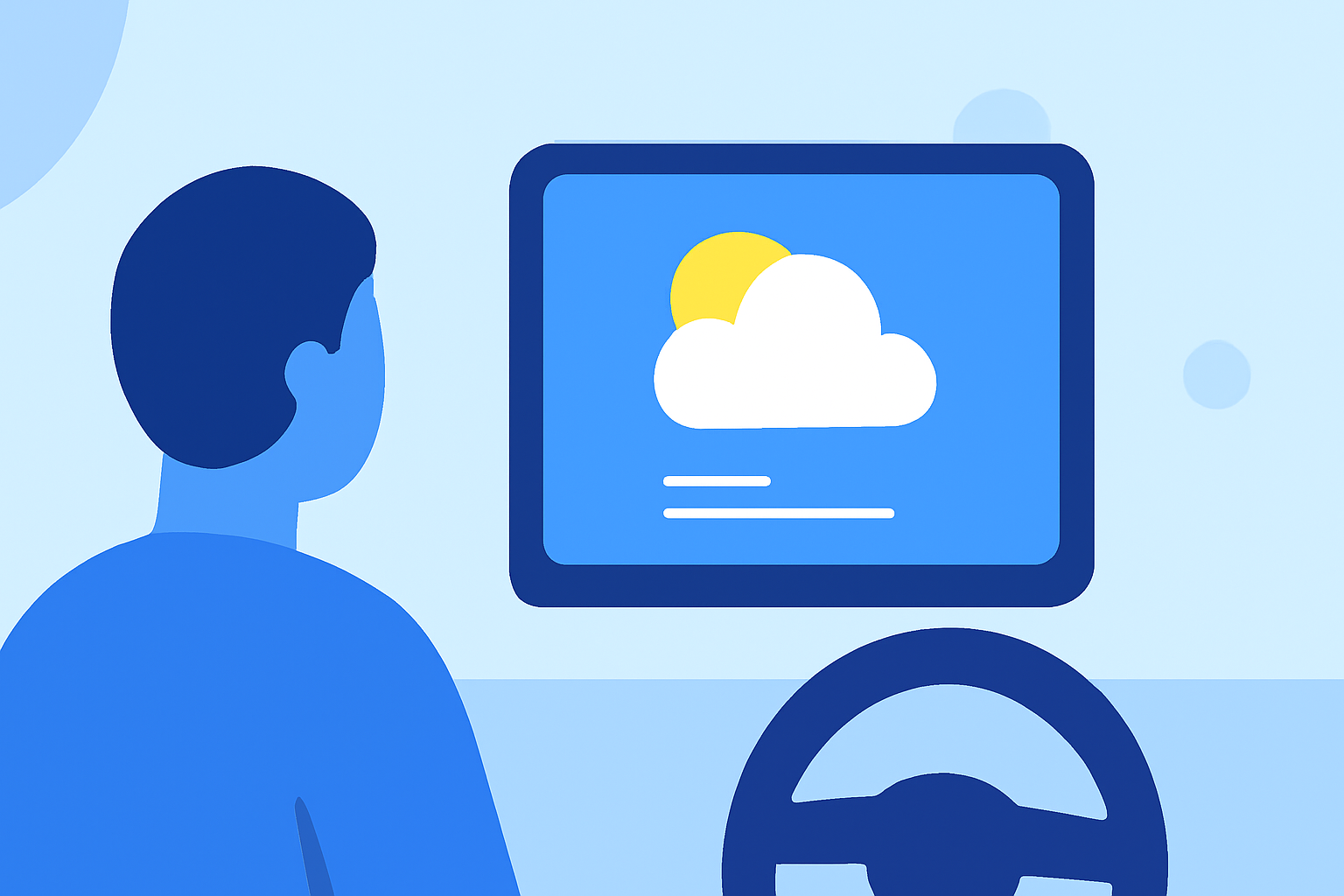
Integrating a weather app into your vehicle can provide real-time updates, helping you make informed decisions on the road. To ensure a seamless and safe experience, consider the following onboarding best practices:
1. Prioritize User Safety
When designing the onboarding process for in-car use, prioritize user safety by minimizing distractions. Keep the onboarding process concise, focusing on essential features that enhance driving safety. Avoid overwhelming users with excessive information or complex setup procedures.
2. Implement Progressive Disclosure
Introduce features gradually as users become more comfortable with the app. This approach prevents information overload and allows users to learn about advanced functionalities at their own pace. For instance, start by highlighting core features like real-time weather updates and navigation integration, then progressively introduce additional functionalities.
3. Utilize Sample Data
Presenting sample data during onboarding can help users understand the app's capabilities without requiring immediate input. This method allows users to visualize how the app will function in real-world scenarios, enhancing their confidence in its utility.
4. Personalize the Experience
Gather minimal information during onboarding to tailor the app to individual preferences. Asking for location or preferred units of measurement can enhance the relevance of the information provided, making the app more user-friendly.
5. Ensure Contextual Permission Requests
Request permissions, such as location access, only when their value is clear to the user. Explain how granting these permissions will enhance their experience, and provide options to opt-in later if they prefer. This approach builds trust and ensures compliance with privacy standards.
6. Provide Clear Call-to-Actions
Conclude the onboarding process with a clear call-to-action, guiding users to start using the app immediately. This could be a prompt to view the current weather conditions or set up personalized alerts, encouraging users to engage with the app's core features right away.
By implementing these best practices, you can create an onboarding experience that is both user-friendly and conducive to safe driving, ensuring that your in-car weather app becomes a valuable tool on the road.