
Optimizing Weather Notifications with Deep Links: A Comprehensive Guide
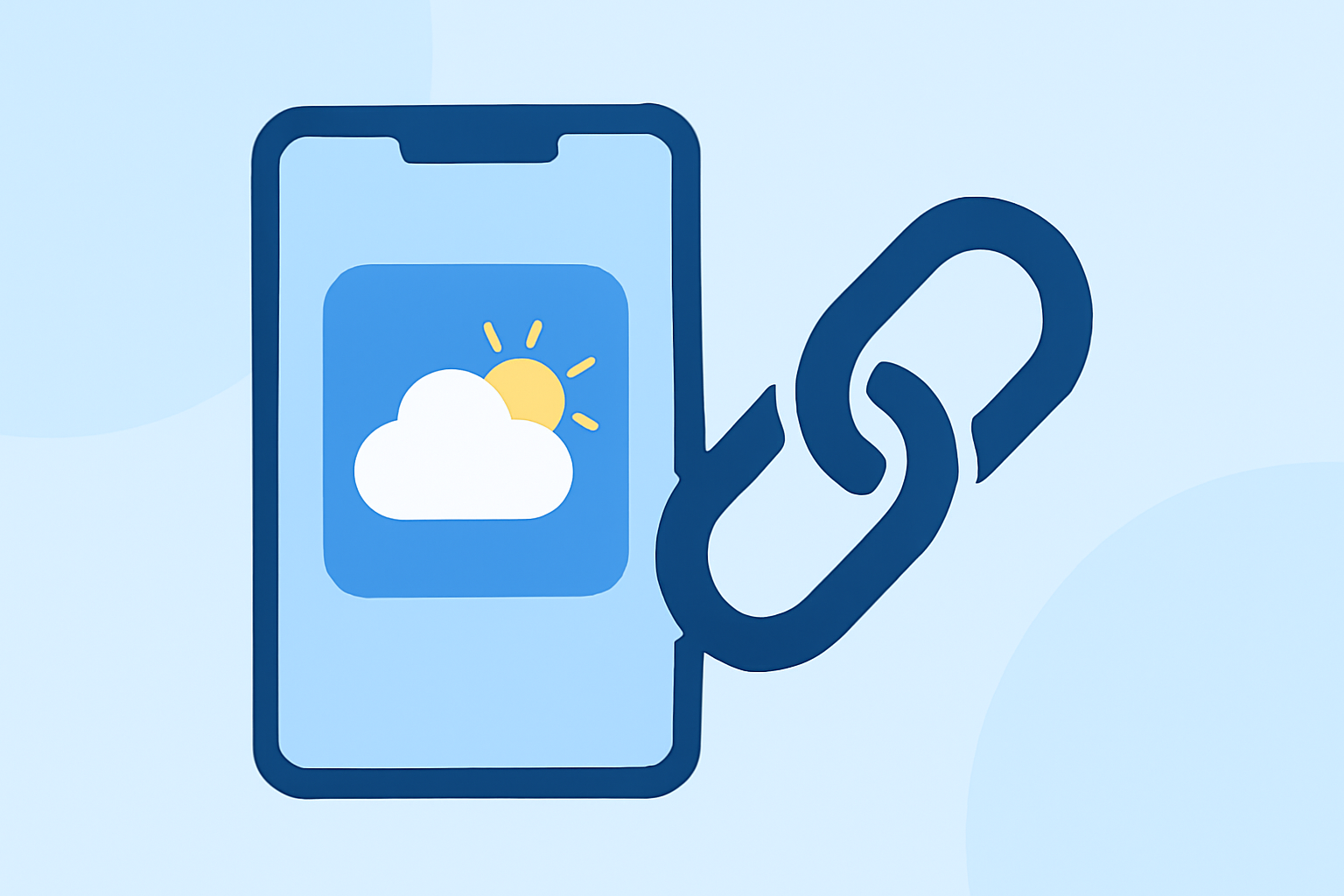
In today's fast-paced world, delivering timely and location-specific weather updates is crucial for user engagement. Incorporating deep links into your weather notifications can significantly enhance user experience by directing them to precise information within your app.
What Are Deep Links?
Deep links are custom URLs that navigate users directly to specific content within a mobile application, bypassing the app's homepage. For instance, a deep link can take a user straight to a detailed weather forecast for their current location. This direct navigation streamlines the user experience and increases engagement.
Why Integrate Deep Links into Weather Notifications?
- Enhanced User Engagement: By providing direct access to relevant content, users are more likely to interact with your notifications.
- Improved User Experience: Deep links eliminate the need for users to search for information, offering a seamless experience.
- Increased Retention: Timely and relevant updates with easy access can lead to higher user retention rates.
How to Implement Deep Links in Weather Notifications
- Define Your Deep Link Structure: Establish a consistent URL scheme that your app recognizes, such as
weatherapp://forecast/. - Configure Your App to Handle Deep Links: Ensure your app is set up to intercept and process these deep links, directing users to the appropriate content.
- Set Up Push Notifications with Deep Links: When creating push notifications, include the deep link in the payload. For example, a notification about a severe weather alert can contain a deep link directing users to the detailed alert page within the app.
- Test Thoroughly: Before deploying, test the deep links across various devices and operating systems to ensure they function correctly.
Best Practices for Using Deep Links in Weather Notifications
- Personalize Notifications: Use location data to send weather updates relevant to the user's area.
- Keep Links Updated: Ensure that the content linked to by deep links is current and accurate.
- Monitor Performance: Track how users interact with deep-linked notifications to assess their effectiveness.
Conclusion
Integrating deep links into your weather notifications can significantly enhance user engagement and satisfaction. By providing direct access to relevant content, you create a more personalized and efficient user experience. Implementing this strategy requires careful planning and testing but offers substantial benefits in user retention and app usage.
By adopting these practices, you can ensure that your weather notifications are not only informative but also user-friendly, leading to a more engaged and satisfied user base.