
Optimizing Weather Widgets for Minimal Battery Impact in Your Car
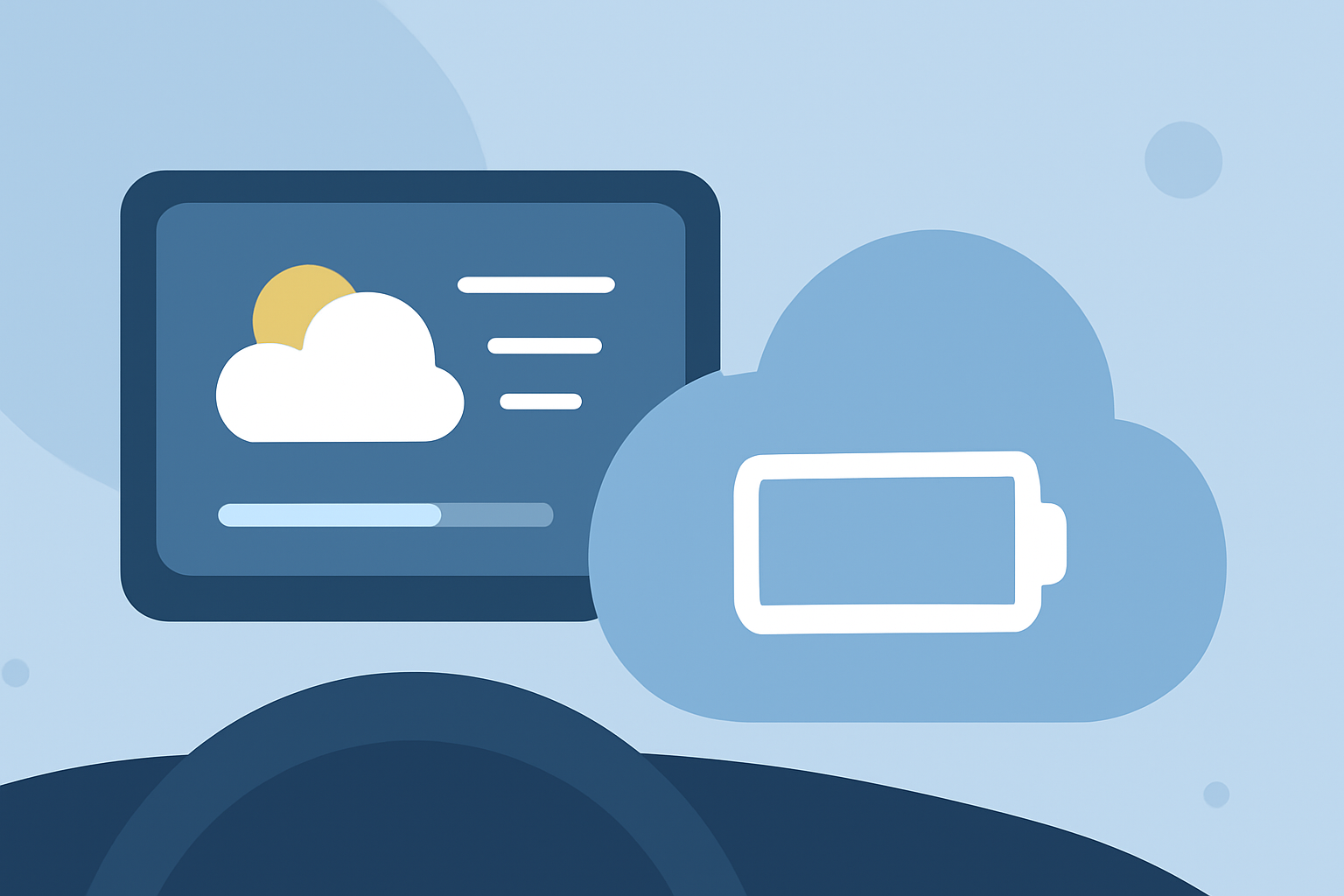
Weather widgets provide real-time updates on conditions, forecasts, and alerts, making them valuable tools for drivers. However, it's essential to understand their impact on your device's battery life to maintain optimal performance during your journeys.
How Do Weather Widgets Affect Battery Life?
Weather widgets can influence battery consumption based on several factors:
-
Refresh Frequency: Widgets that update frequently, such as every minute, can drain more battery than those that refresh less often.
-
Data Retrieval: Widgets that fetch data from the internet, especially over cellular networks, consume more power.
-
Location Services: Widgets using GPS to provide location-specific weather updates can increase battery usage.
Best Practices for Using Weather Widgets in Your Car
To enjoy the benefits of weather widgets without compromising battery life, consider the following strategies:
-
Adjust Refresh Intervals: Set your weather widget to update less frequently, such as every 30 minutes or hourly, to conserve battery power.
-
Limit Location Access: Configure the widget to access your location only when the app is in use, rather than continuously, to reduce battery drain.
-
Choose Simple Widgets: Opt for widgets that display essential information without additional features like animations or radar maps, which can consume more power.
-
Monitor Battery Usage: Regularly check your device's battery settings to identify and manage apps or widgets that consume excessive power.
Clime: A Battery-Friendly Weather Widget Solution
Clime offers a weather widget designed with efficiency in mind, providing accurate and timely weather updates while minimizing battery consumption. Its optimized refresh intervals and streamlined data retrieval ensure that you stay informed without draining your device's battery.
Conclusion
Integrating a weather widget into your car's workflow can enhance your driving experience by keeping you informed about current conditions and forecasts. By selecting a battery-efficient widget like Clime and configuring it appropriately, you can enjoy these benefits without compromising your device's battery life.
(kepo.ai)