
Optimizing Your Run with Apple Watch's Weather Features
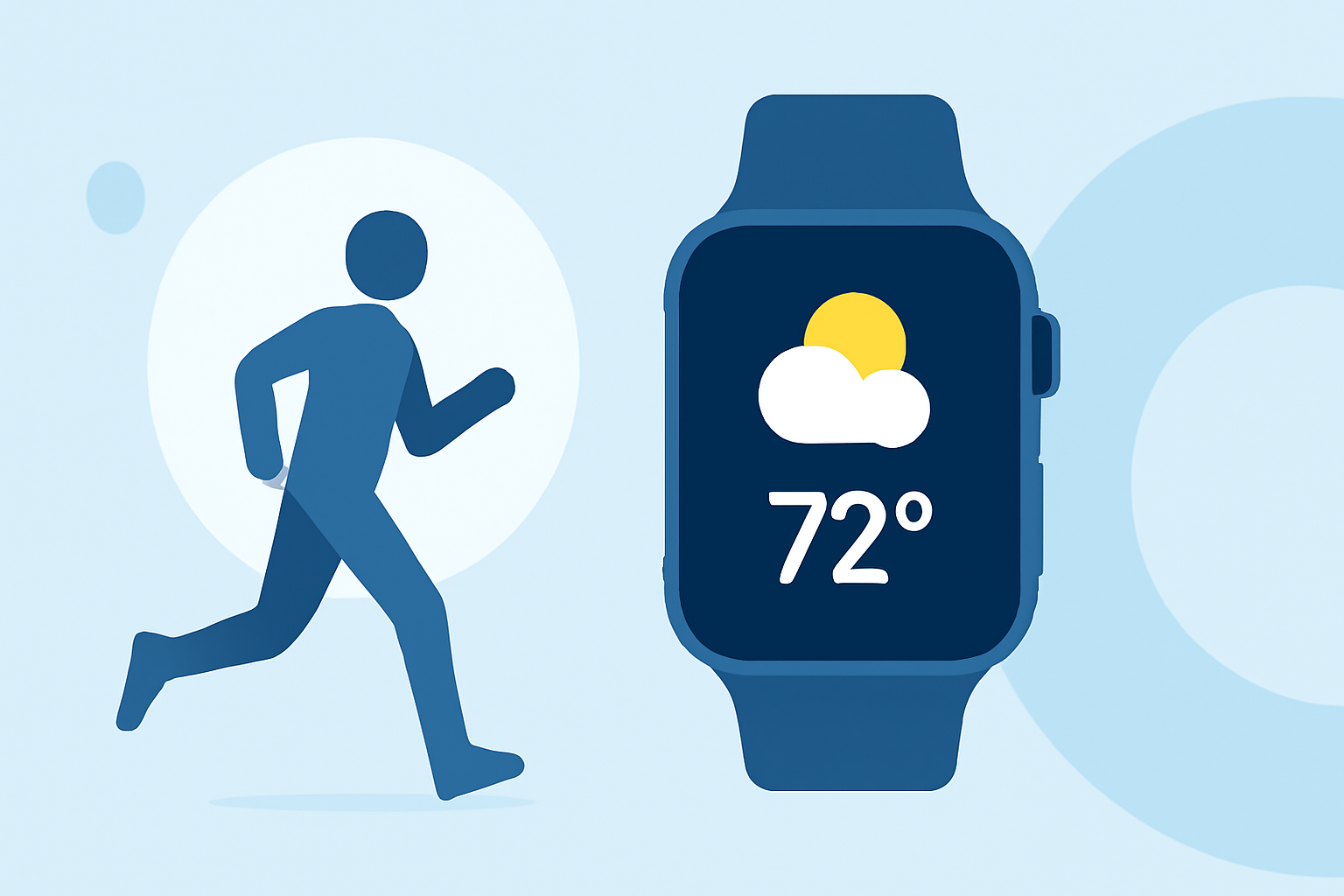
Running is a dynamic activity where weather conditions can significantly impact your performance and comfort. Apple Watch offers integrated weather features that can help you plan and execute your runs more effectively.
Accessing Weather Information on Apple Watch
To view current weather conditions on your Apple Watch:
- Open the Weather app.
- The main screen displays the current temperature, conditions (e.g., sunny, cloudy), and other relevant details.
- Tap the display to cycle through additional information such as precipitation, wind speed, UV index, visibility, humidity, and air quality. (support.apple.com)
Using Siri for Quick Weather Updates
For hands-free weather updates:
- Activate Siri by saying, "Hey Siri," followed by your query, such as "What's the weather like today?" (support.apple.com)
Integrating Weather Data into Your Running Workouts
While Apple Watch doesn't directly overlay weather information onto your running metrics, you can manually check the weather before starting your run to make informed decisions. For instance, if the forecast predicts rain, you might opt for waterproof gear or choose an indoor treadmill session.
Customizing Your Running Workout Views
Apple Watch allows you to tailor your running workout views to focus on metrics that matter most to you:
- Open the Workout app.
- Select Outdoor Run.
- Tap the More button (three dots) to access workout options.
- Choose Edit Views to add, remove, or reorder metrics such as heart rate, pace, distance, and elevation. (makeuseof.com)
Leveraging Third-Party Apps for Enhanced Weather Integration
For a more integrated experience, consider third-party apps that combine weather data with running metrics. These apps can provide real-time weather updates alongside your running statistics, offering a comprehensive overview of your workout conditions.
Conclusion
By effectively utilizing Apple Watch's weather features and customizing your workout views, you can enhance your running experience, ensuring you're prepared for any weather conditions that come your way.