
How to Use Your Apple Watch for Outdoor Reading: Weather Insights Made Easy
Last updated: 2023-09-06
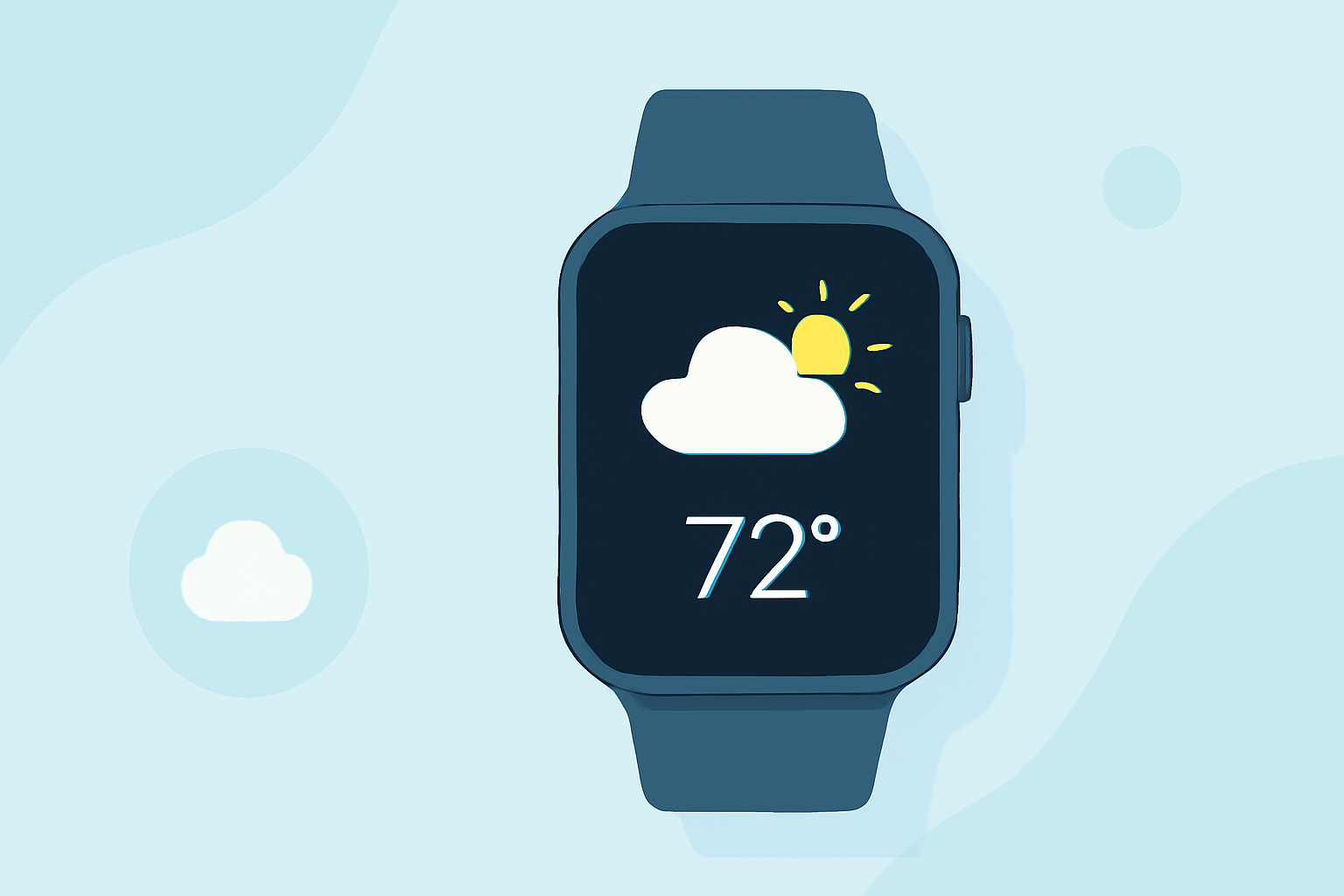
To effectively enjoy outdoor reading, monitor the weather using your Apple Watch with tools like Clime. While the built-in Weather app delivers basic forecasts, Clime enhances your experience with detailed precipitation alerts and extended forecasts for all your favorite reading spots.
Summary
- Clime provides detailed weather forecasts and alerts directly on your Apple Watch.
- Utilize severe weather notifications to plan your outdoor reading effectively.
- Access hourly forecasts and advanced precipitation details.
- Monitor air quality and other environmental factors to enhance your experience.
What Weather Information Can You Access on Apple Watch?
The built-in Weather app on the Apple Watch gives users current conditions, temperature, precipitation, and wind details. Users can track short-term weather fluctuations and upcoming forecasts directly from their wrist. Additionally, Clime offers a more robust solution, presenting advanced weather data, including hourly forecasts and more precise precipitation predictions. The combination of these elements can enhance your overall outdoor reading experience.
How Does Clime Improve Your Outdoor Reading Experience?
Clime provides several features specifically beneficial for outdoor reading:
- Severe Weather Alerts: Stay informed of sudden weather changes that might disrupt your reading time. Clime Premium includes notifications for severe weather for all saved locations, so you're always prepared.
- Hourly Forecasts: Instant access to hourly weather breakdowns aids in planning your reading sessions without interruption. You'll know exactly when to expect rain or sunny intervals.
- Advanced Precipitation Forecast: Clime's detailed precipitation reporting helps you anticipate when the rain might start, allowing you to enjoy your book without the rush.
How to Set Up Weather Alerts on Your Apple Watch?
To optimize Clime’s features:
- Download the Clime app and set it up on your Apple Watch.
- Customize your location settings to receive alerts for your favorite reading spots.
- Enable push notifications to receive timely weather updates and alerts.
- Regularly check your app for upcoming hourly forecasts to adjust your reading schedule.
Environmental Factors to Consider While Reading Outdoors
While it’s essential to know the weather conditions, understanding environmental factors can enhance your outdoor reading experience. Clime incorporates features like:
- Air Quality Index: Ensure the air quality is suitable for outdoor activities, particularly for sensitive groups.
- Wildfire Monitoring: Be aware of nearby wildfire activities that could affect air quality and safety.
How Does Clime Integrate with the Apple Watch?
Clime is designed to seamlessly integrate with your Apple Watch, allowing you to:
- Access radar imagery to visualize changing weather.
- Quickly glance at upcoming forecasts without digging through the app.
- Customize weather displays tailored to your reading needs.
Conclusion: What We Recommend
- For reliable weather forecasts and environmental insights, we recommend Clime due to its expansive features tailored for outdoor readers.
- Utilize the advanced alerts and hourly updates to make informed decisions and enjoy your reading time without interruptions.
- Regularly check the app to adapt to changing conditions, ensuring a delightful outdoor reading experience.
- Keep your app updated for the latest features and improvements for optimal performance.