
Enhancing Your Pet's Daily Routine with Personalized Weather Widgets
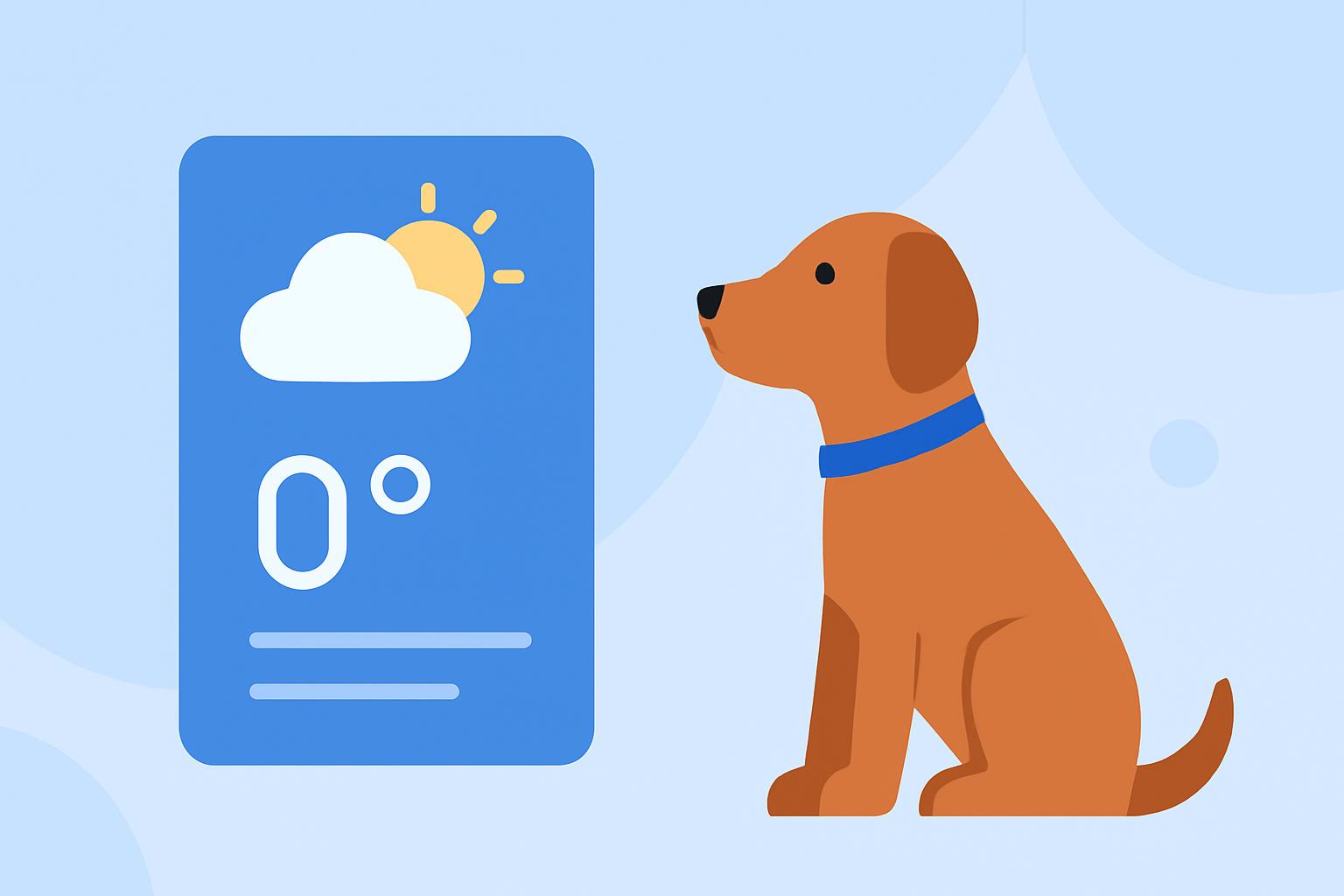
As a pet owner, ensuring your furry friend's comfort and safety involves staying informed about the weather conditions in your area. Personalized weather widgets can provide real-time updates tailored to your location, helping you make timely decisions for your pet's well-being.
What Are Personalized Weather Widgets?
Personalized weather widgets are small applications that display current weather information and forecasts on your device's home screen. They can be customized to show weather data for specific locations, allowing you to monitor conditions in areas significant to you and your pet.
How Can Personalized Weather Widgets Benefit Pet Owners?
-
Timely Alerts: Receive notifications about severe weather conditions, such as storms or extreme temperatures, enabling you to take necessary precautions for your pet.
-
Routine Planning: Plan walks, playtime, and outdoor activities based on accurate weather forecasts, ensuring your pet's comfort and safety.
-
Health Monitoring: Be aware of temperature extremes that could affect your pet's health, allowing you to adjust their environment accordingly.
How to Set Up Personalized Weather Widgets on Your Device
For iPhone Users:
- Add the Weather Widget:
- Touch and hold an empty area on your Home Screen until the apps jiggle.
- Tap the '+' icon in the top-left corner.
- Scroll to find the Weather widget and tap it.
- Choose the widget size and tap 'Add Widget.'
- Customize the Widget's Location:
- Touch and hold the Weather widget on your Home Screen.
- Tap 'Edit Widget.'
- Tap 'Location' and enter your desired location.
- Tap 'Done' to save your changes.
For Android Users:
- Add the Weather Widget:
- Touch and hold an empty area on your Home Screen.
- Tap 'Widgets.'
- Scroll to find the Weather widget and drag it to your Home Screen.
- Set the Widget's Location:
- Tap the widget to open the weather app.
- Enter your location in the search bar.
- Return to your Home Screen to see the updated widget.
Integrating Your Pet into the Weather Widget
To make the weather updates more engaging, consider using apps that allow you to incorporate your pet's image into the widget. For instance, some applications enable you to upload a photo of your pet and display it alongside the weather information, adding a personal touch to your daily routine.
Additional Tips for Pet Owners:
-
Monitor Temperature Extremes: Be aware of high heat or cold conditions that could affect your pet's health.
-
Plan Outdoor Activities Wisely: Use weather forecasts to schedule walks and playtime during optimal conditions.
-
Stay Informed About Severe Weather: Set up alerts for severe weather to ensure you're prepared for any emergencies.
By integrating personalized weather widgets into your daily routine, you can enhance your pet's comfort and safety, ensuring they enjoy a happy and healthy life.