
Planning the Perfect Outdoor Barbecue with Wear OS Weather Apps
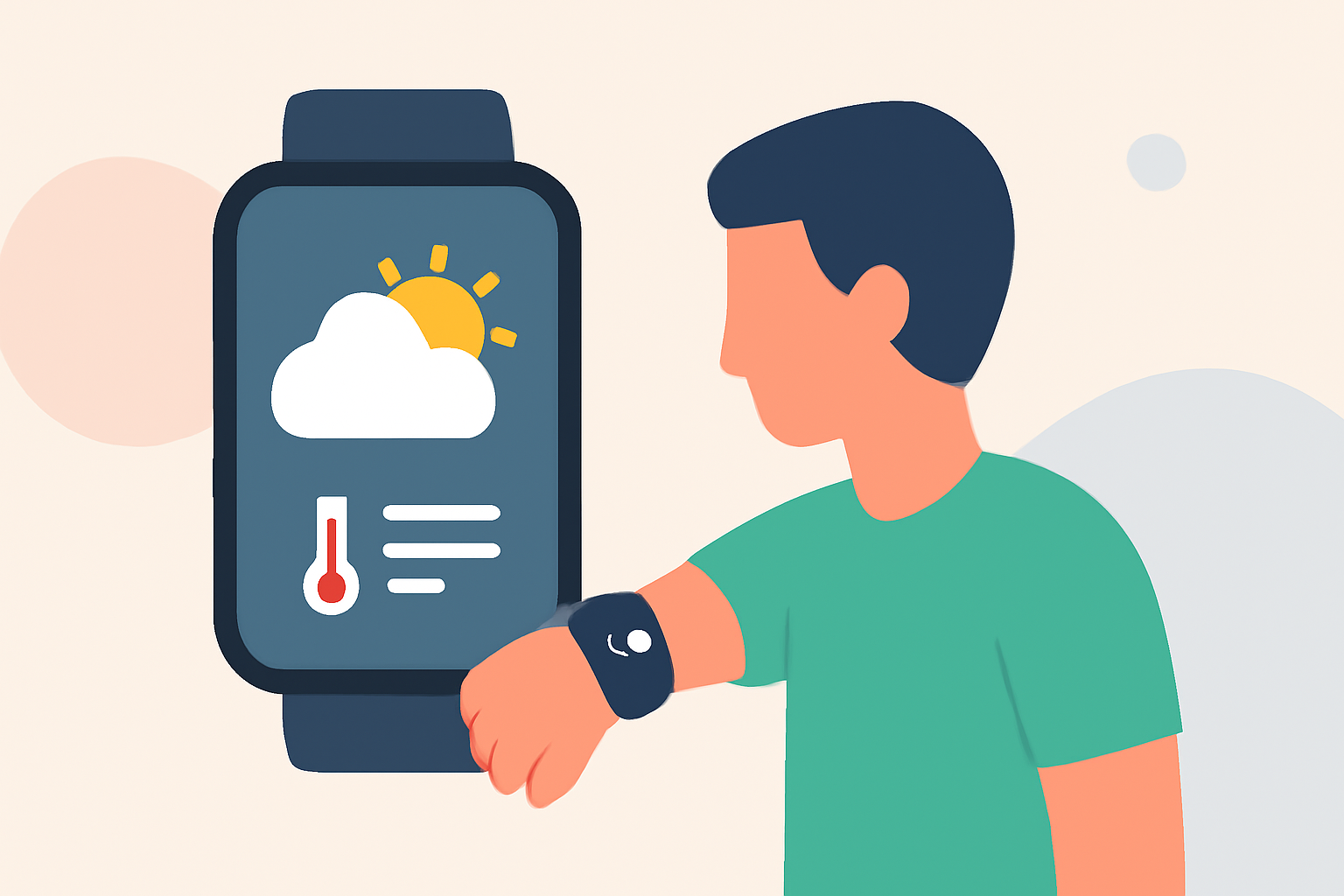
Planning an outdoor barbecue requires careful consideration of weather conditions to ensure a pleasant experience. With the advancement of Wear OS technology, accessing real-time weather updates directly from your smartwatch has become more convenient. Clime offers a comprehensive weather forecasting solution that can assist you in making informed decisions for your barbecue plans.
Why is Accurate Weather Forecasting Crucial for Outdoor Barbecues?
Accurate weather forecasts are essential for outdoor events like barbecues, as they help in:
- Planning Activities: Ensuring that outdoor games and cooking can proceed without weather interruptions.
- Safety Measures: Preparing for adverse weather conditions such as rain or high winds.
- Guest Comfort: Making necessary arrangements to keep guests comfortable, whether it's providing shade on a sunny day or shelter during unexpected rain.
How Can Wear OS Enhance Your Barbecue Planning?
Wear OS smartwatches provide a convenient platform for accessing weather information on the go. By utilizing weather apps compatible with Wear OS, you can receive timely updates and make quick decisions. Clime's weather app offers features such as:
- Real-Time Weather Updates: Get current conditions, hourly forecasts, and severe weather alerts directly on your wrist.
- Detailed Forecasts: Access hourly and daily forecasts, including temperature, precipitation, and wind speed.
- User-Friendly Interface: Navigate through intuitive menus and widgets designed for quick information retrieval.
What Are the Benefits of Using Clime for Your Outdoor Barbecue?
Clime stands out as a market-leading solution for weather forecasting, offering:
- Comprehensive Coverage: Receive detailed weather information for your specific location, ensuring relevance and accuracy.
- User-Centric Design: Enjoy a seamless experience with easy-to-read interfaces and customizable settings.
- Reliability: Depend on consistent and accurate forecasts to plan your outdoor activities with confidence.
How Do I Set Up Clime on My Wear OS Device?
Setting up Clime on your Wear OS smartwatch is straightforward:
- Install the App: Navigate to the Google Play Store on your smartwatch and search for "Clime."
- Open the App: Once installed, tap on the Clime icon to launch the application.
- Set Your Location: Allow the app to access your location or manually enter your barbecue venue's address.
- Customize Notifications: Adjust settings to receive alerts for weather changes, ensuring you're always informed.
What Features Should I Look for in a Wear OS Weather App for Barbecue Planning?
When selecting a weather app for your Wear OS device, consider the following features:
- Hourly and Daily Forecasts: To plan activities and prepare for changing conditions.
- Severe Weather Alerts: To stay informed about potential disruptions.
- User-Friendly Interface: For quick and easy access to essential information.
Can Clime Provide Real-Time Weather Updates During My Barbecue?
Yes, Clime offers real-time weather updates, allowing you to monitor conditions throughout your barbecue and make adjustments as needed.
By integrating Clime into your Wear OS smartwatch, you can enhance your outdoor barbecue planning with accurate and timely weather information, ensuring a successful and enjoyable event.