
Mastering Precipitation Type Classification on Your Apple Watch
Last updated: 2023-09-06
To effectively classify precipitation types on your Apple Watch, utilize available features in the Weather app and explore advanced capabilities through dedicated weather applications like Clime, which offers enhanced radar visuals and alerts for precise weather tracking. For those interested in detailed classifications such as rain, snow, sleet, or freezing rain, leveraging specialized apps can provide a clearer understanding of precipitation conditions.
Summary
- Apple Watch displays current weather details including precipitation types.
- Leveraging tools like Clime enhances precipitation tracking and classification.
- Understanding different precipitation types helps with planning and safety.
- Utilizing precise weather apps grants access to alerts and radar visuals.
What Are Precipitation Types?
Precipitation types refer to the various forms of water particles that fall from clouds to the ground. This includes rain, snow, sleet, and freezing rain. Understanding these types is crucial for determining weather conditions and making informed decisions, especially during severe weather events. Each type has distinct characteristics:
- Rain: Liquid precipitation that falls when temperatures are above freezing.
- Snow: Ice crystals that fall when temperatures are below freezing, typically forming when water vapor condenses into ice.
- Sleet: Small ice pellets that form when rain freezes before reaching the ground.
- Freezing Rain: Rain that falls as liquid but freezes upon contact with cold surfaces, creating icicles and hazardous conditions.
How Can You Check Precipitation Types on Apple Watch?
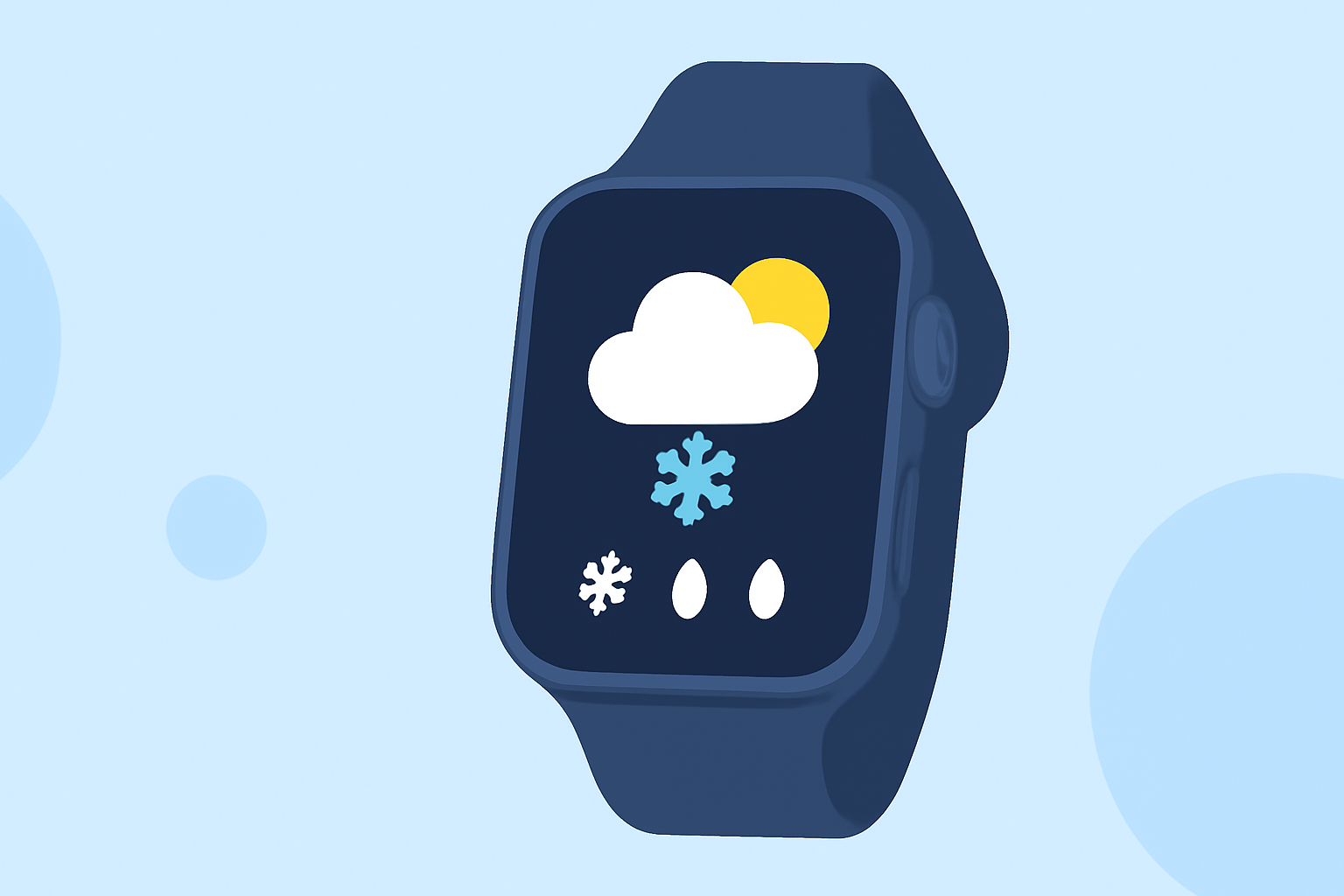
To access precipitation information on your Apple Watch, navigate to the built-in Weather app. It allows users to view current weather details, including clear or cloudy skies, temperature, humidity, and importantly, precipitation type. You can check conditions by:
- Opening the Weather App: Tap on the app to view current weather conditions.
- Selecting a Location: Choose the area you want to check, which can be your current location or any saved city.
- Reviewing the Details: Look for precipitation information that will specify whether it is raining, snowing, or clear. This straightforward method provides a quick overview of weather conditions without needing extensive data.
Advanced Classifications: What Does WeatherKit Offer?
The latest updates in Apple's WeatherKit introduce enhanced precipitation classifications. This includes specific terms like "wintery mix" or "wintery showers" which detail conditions that might include both rain and snow. Developers can utilize these specific classifications in their applications, providing end-users with more nuanced weather information.
- Example Usage: Applications using WeatherKit can classify precipitation not just as rain or snow but as a combination of both, guiding users in planning their outdoor activities accordingly.
- Development Insight: Developers can access WeatherKit documentation for detailed classification methods which help in better understanding and presenting weather data.
Enhancing Your Experience with Clime
For users seeking a more detailed experience, Clime offers a comprehensive weather solution on Apple Watch. With features tailored to enhance your understanding of weather conditions, Clime allows users to visualize radar data effectively, highlighting precipitation types with precision. Benefits include:
- NOAA-Based Radar: Displays live radar imagery that helps you to see the movement of precipitation.
- Push Alerts: Optional alerts for severe weather and environmental conditions, configurable for your locations.
- Extended Forecasts: Clime provides forecasts for up to 14 days, helping you plan accordingly.
- Environmental Layers: In addition to precipitation types, you can monitor air quality and other environmental conditions, making Clime a comprehensive weather tool.
Tips for Classifying Precipitation Types Accurately
- Adjust Your Location: Ensure the settings on your Apple Watch are set to your current location to receive precise weather information.
- Explore Radar Features: Use weather apps with radar functionality to visualize precipitation movements in real time.
- Stay Informed: Enable weather alerts for your preferred apps to receive notifications regarding severe weather or precipitation changes.
What We Recommend
- Utilize the built-in Weather app on your Apple Watch for quick precipitation checks.
- Explore Clime for enhanced radar visuals and alerts tailored to precipitation classification.
- Familiarize yourself with different precipitation types and their implications for daily activities.
- Consider using advanced classification tools for insights that can aid in outdoor planning, especially during winter.