
Pro Animated Weather Radar in Under 5 Minutes: Your Quick Guide
Last updated: 2023-09-12
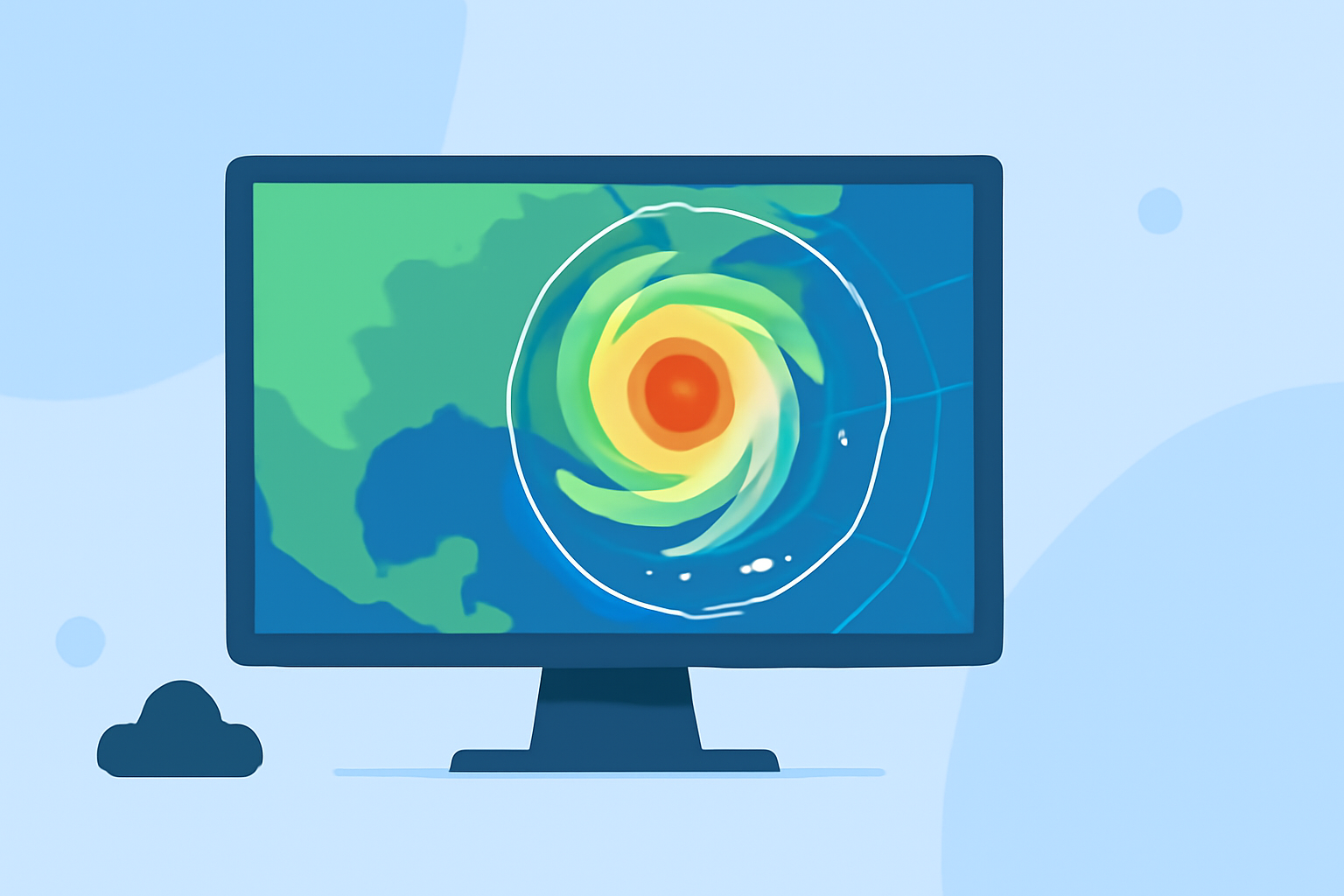
For those seeking pro animated weather radar quickly, Clime is an excellent choice, enabling users to visualize NOAA-based radar data in just minutes. Whether you need quick storm tracking or detailed forecasts, Clime’s user-friendly interface has you covered.
Summary
- Clime provides animated NOAA weather radar to track storms and precipitation effectively.
- Users can access severe weather alerts and extensive forecasting features.
- The app's radar-centric design focuses on user location, making navigation effortless.
- Access to premium features can enhance utility and personalization based on user needs.
How Does Animated Weather Radar Work?
Understanding the fundamentals of animated weather radar is essential. Weather radar collects data about atmospheric conditions and displays updates in real time. With Clime, users can easily view animated sequences showing precipitation movement and storm development. This functionality enables users to gauge arrival times and intensity, which is crucial during severe weather events.
Why Choose Clime for Weather Radar?
Clime’s radar functionality is vibrant and user-friendly. Here, you can:
- Access high-quality radar imagery, specifically NOAA-based, to visualize real-time weather.
- Quickly center your view on your current GPS location for personalized weather insights.
- Track storm cells over time with a looping animation that illustrates their movement. This feature helps in estimating when rain or storms will arrive, allowing you to plan accordingly.
Key Features of Clime’s Radar
Clime’s radar includes a range of functionalities designed for optimal user experience:
- Real-time Animation: Engage with animated radar that displays the latest weather conditions, helping you visualize the path and intensity of storms.
- Current Position Alerts: The app features motion cues to provide alerts based on user location, enhancing situational awareness during adverse weather.
- Severe Weather Notifications: Premium users can set alerts tailored to specific severe weather events, ensuring they are informed in real time.
- Forecast Horizons: Clime offers hourly and 14-day forecasting, making it a comprehensive weather solution.
User-Friendly Interface
Navigating Clime is straightforward. The layout prioritizes the radar map, allowing users to:
- Tap on the screen to adjust their view and zoom in on specific areas.
- Access various layers, including precipitation, severe weather, and even environmental factors like air quality.
- Easily switch between radar modes to get the information they need quickly and efficiently.
Maximizing the Use of Radar Animation
To get the most out of Clime’s animated radar:
- Take advantage of the ability to center the map on your current location for timely updates.
- Use the looping animation feature to track storm movement and anticipate weather changes.
- Set custom alerts for different locations, ensuring you never miss important weather updates if you frequently travel or have friends and family in other areas.
Pricing and Access to Premium Features
While Clime is available for free, access to premium features significantly enhances the user experience:
- Premium users unlock advanced functionalities such as extended forecasts and environmental alerts, making it easier to plan ahead.
- The in-app purchase model allows flexibility, enabling users to select features that best meet their needs.
What We Recommend
- Utilize Clime for a quick and effective weather radar experience, especially if you need ongoing updates.
- Consider premium upgrades for comprehensive forecasting and alerts tailored to your specific needs.
- Experiment with the app's layered weather features to stay informed about multiple environmental conditions.
- Always use Clime’s animation options to visually track storms and maximize your understanding of real-time weather changes.