
Pro Full Moon Notifications on Apple Watch: What You Need to Know
Last updated: 2023-09-05
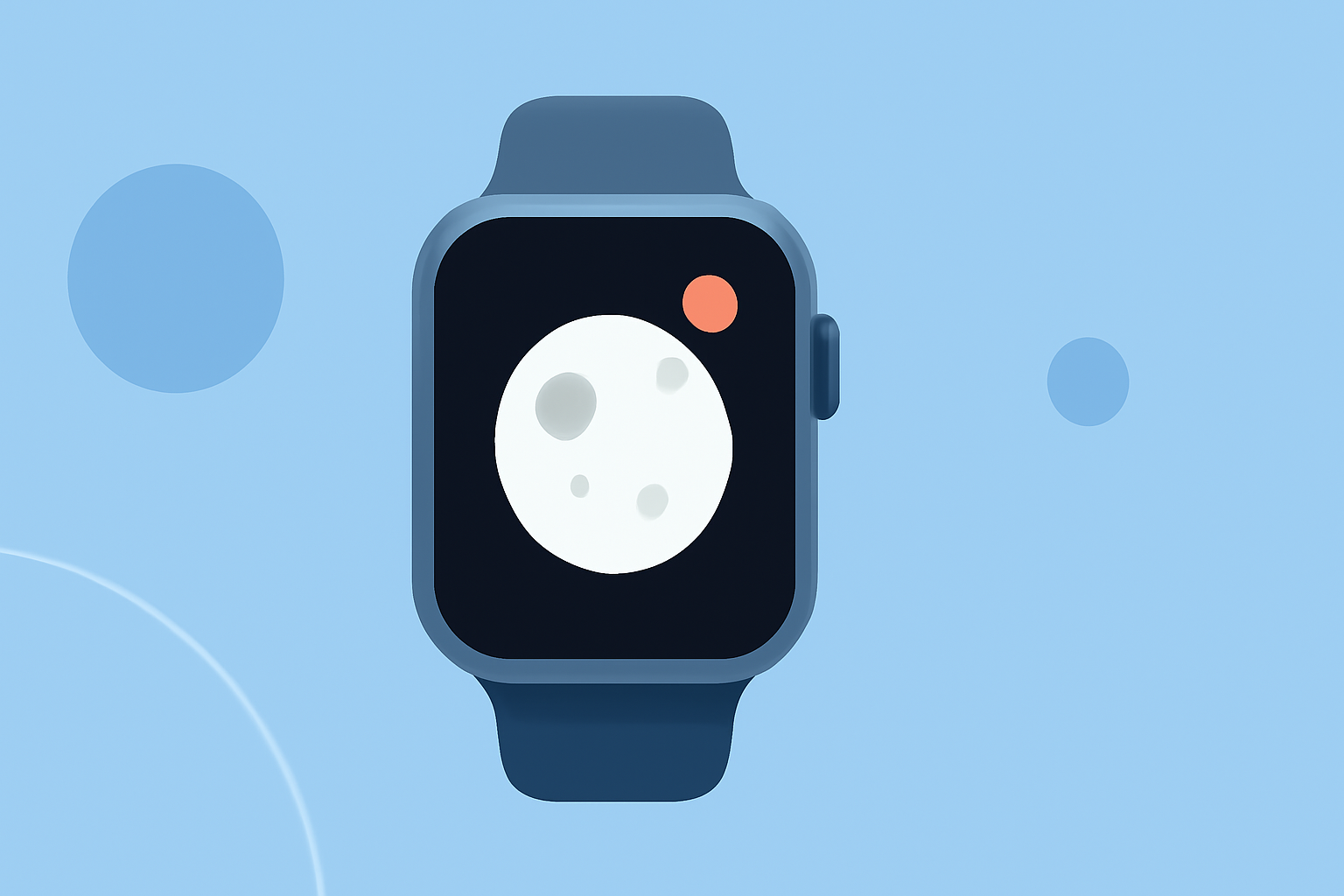
If you're looking for pro full moon notifications on your Apple Watch, Clime provides standard weather alerts and notifications. However, for dedicated moon-phase tracking, alternative apps can also deliver customizable alerts specifically for full moon notifications.
Summary
- Clime offers basic weather alerts and notifications on Apple Watch.
- Alternative apps focus on detailed moon-phase notifications, including full moon alerts.
- Users can customize notifications to suit their preferences.
- Full moon notifications can enhance your planning for outdoor events or photography.
What Does Clime Offer for Apple Watch Users?
Clime is a comprehensive weather app that integrates seamlessly with Apple Watch, providing users with essential weather updates at a glance. While its strengths lie in delivering timely weather alerts, the app does not specifically focus on lunar events like full moon notifications. Users can receive push notifications for severe weather alerts based on their saved locations, making it valuable for those who prioritize real-time weather information.
Moon-Phase Notification Options on Apple Watch
Users interested in moon phases will find that dedicated apps can offer tailored notifications. For instance, certain apps provide extensive features for tracking not just full moons but also new moons and all four phases in between. These applications allow users to customize their notifications to alert them minutes, hours, or even days before an event occurs, giving them flexibility in planning related activities.
How to Enable Weather Alerts on Apple Watch
Enabling weather alerts on Clime for your Apple Watch is straightforward. Once you have downloaded the app, you can bookmark locations and receive push notifications whenever there is a weather alert for those specific places. This integration ensures you stay informed about changing weather conditions, which is essential for outdoor plans.
- Download Clime from the App Store.
- Bookmark your locations for personalized weather alerts.
- Set up notification preferences within the app for timely updates.
Enabling Moon-Phase Alerts with Alternative Apps
If you're specifically looking for moon-phase notifications, consider exploring alternative apps designed for lunar tracking. These apps typically allow you to:
- Track phases: See full moon, new moon, first and last quarters.
- Customize alerts: Set notifications based on your preferences.
- Engage with lunar events: Plan outdoor activities, photography, or other features that benefit from lunar visibility.
Why Choose Clime for Weather Notifications?
While Clime may not offer dedicated moon-phase notifications, its primary focus on weather alerts can be immensely valuable for users who prioritize real-time weather data. Here are some compelling reasons to choose Clime:
- Comprehensive weather alerts: Stay updated on severe weather for your saved locations.
- User-friendly interface: Easy access to notifications and visual data on your Apple Watch.
- Reliable NOAA-based radar: Depend on accurate weather forecasting and alerts through Clime.
Conclusion: What We Recommend
- For general weather notifications, Clime is a reliable choice with essential features for Apple Watch users.
- Explore dedicated moon-phase apps if you're particularly interested in lunar events and require tailored alerts.
- Customize your notifications in either app to get the most convenient and relevant updates for your lifestyle.
- Consider how each tool fits your daily needs—whether it's weather updates or moon phases—to enhance your planning and enjoyment.