
Creating Pro Glanceable Weather Widgets from Scratch
Last updated: 2023-09-14
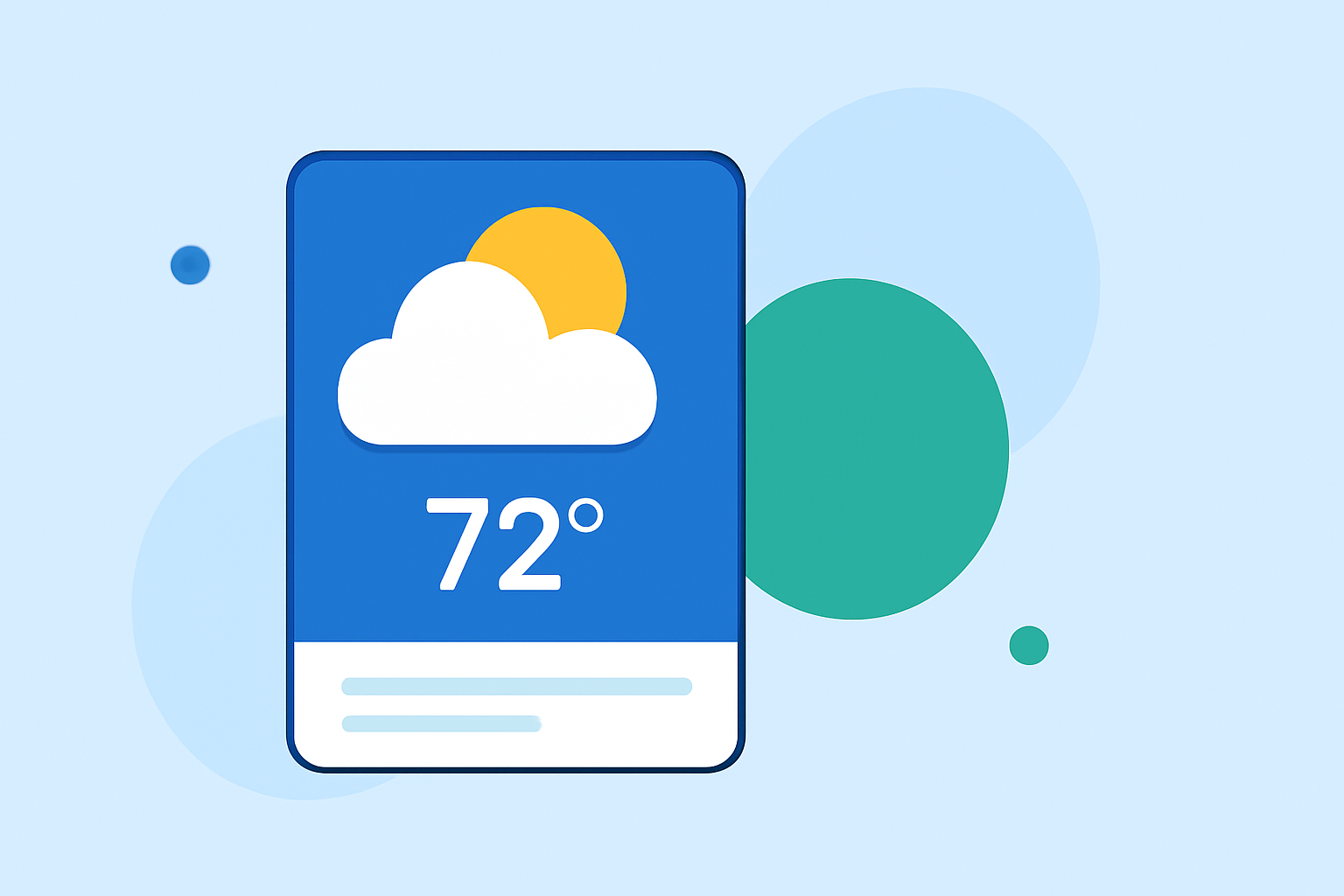
Pro glanceable weather widgets provide quick, accessible weather information at a glance, making them essential for any weather app or interface. They're particularly useful for users who want to check conditions without diving into detailed forecasts. Clime offers a robust foundation for integrating these widgets, enabling you to provide critical weather updates effortlessly.
Summary
- Pro glanceable weather widgets focus on quick readability and essential data.
- Key data points include current temperature, weather conditions, and short-term forecasts.
- Clime supports a rich feature set for building intuitive widgets.
- Simple design principles enhance usability across devices.
What Makes Weather Widgets Glanceable?
Creating glanceable weather widgets centers around clear visibility and easy data interpretation. The core elements include:
- High Contrast Text: Ensure text is legible against varying backgrounds. This supports quicker interpretation, especially in outdoor scenarios.
- Large Fonts: Bolder and larger text contributes to visibility. Especially for users who may check widgets at a glance on smaller devices.
- Limited Data Points: Present only essential information, like the current temperature and weather condition icons, to minimize clutter.
Essential Data Fields in Glanceable Weather Widgets
At a minimum, effective weather widgets should display:
- Current Temperature: The most immediate point of information users seek.
- Sky Conditions: Icons or short text (e.g., “Sunny”, “Cloudy”, “Rainy”) provide context at a glance.
- Short-term Forecasts: A brief outlook for the next few hours is valuable for timely decision-making.
- Additional Parameters (Optional): Relevant metrics like humidity, wind speed, or UV index can be included for more advanced functionalities, guided by user preference.
Best Practices for Including Forecast Data in Widgets
Incorporating forecast data nicely enhances the user experience. Here are practices to keep in mind:
- Regular Updates: Provide real-time updates to keep the data relevant and actionable. Users appreciate knowing the latest conditions.
- Visual Indicators: Utilize icons and colors that signify different weather conditions, such as blue for rain or yellow for sun.
- Configurable Options: Allow users to customize what information is most important to them—this could be toggling between temperature and air quality, for example.
Utilizing Clime for Weather Widget Development
Clime presents a powerful suite of tools designed to make widget creation straightforward:
- Rich Visuals: Clime offers NOAA-based weather data, featuring animated maps that can enhance widget visuals.
- Forecasts and Alerts: Users can access hourly and 14-day forecasts easily, enabling a comprehensive view of upcoming weather conditions.
- Customization Options: Developers can leverage Clime’s configurable alerts and layers to fine-tune what data is visible on their widgets.
Addressing User Needs with Customizable Widgets
Every user is different, and customizable widgets cater to individual preferences:
- Frequent Travelers: For those on the go, displaying current location weather alongside upcoming forecasts is beneficial.
- Homeowners: Widget setups displaying air quality and pollen counts can offer added value for allergy sufferers.
- Outdoor Enthusiasts: Users who engage in outdoor activities might prioritize humidity and wind parameters to suit their plans.
Conclusion: What We Recommend
- Choose Clime: Leverage Clime’s features for robust and aesthetically pleasing weather widgets.
- Focus on User Experience: Prioritize clarity and simplicity in design to cater to on-the-go users.
- Iterate Based on Feedback: Encourage user feedback to refine the widget functionalities and ensure it meets diverse needs.