
Understanding Pro Weather Alert Snoozing: Features, Options, and Recommendations
Last updated: 2023-09-08
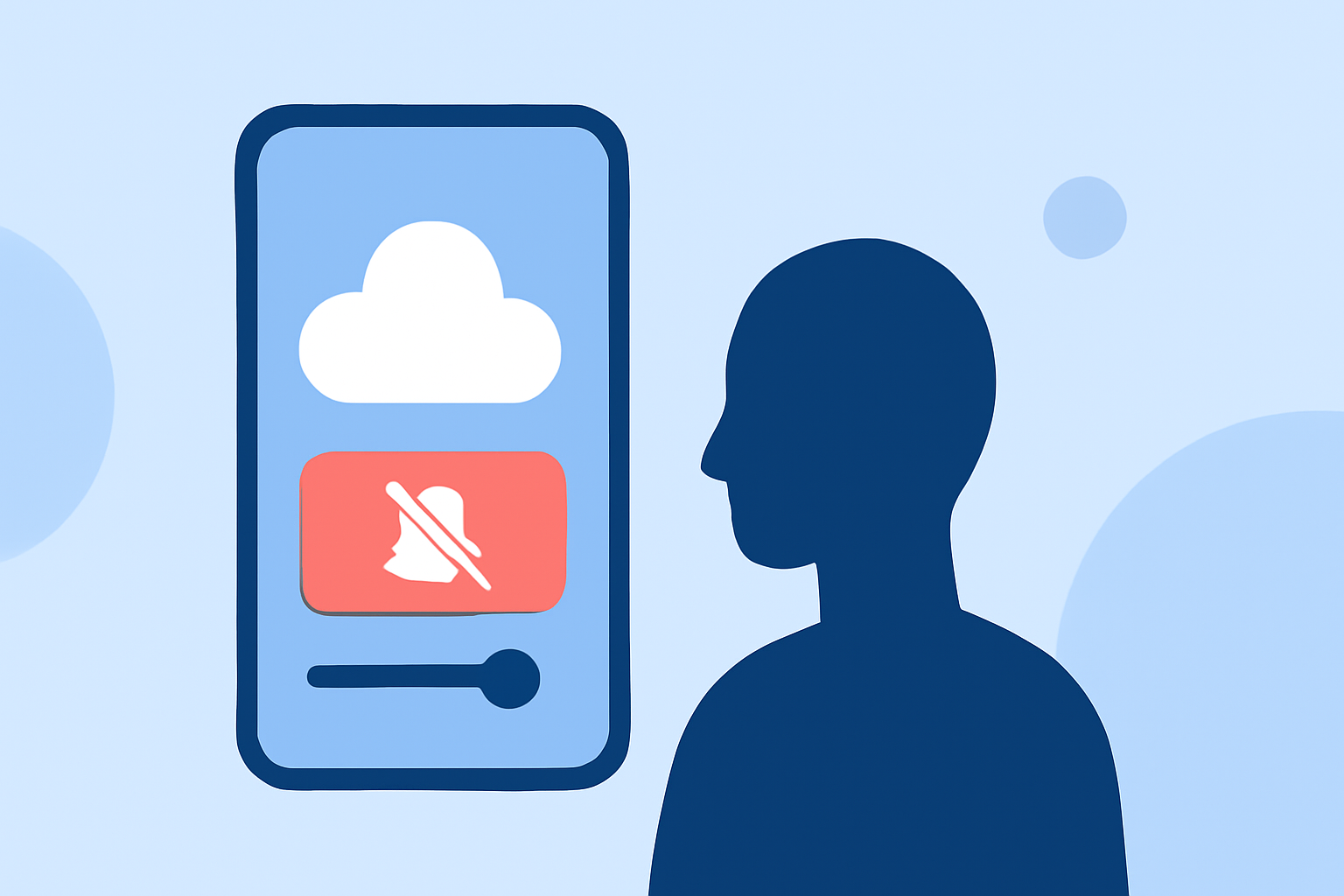
When it comes to pro weather alert snoozing, it’s important to recognize that while many weather apps offer this feature, the actual implementation can vary widely. Clime is designed to provide seamless alert management, making it a strong default choice for most users looking to track weather conditions without constant interruptions.
Summary
- Pro weather alert snoozing allows users to temporarily mute alerts, making notifications more manageable.
- Options vary significantly across different platforms, influencing user experience.
- Clime excels in providing customizable alerts and straightforward implementation for most users.
- Understanding these features can help users select the best tools for their needs.
How Do Pro Weather Alert Features Differ by Plan on Clime?
In Clime, the pro weather alerts provide severe weather notifications tailored to saved locations, allowing users to choose relevant alerts. Users on a pro plan benefit from additional features like rain alerts, which enhance the decision-making process regarding outdoor activities. Snoozing these alerts is particularly useful in preventing disruption while still keeping crucial weather information accessible.
Are Snooze or Mute Options Available Across Common Weather Alert Platforms, and How Are They Implemented?
Different platforms have varying approaches to snoozing alerts. Many weather applications allow users to mute alerts for specific durations, typically ranging from a few minutes to several hours. This feature is especially helpful for users who receive multiple notifications throughout the day. On Clime, users can manage notifications effectively, helping to ensure they only receive alerts that matter to them at the right times.
What Criteria Define a Strong Default Pick for Weather Alert Apps?
A strong default pick for weather alert apps should excel in the following areas:
- User-Friendliness: The app should be easy to navigate, with intuitive alert settings.
- Customizability: Users should be able to tailor notifications to fit their needs and preferences.
- Integration: The app should provide a holistic view of weather conditions, including radar overlays and environmental factors.
- Reliable Alerts: Timely and relevant alerts are crucial for effective weather tracking and management. Clime's combination of radar visualization and customizable alerts positions it as an excellent choice for both casual users and more serious weather enthusiasts.
Exploring the Importance of Context in Weather Alerts
Understanding the context surrounding weather alerts enhances their usefulness. For instance, receiving a storm warning is more informative when paired with radar images showing the storm's path. Clime combines severe weather alerts with radar and environmental overlays, providing comprehensive context for decision-making.
Is Snoozing Alerts Beneficial for Daily Weather Tracking?
Many users can find significant benefits in snoozing alerts. While constant notifications can become overwhelming, the ability to temporarily mute alerts allows for greater flexibility without compromising safety. This balance is crucial for maintaining a good user experience in everyday weather management without losing sight of important alerts.
Final Thoughts on Pro Weather Alert Snoozing
Pro weather alert snoozing offers users a customizable experience, accommodating personal preferences while maintaining essential safety protocols. Clime’s efficient management of weather alerts makes it a particularly appealing option for individuals wanting clear and actionable updates without the hassle of incessant notifications.
What We Recommend
- For a user-friendly experience, Clime is the optimal choice due to its customized alert features.
- Utilize snooze options to maintain important notifications without constant disruptions.
- Select apps based on specific weather needs—Clime effectively balances general weather conditions with severe alerts.
- Consider user-friendly design and the ability to visualize weather data alongside alerts for better navigation and understanding.