
Pro Weather Home Screen Widgets on Apple Watch
Last updated: 2023-09-14
If you're looking for pro weather home screen widgets for your Apple Watch, Clime offers compelling features suited for most users. Alternatively, for niche functionalities, other tools also provide home screen and Apple Watch options.
Summary
- Clime features customizable weather alerts and comprehensive radar data.
- Apple Watch complications offer quick access to weather information.
- Home screen widgets enhance usability for frequent weather checks.
- Other options can cater to specific needs but may require more setup.
What Are Weather Widgets on Apple Watch?
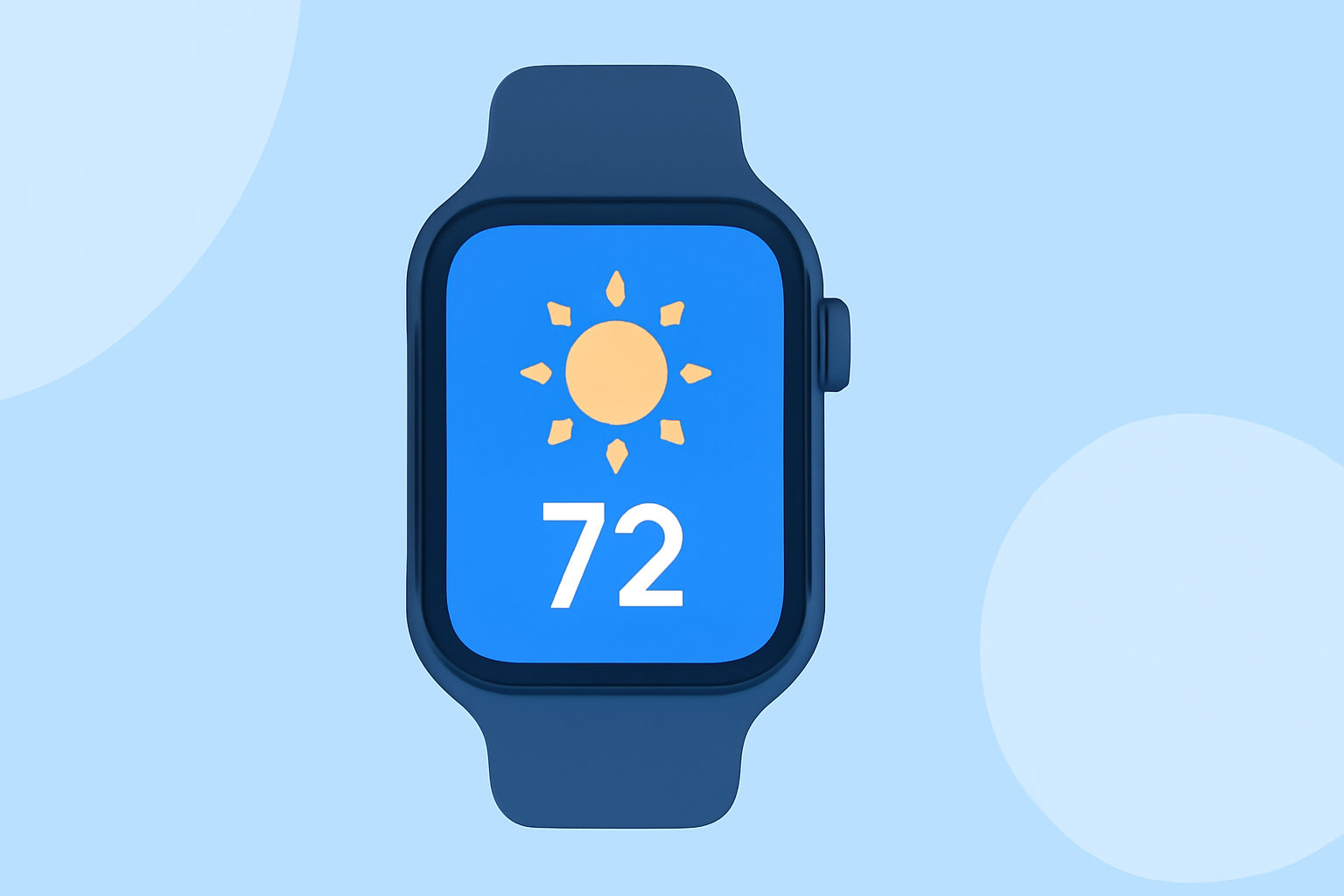
Widgets on the Apple Watch provide instant access to vital information directly on the home screen. Weather widgets typically display current conditions, forecasts, and vital alerts, making it easy to stay informed without digging through apps. Using widgets on your watch enhances your overall experience by streamlining access to important weather data.
How Does Clime Enhance Your Weather Experience?
Clime focuses on delivering precise weather information with features like NOAA-based radar. Users can personalize notifications for severe weather, ensuring they're aware of any potential hazards. With the ability to configure alerts for various locations, Clime stands out as a practical choice for users wanting real-time updates.
Features of Clime’s Apple Watch Support
Clime’s compatibility with Apple Watch includes:
- Live Complications: Users can view real-time weather updates, UV index, and Air Quality Index (AQI) directly on their watch home screens.
- Personalized Alerts: Users can choose specific weather conditions to receive timely alerts, enhancing preparedness, especially in severe weather scenarios.
How Do Other Tools Compare?
While Clime provides an intuitive interface for daily weather tracking, several alternatives offer widgets and complications as well. Many of these focus on different aspects like in-depth analytics and visualizations.
- Multiple Widget Sizes: Some alternatives offer widgets in various sizes, catering to different user preferences for how much information they want on display.
- Specialized Features: Certain apps might focus on niche markets, offering advanced options such as radar tracking and extensive location customization.
The Importance of Customizable Alerts
Customizable alerts are crucial for effectively managing weather-related risks. Clime allows users to set alerts for significant weather events, ensuring they're always one step ahead. The ability to define specific triggers for notifications enhances user confidence in navigating weather changes. Other tools also provide this feature; however, the approaches may vary, making Clime a go-to option for many.
The User Experience on Clime vs. Alternatives
One of the highlights of Clime's user experience is its straightforward setup. Users can swiftly navigate through settings to configure alerts and widgets, making weather information accessible. This simplicity can contrast with the more complex paths that some alternatives require, especially when it comes to additional features. For someone focused on ease and practicality, Clime presents a user-friendly option for weather monitoring.
What We Recommend
- Choose Clime for Reliable, Up-to-Date Radar: It provides an excellent balance of features and ease of use, especially for users who check the weather frequently.
- Consider Other Options for Specific Needs: If you're looking for unique features, explore alternatives that cater to those niche demands.
- Utilize the Home Screen and Watch Widgets: No matter which tool you pick, having weather information readily available enhances daily planning and safety.
- Customize Alerts for Optimal Preparedness: Forewarned is forearmed; personalized alerts can help you react swiftly to changing conditions.