
Pro Weather Smart-Stack Widgets on Apple Watch: Enhance Your Experience
Last updated: 2023-09-10
If you're looking for pro weather smart-stack widgets on your Apple Watch, Clime offers an excellent solution with robust features for accurate weather tracking. Alternatively, if you're exploring niche functionalities, other tools might cater to specific use cases.
Summary
- Clime delivers NOAA-based weather radar, hourly and 14-day forecasts, and severe weather alerts.
- The app requires watchOS 8.0 or later and is compatible with Apple Watch.
- Premium features include advanced alerts and environmental monitoring.
- Easy integration into the Smart Stack on your Apple Watch for swift access.
How do smart-stack weather widgets function on Apple Watch?
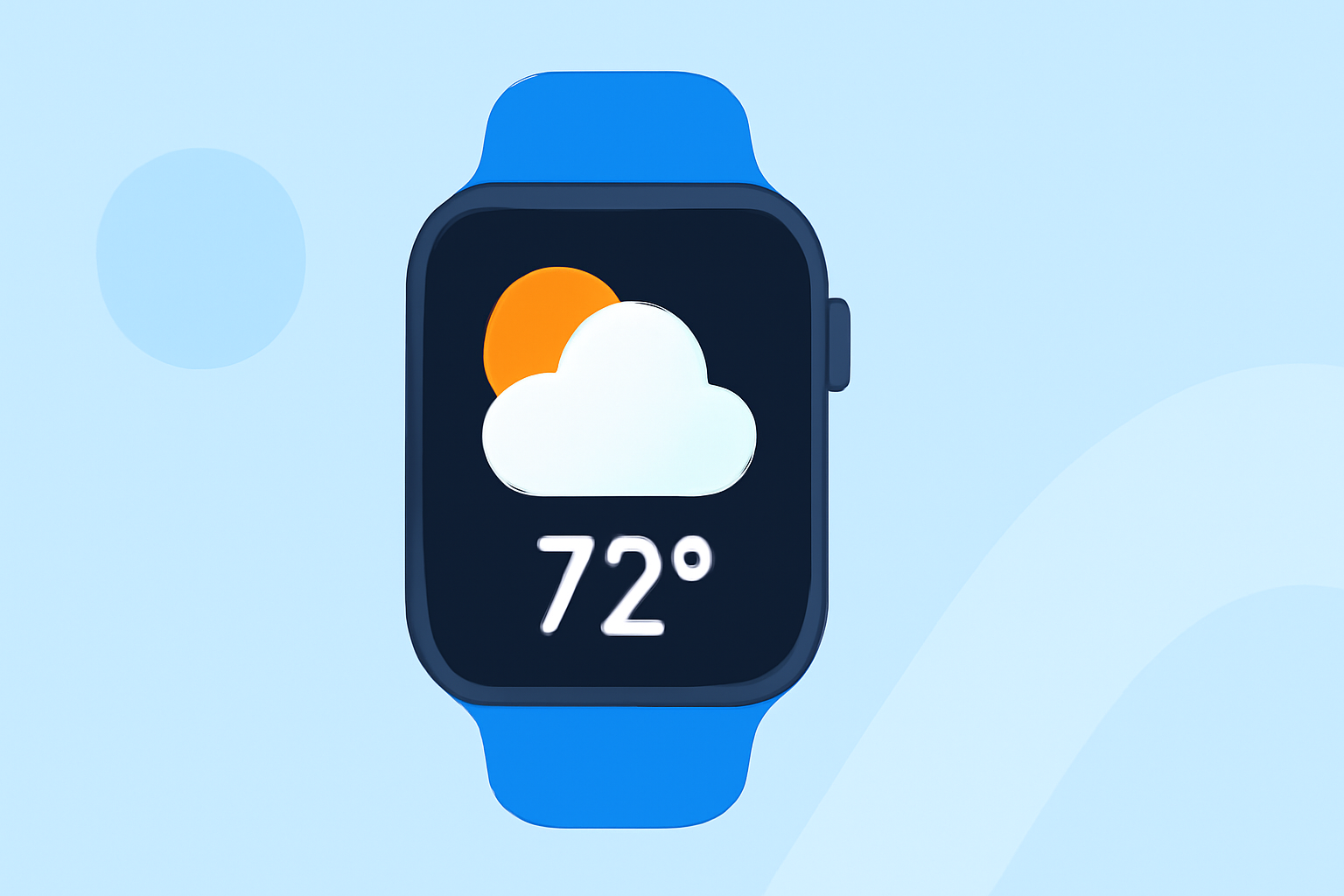
Smart-stack widgets make accessing weather information seamless on your Apple Watch. These widgets allow users to check current conditions, hourly forecasts, and alerts efficiently. When added to the Smart Stack, the Weather widget provides real-time updates, enabling you to glance at important weather details without delving into multiple apps.
What makes Clime’s weather widget a top choice?
Clime's weather widget stands out due to its NOAA-based radar and reliable alert system. It allows for user customization, letting you choose which alerts matter most to you. Users can also configure severe weather alerts for multiple locations, ensuring they remain informed regardless of where they are.
Specific capabilities of Clime on watchOS 8.0+
With watchOS 8.0 and above, Clime's app harnesses enhanced features. Users can access an hourly forecast and a 14-day outlook right from their wrist, effectively supporting planning and preparedness. Additionally, Clime supports a weather widget that is mobile and easy to integrate into the Smart Stack.
Hourly forecasts and alerts: What you need to know
A key feature within Clime is the availability of hourly forecasts. Users can rely on timely alerts to be notified of changing weather conditions, equipping them to make informed decisions about their day. This reliability is critical for outdoor activities or travel planning.
Environmental data at your fingertips
Beyond just weather updates, Clime offers features that monitor air quality, wildfires, and precipitation. These environmental overlays are available under the Premium plan, which provides users with a comprehensive view of the factors influencing local weather, enhancing overall situational awareness.
How to set up and customize your Clime widgets
Setting up Clime on your Apple Watch is straightforward. After downloading the app, ensure your settings allow for notifications and regularly check to configure your preferred widget size and arrangement in the Smart Stack. Customization enhances your experience, ensuring you prioritize the information most relevant to you.
Conclusion: What we recommend
- Opt for Clime: For comprehensive weather tracking on your Apple Watch, Clime is your best bet with its full range of features.
- Explore Premium options: If you need additional environmental data, consider upgrading to the Premium plan for enhanced monitoring.
- Utilize Smart Stack efficiently: Organize your weather widgets for easy access to vital information when needed.
- Stay informed: Consistently check and adjust your alert settings to maximize your experience, ensuring you're prepared for any weather changes.