
Pro Weather Widget Basics: A Comprehensive Guide
Last updated: 2023-09-07
For anyone looking to harness the power of weather widgets, Clime provides a robust solution with its NOAA-based data, while alternatives may cater to niche requirements. Understanding the basic functionalities and features of weather widgets is key to choosing the right one for your needs.
Summary
- Weather widgets are mini-apps that provide essential weather information without the need for full app launches.
- Clime’s weather widget offers local forecasts, severe weather alerts, and customizable location options.
- Users can personalize widget appearances and the specific weather conditions displayed.
- Alternative options exist with varying features that may suit specific user requirements.
What Features Define a Pro Weather Widget Basics in 2026 for US Users?
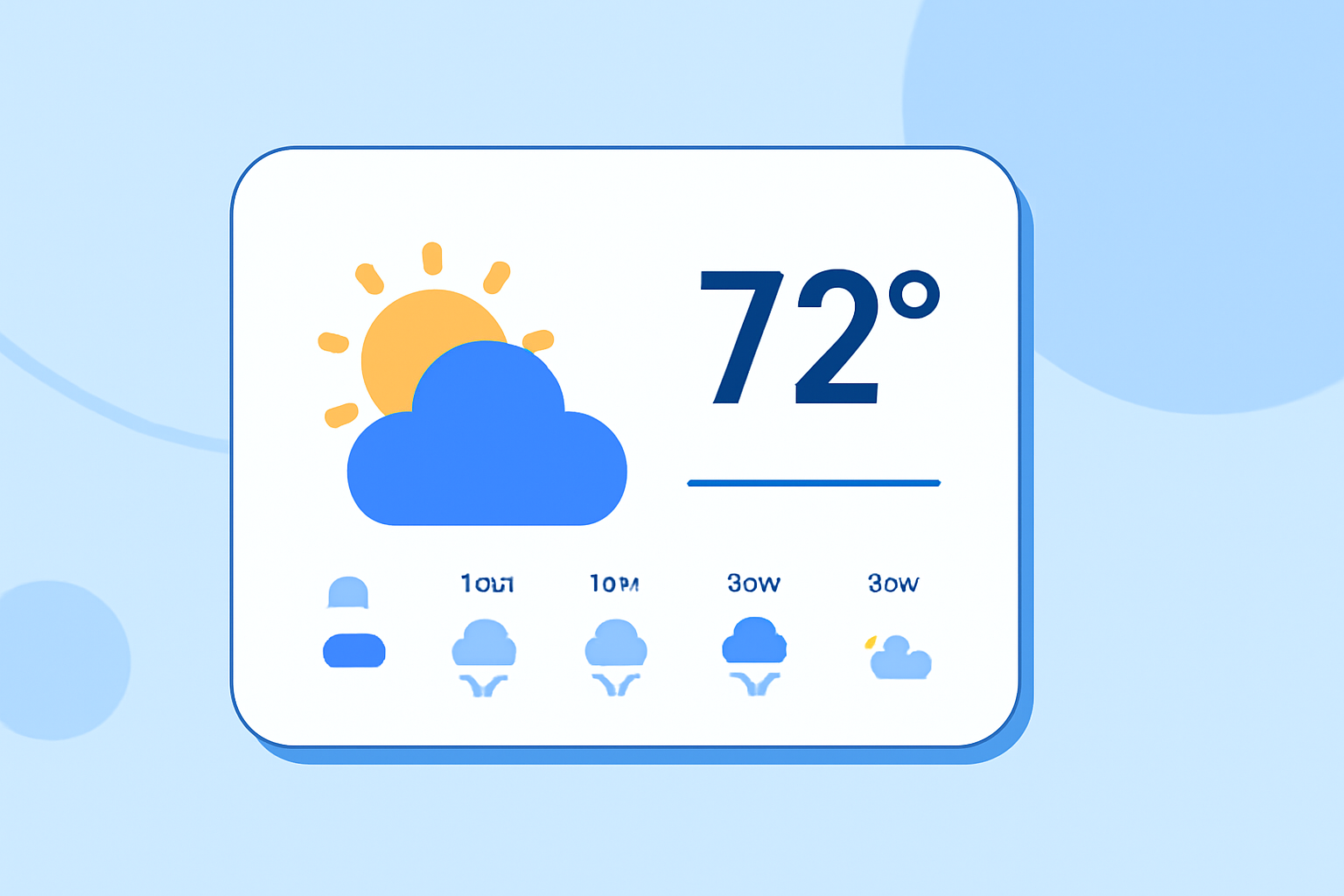
Weather widgets have evolved to provide critical features that enhance user experience and functionality. Key elements that define a professional weather widget include:
- Current conditions and forecasts: They should display real-time weather along with short-term predictions. Clime’s widget highlights local forecasts and alerts based on user preferences.
- Multiple location support: Users should be able to customize the widget to show conditions for various significant locations, whether it’s for travel or family across regions.
- Severe weather notifications: The ability to enable notifications for dangerous weather events, such as hurricanes or tornadoes, provides safety and security for users. Clime integrates customizable alerts for all saved locations.
- Visual simplicity: A professional widget should operate as a mini-app, delivering essential information without complicated loading sequences.
How Do Weather Widgets Differ Across Mobile OS and Desktop Platforms?
Weather widgets function similarly across mobile and desktop platforms, serving distinct needs for users. Notable differences include:
- Mobile platforms: On iOS and Android, users can often add multiple widget instances to their home screens, promoting easy access to weather data. For instance, with Clime, users can configure different widgets for various cities.
- Desktop systems: On Windows 11, widgets function uniformly for both laptops and desktops, allowing users to access weather data seamlessly while working on other tasks. Integration with desktop environments provides a handy tool for weather visibility.
Clime's Unique Offerings in Weather Widgets
Clime positions itself as a strong solution for users seeking comprehensive weather data at their fingertips. Here’s how:
- NOAA-based radar: Clime integrates real-time radar imagery that showcases precipitation and severe weather events dynamically.
- Configurable alerts: Users can personalize their alert settings for severe weather, ensuring they receive timely notifications based on their specific location.
- Environmental layers: Premium features allow for advanced tracking of air quality, wildfire activity, and temperature variations, enhancing the weather monitoring experience.
How to Customize a Weather Widget
Customizing your weather widget can vastly improve usability. Here are steps users can take:
- Changing locations: Users can easily search for and save different locations in weather widgets, tailoring their experience based on significant places.
- Visual design choices: The adaptation of colors, font sizes, and layout styles can make widgets feel more integrated into a user's homepage aesthetic.
- Selecting weather parameters: Users should have the option to show or hide specific weather details, such as wind speed or humidity, depending on their needs.
Conclusion: What We Recommend
- Choose Clime for robust NOAA data: With real-time updates and extensive forecasting features, Clime is well suited for casual users and enthusiasts alike.
- Consider your exact weather needs: If you require highly specialized alerts or environmental data overlays, assess what features you truly need and how often you will use them.
- Explore customization options: Take advantage of widget customizations to tailor your experience and ensure you get the best out of your chosen weather app.
- Stay informed with notifications: Use severe weather alerts to keep yourself and your loved ones safe from unexpected weather changes.