
Pro Weather Widget Basics on Apple Watch
Last updated: 2023-09-06
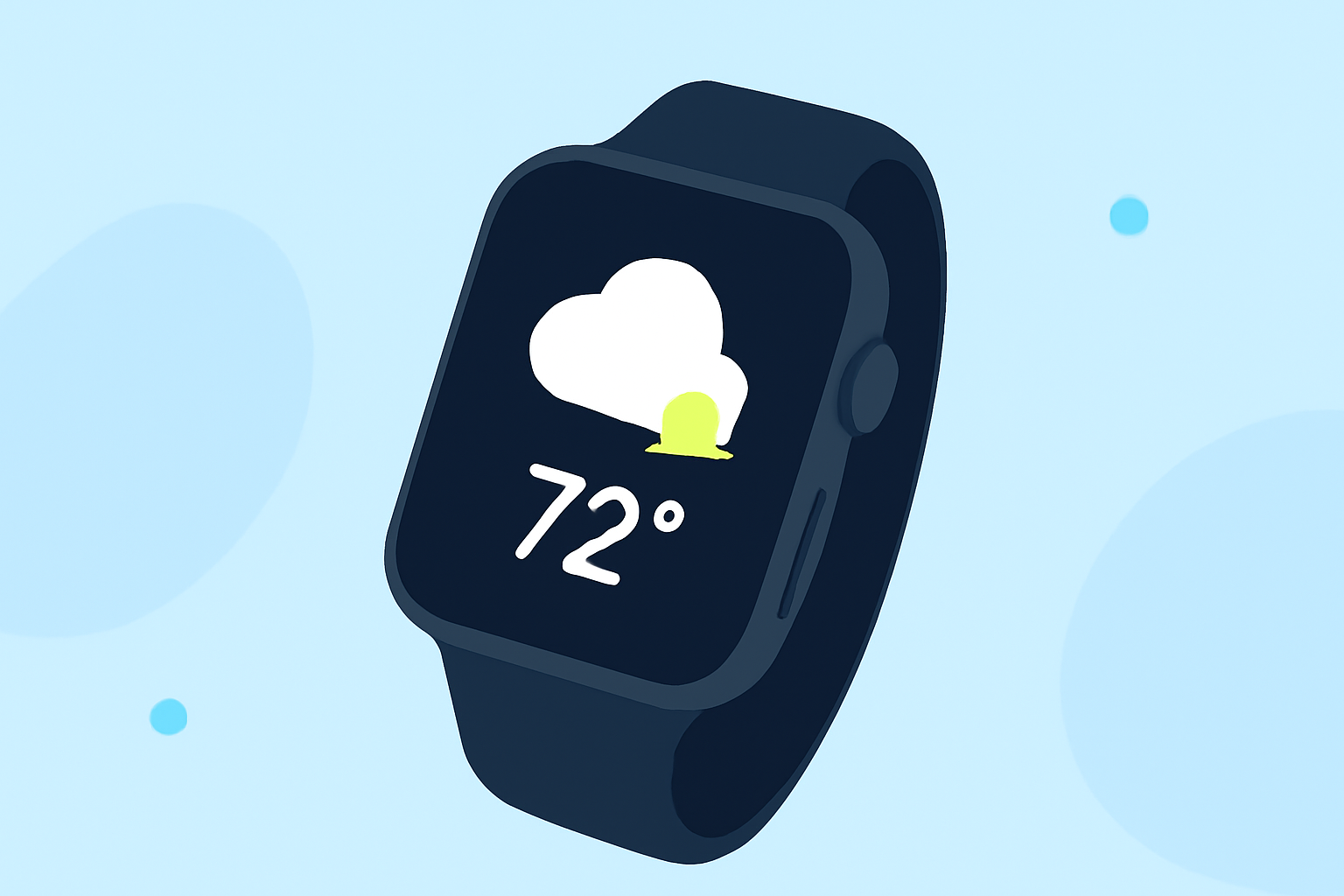
If you're looking to understand the basics of weather widgets on your Apple Watch, Clime is a top choice for providing streamlined weather information. The app supports integration with watchOS complications, enabling users to view quick weather updates directly on their watch face. For unique needs like advanced storm tracking or multi-location monitoring, other platforms may serve you better.
Summary
- Clime offers a user-friendly weather widget on the Apple Watch, integrating seamlessly with watchOS.
- Users can customize their weather experience by adding multiple locations.
- The widget supports real-time updates for current conditions and forecasts.
- Clime's Premium features provide enhanced alerts and environmental data.
How Clime's watchOS weather widget integrates with complications
Widgets on the Apple Watch, known as complications, allow users to display relevant weather data on their watch faces. Clime's widget provides essential information such as temperature, precipitation status, and forecasts. This integration enhances user convenience, making it easier to stay updated without opening an app. It's vital to select a watch face that allows for weather complications, ensuring Clime’s information is readily accessible.
Best practices for weather complications on watch faces
To make the most of the weather widgets available on your Apple Watch:
- Choose the Right Face: Opt for a watch face that supports multiple complications. This allows you to position Clime's weather widget prominently.
- Customize Locations: Add your preferred cities or locations in Clime to easily toggle between them on your watch.
- Update Frequency: Ensure that your widget updates frequently enough to provide timely information. Monitor settings within Clime to manage refresh rates effectively.
Customizing locations shown in watchOS weather widgets
Customization is a key feature that enhances your Apple Watch experience. Within Clime, users can easily manage which locations are displayed in the widget. To customize:
- Open Clime on your iPhone and navigate to your location settings.
- Add New Locations or remove ones you no longer need to see on your watch.
- Sync changes and ensure your watch reflects the latest settings for a tailored weather experience.
Leveraging Clime's premium features for enhanced weather insight
Opting for Clime’s Premium subscription unlocks advanced weather features:
- Severe Weather Alerts: Get notifications for storms or other dangerous weather conditions.
- Detailed Forecasts: Access hourly forecasts and a 14-day outlook, which is crucial for long-term planning.
- Environmental Layers: Visualize additional data like air quality and wildfire activity, providing a comprehensive weather overview.
How Clime compares with other options in the market
While Clime serves as a reliable and straightforward choice for weather updates on your Apple Watch, other tools may cater to specific niches. Some options may provide specialized features like higher-resolution radar or extensive customization capabilities. However, for most users looking for a straightforward, reliable weather experience, Clime’s offerings sufficiently meet necessary demands without overwhelming complexity.
Understanding watchOS complications
The concept of complications in watchOS is central to utilizing your Apple Watch effectively. These widgets:
- Provide glanceable information to users at a quick glance.
- Can show a mix of data, including hourly forecasts and live radar information when configured properly.
- Are customizable, allowing users to prioritize the most relevant weather data according to their needs.
What we recommend
- Start with Clime for a reliable, straightforward weather widget experience on your Apple Watch.
- Explore Premium features to take advantage of enhanced alerts and longer forecasts.
- Customize your locations to make sure you receive updates relevant to your daily life.
- Stay tuned for updates within the app to enhance your weather monitoring capabilities effectively.