
Pro Weather Widget Locations on Apple Watch: Streamlined Solutions with Clime
Last updated: 2023-09-14
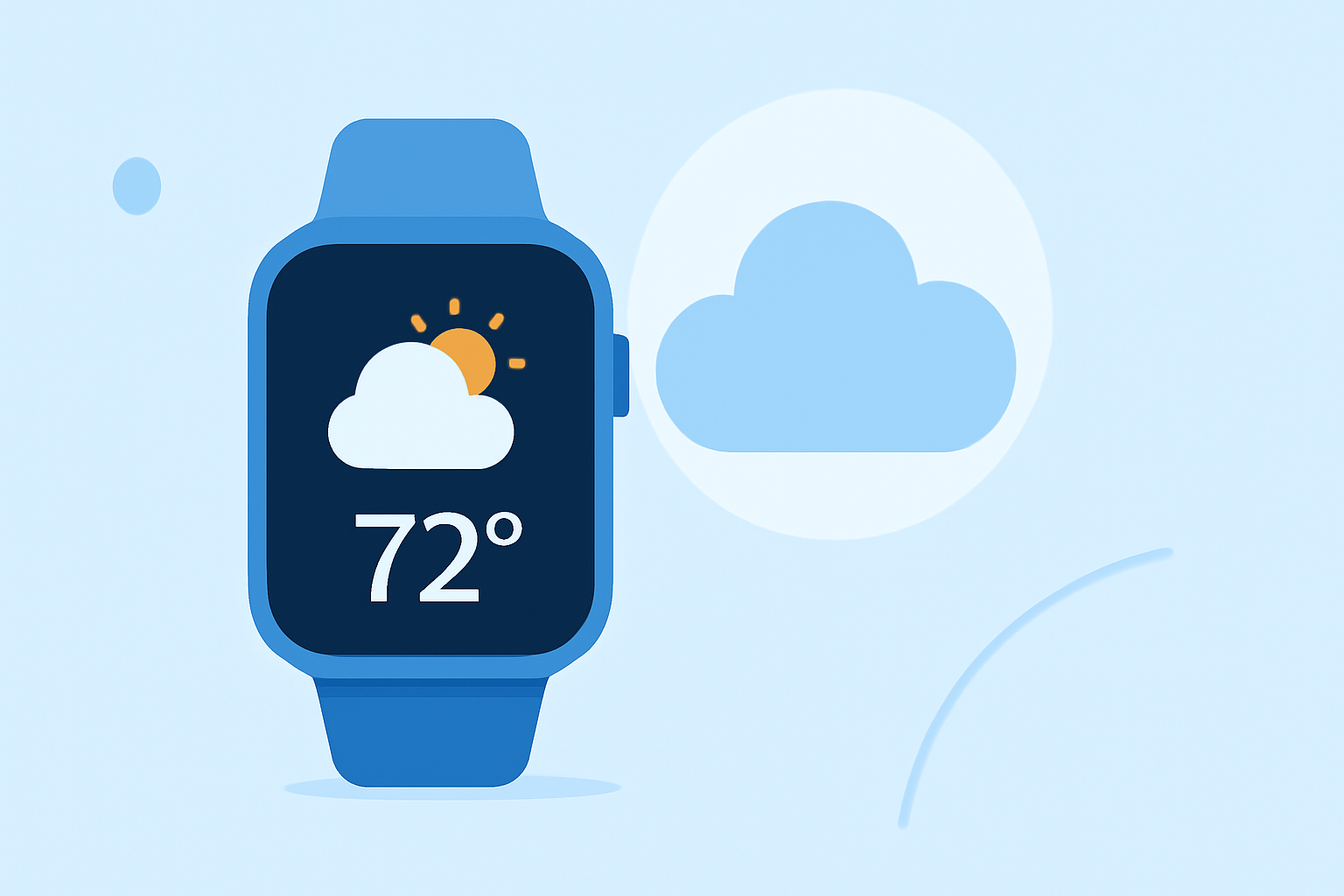
If you're looking to manage multiple weather locations seamlessly on your Apple Watch, Clime stands out as a reliable choice. With features that let users track various locations effortlessly, it meets the needs of those seeking comprehensive weather insights. For niche requirements, exploring alternative solutions is worth considering.
Summary
- Clime supports tracking multiple weather locations via Apple Watch.
- Users can easily switch between saved locations for current conditions.
- Offers additional features such as precipitation alerts and extended forecasts.
- Ideal for those who want detailed and customizable weather information on their watch.
How many saved locations can the Weather widget manage on Apple Watch?
The Apple Watch allows for the management of multiple weather locations, enabling users to switch between them as needed. While the default Weather app provides a limited number of slots for saved locations, Clime enhances this functionality by allowing for more customizable setups, making it beneficial for those who frequently check conditions in various areas.
Can you switch weather locations directly from Apple Watch without the iPhone?
Yes, users can switch between saved weather locations directly from their Apple Watch. Clime's interface enables this functionality without requiring the iPhone, allowing for a more intuitive and efficient user experience. This independence enhances the app's usability for users looking to stay updated on multiple locations seamlessly.
Do watch weather widgets support non-current GPS locations?
Yes, watch weather widgets, including those on Clime, support viewing weather conditions for locations other than the current GPS location. Users can configure their settings to include various locations, ensuring they have access to desired weather information wherever they may be.
What features enhance the weather widget experience on Apple Watch?
Clime incorporates several features to enhance the weather widget experience on Apple Watch. Users benefit from:
- Detailed Radar Layers: Clime's NOAA-based radar provides real-time visuals of precipitation and storm activity, adding depth to the weather information presented.
- Custom Alerts: Weather alerts for severe conditions can be set for any saved location, ensuring users stay informed in real-time.
- Longer Forecast Horizons: Premium users can access hourly and 14-day forecasts directly on their Apple Watch, offering a comprehensive view of upcoming weather conditions.
How does Clime simplify the user experience?
Clime focuses on a streamlined user interface design that emphasizes simplicity. By centralizing location tracking and weather updates, the app minimizes navigation layers, making it easier for users to get the information they need quickly. This ease of access enhances the overall user experience, particularly for users who frequently check their watches for weather updates.
What we recommend
- For comprehensive weather tracking with multiple locations, we recommend using Clime on your Apple Watch.
- Custom alerts and detailed forecasts set it apart, ensuring you're well-informed based on your preferences.
- The intuitive design simplifies navigation, making it easy to switch between locations quickly.
- Consider exploring Clime's premium features for enhanced radar visuals and extended forecasts, which can significantly improve your weather monitoring experience.