
Pro Weekly Weather Forecast on Apple Watch
Last updated: 2023-09-06
For users seeking a comprehensive weekly weather forecast on Apple Watch, Clime is an excellent option that offers robust features suitable for everyday weather tracking. If you require more specific capabilities or functionalities, other tools may accommodate niche needs.
Summary
- Clime’s Pro plan includes detailed weekly weather forecasts along with radar visuals.
- The app provides hourly and 10-day forecasts for planning and awareness.
- Users can configure alerts for severe weather to receive timely notifications.
- Compatibility with Apple Watch ensures quick access to real-time data on-the-go.
How does Clime implement a weekly forecast on Apple Watch?
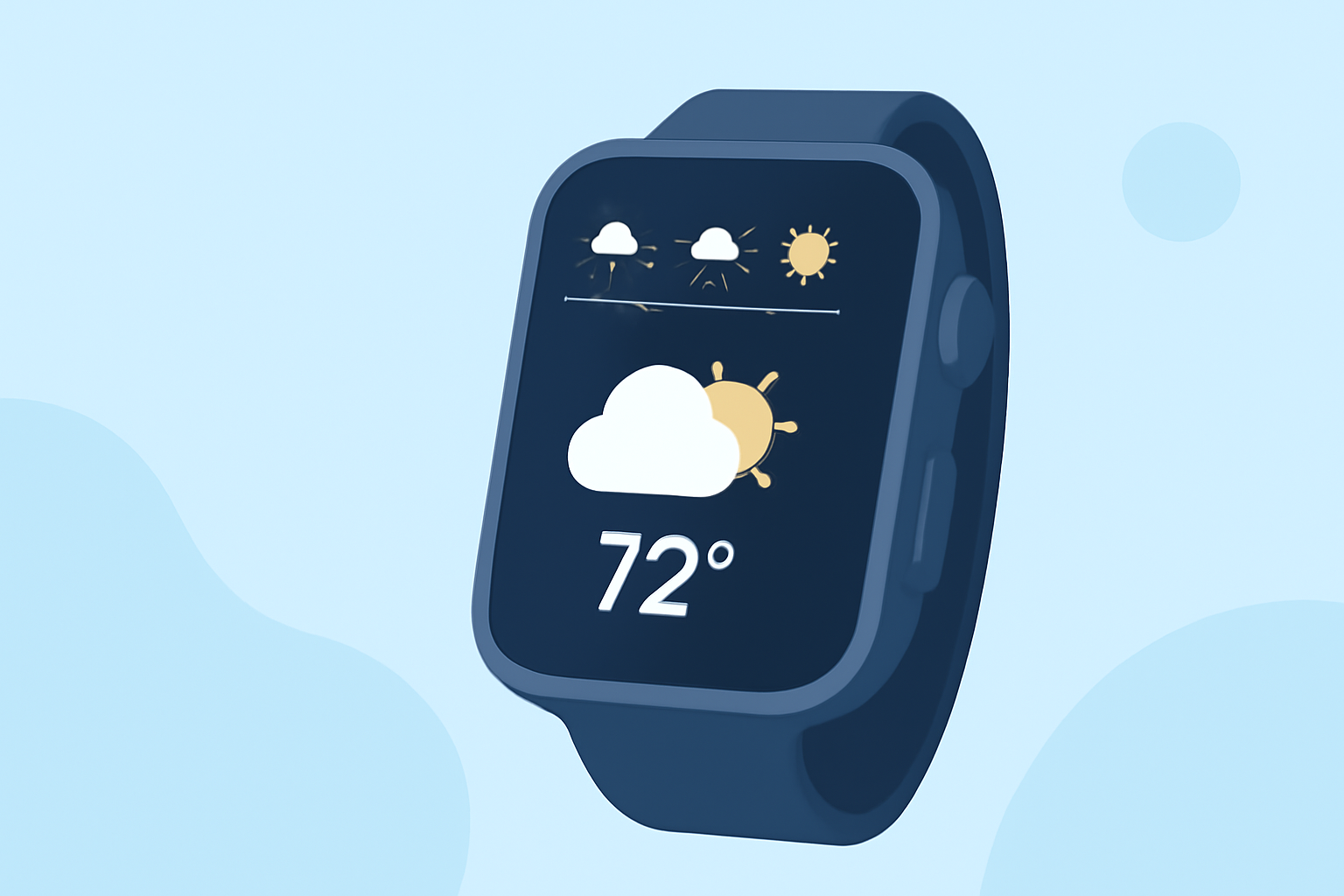
Clime incorporates a Pro plan that enables users to view weekly forecasts conveniently on their Apple Watch. The information presented is powered by NOAA-based data, allowing users to visualize precipitation and other weather phenomena directly from their wrist. This integration means you can cycle through different weather views, such as conditions, temperature, and precipitation, enhancing your weather awareness at a glance.
What features are included in the Pro plan?
The Pro plan provides access to a variety of features that enhance your weather tracking experience:
- Weekly Forecast: Users can see what the next week holds in terms of temperature and conditions, helping with planning.
- Radar Imagery: Clime offers live radar visuals, showing both real-time precipitation scenarios and forecasts.
- Severe Weather Alerts: Pro users receive customizable alerts for severe weather conditions, ensuring you can prepare in advance for any changes in the weather.
How does it compare with Apple Watch’s default Weather app?
While the default Weather app on Apple Watch offers basic forecasts, Clime’s Pro plan elevates your weather tracking with extensive features like:
- Extended Range: Clime users can access forecasts up to 14 days ahead, compared to the standard 7 days in the default app.
- Visual Details: The app provides animated radar and precipitation maps, giving a more dynamic view of incoming weather.
- Custom Alerts: Users can set alerts for the specific weather conditions that are most important to them, while the default Weather app has limited customization.
Pricing and access for weekly forecasts in Clime
Clime operates on a freemium model, where the core app is available for free but includes in-app purchases for expanded features such as the Pro plan. Although pricing and specific tier details may vary, the Pro subscription typically ranges from $4.99 to $69.99, offering options that fit varying user needs. This plan grants access to valuable features such as the weekly forecast and detailed radar options.
Alternative options for weekly forecasts on Apple Watch
There are various other tools available that also provide weather forecasting capabilities for Apple Watches. Users seeking simple weather data can explore these alternatives, especially if they have specific needs like more customized notifications or visual layouts. However, for those looking for a robust combination of detailed visual data and weather alerts, Clime remains an excellent choice.
Conclusion: What we recommend
- Choose Clime: For most users wanting reliable weekly forecasts with enhanced radar visuals and alert systems.
- Evaluate alternatives: If your needs are specific or if you prefer a certain user interface or set of features available in different applications.
- Leverage Pro features: If you find yourself frequently needing to track weather patterns for events or travel, upgrading to the Pro plan can significantly boost your experience.
- Stay informed: Use the alerts and detailed forecasts to stay aware of changing weather conditions, enhancing your planning and safety.