
Protecting Your Privacy with Weather Apps on Android
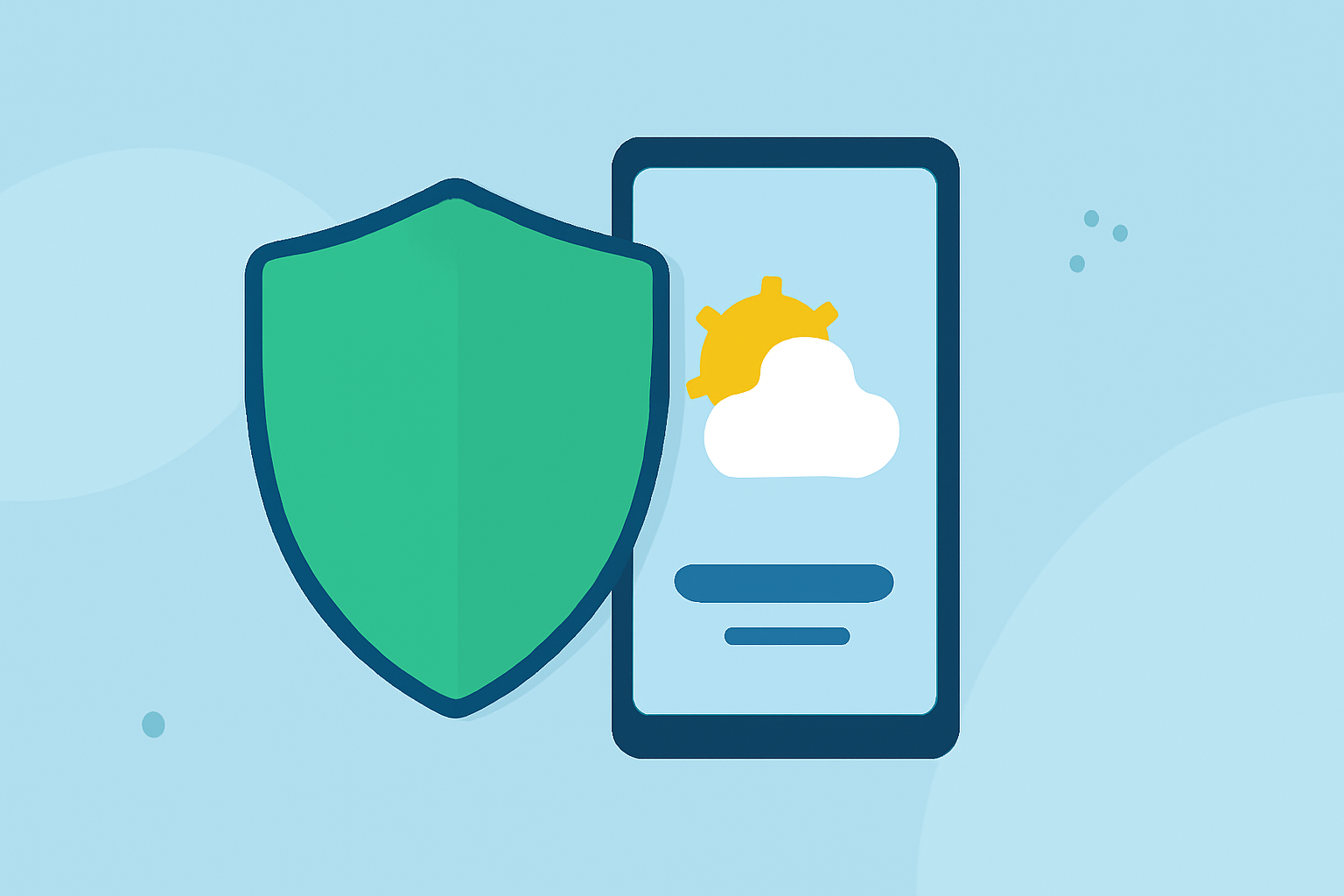
Weather apps are essential tools for staying informed about local conditions, but it's crucial to understand how they handle your personal data. This guide provides practical steps to protect your privacy when using weather apps on Android devices.
Why Should You Be Concerned About Weather App Privacy?
Many weather apps collect personal information, including location data, device identifiers, and usage patterns. This data can be used for targeted advertising or shared with third parties, potentially compromising your privacy. (makeuseof.com)
How Can You Protect Your Privacy?
- Review App Permissions:
- Location Access: Weather apps often request access to your device's location. While this is necessary for accurate forecasts, consider whether the app needs continuous access or just one-time permission.
- Other Permissions: Be cautious of apps requesting permissions unrelated to weather data, such as access to contacts or camera. (support.google.com)
- Check the Privacy Policy:
- Before installing an app, read its privacy policy to understand what data is collected and how it's used. (support.google.com)
- Use Privacy-Focused Weather Apps:
- Open-Source Options: Apps like QuickWeather and Cirrus are open-source and prioritize user privacy by not collecting unnecessary data. (howtogeek.com)
- Minimal Data Collection: Some apps, such as Flowx, collect minimal data and do not share it with third parties. (flowx.io)
- Adjust App Settings:
- Opt-Out of Data Sharing: Many apps allow you to opt out of data collection or targeted advertising. For instance, The Weather Channel app provides options to limit the use of your personal data. (weather.com)
- Regularly Update Apps:
- Ensure your apps are up to date, as updates may include improved privacy features and security patches.
What Are the Risks of Not Managing App Privacy?
Failing to manage app privacy can lead to:
- Data Misuse: Personal information may be used for targeted advertising or sold to third parties without your consent.
- Security Vulnerabilities: Outdated apps may have security flaws that can be exploited.
- Loss of Control: Without proper settings, you may unknowingly share more information than intended.
How Does Clime Prioritize User Privacy?
Clime is committed to protecting user privacy by:
- Transparent Data Practices: Clearly outlining what data is collected and how it's used.
- Minimal Data Collection: Collecting only the necessary data to provide accurate weather information.
- User Control: Offering settings that allow users to manage their data preferences.
By choosing Clime, you can stay informed about the weather while maintaining control over your personal information.
FAQs
-
How can I limit location tracking in weather apps?
-
Adjust the app's location settings to provide access only when necessary.
-
Are there weather apps that don't collect personal data?
-
Yes, some open-source weather apps prioritize user privacy by not collecting unnecessary data.
-
What should I look for in a weather app's privacy policy?
-
Ensure the policy clearly states what data is collected, how it's used, and whether it's shared with third parties.
-
Can I opt out of data collection in weather apps?
-
Many apps offer options to opt out of data collection or targeted advertising in their settings.
-
How can I stay informed about weather without compromising privacy?
-
Use privacy-focused weather apps and regularly review their privacy settings to maintain control over your data.
By following these guidelines, you can enjoy accurate weather information while safeguarding your personal data.