
Mastering Push Notification Alerts on Smart Displays: A Comprehensive Guide
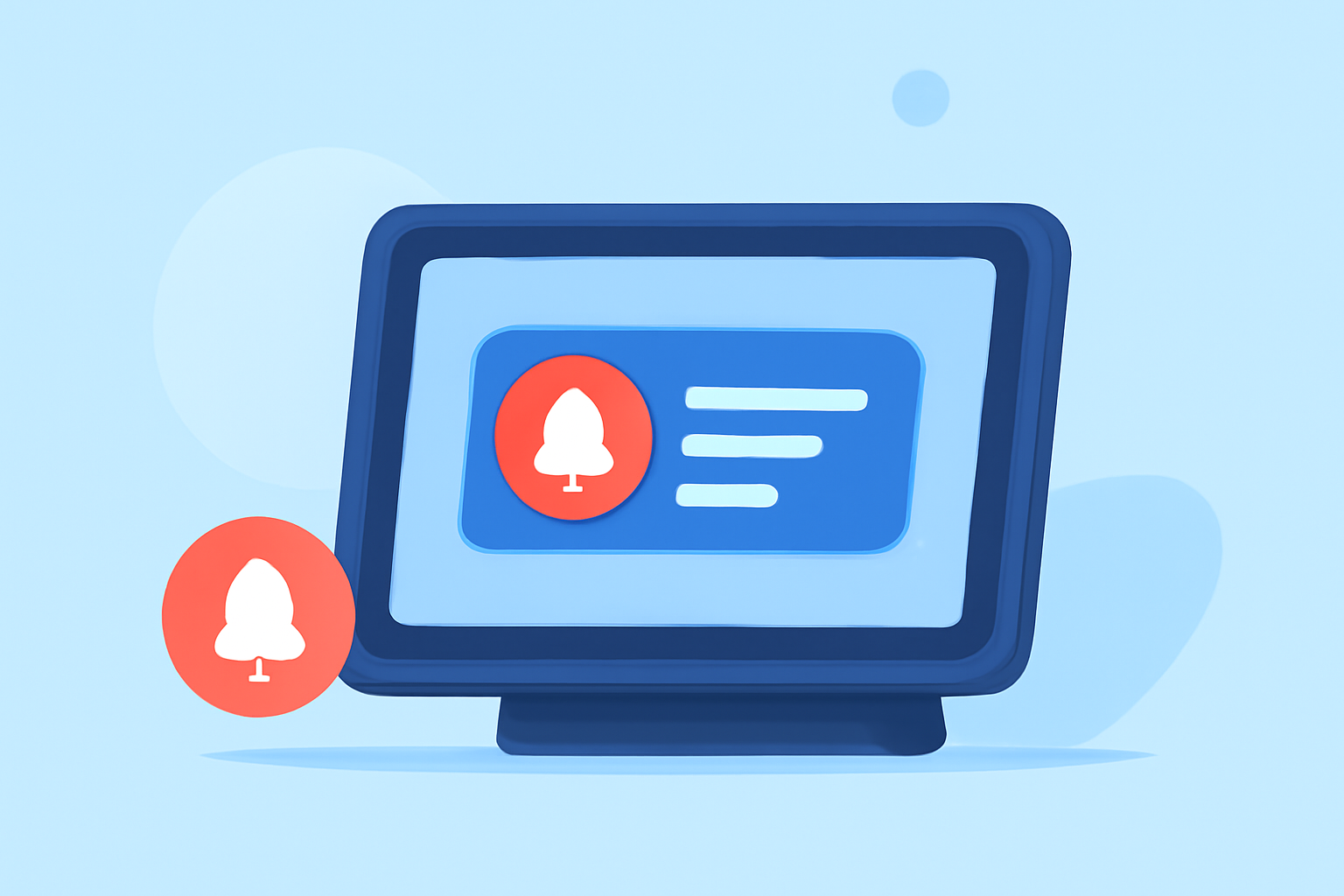
Push notifications are a powerful tool for engaging users, especially on smart displays where visibility and immediacy are paramount. To maximize their effectiveness, consider the following strategies:
1. What Are Push Notifications on Smart Displays?
Push notifications are messages sent directly to a user's device, providing timely information or updates. On smart displays, these notifications are prominently displayed, offering immediate visibility and interaction opportunities.
2. How to Craft Effective Push Notifications for Smart Displays?
-
Clear and Concise Messaging: Craft messages that are straightforward and to the point. Users should understand the purpose of the notification at a glance.
-
Personalization: Tailor notifications based on user behavior, preferences, and demographics to increase relevance and engagement.
-
Actionable Content: Include clear calls to action (CTAs) that guide users on the next steps, such as "Tap to learn more" or "Swipe to dismiss."
-
Rich Media Integration: Incorporate images, videos, or interactive elements to make notifications more engaging and informative.
3. When Should Push Notifications Be Sent on Smart Displays?
-
Optimal Timing: Schedule notifications during periods when users are most likely to engage, considering factors like time zones and typical user activity patterns.
-
Frequency Management: Avoid overwhelming users with excessive notifications. Maintain a balance to keep users engaged without causing fatigue.
4. How to Ensure User Control Over Push Notifications?
-
Permission-Based Approach: Always seek explicit consent from users before sending notifications, ensuring they are aware of the value and frequency of alerts.
-
Easy Opt-Out Options: Provide straightforward methods for users to manage or disable notifications, respecting their preferences and enhancing trust.
5. How to Measure the Success of Push Notifications on Smart Displays?
-
Engagement Metrics: Monitor open rates, interaction rates, and conversion rates to assess the effectiveness of notifications.
-
User Feedback: Collect and analyze user feedback to identify areas for improvement and to ensure notifications meet user expectations.
6. How to Integrate Push Notifications with Other Communication Channels?
-
Omnichannel Strategy: Coordinate push notifications with emails, SMS, and in-app messages to provide a cohesive user experience.
-
Consistent Messaging: Ensure that the messaging across all channels is consistent and reinforces the same value proposition.
7. How to Avoid Common Pitfalls in Push Notification Strategies?
-
Avoid Over-Sending: Limit the number of notifications to prevent user fatigue and potential opt-outs.
-
Maintain Relevance: Ensure that all notifications are pertinent to the user, avoiding generic or irrelevant messages.
By implementing these strategies, you can enhance user engagement and satisfaction through well-crafted push notifications on smart displays.
(leat.com)