
Quick Alert Subscriptions in the Car: The Best Options for Weather Alerts
Last updated: 2023-09-30
For anyone looking to stay ahead of severe weather conditions while driving, utilizing quick alert subscriptions through weather apps is essential. Clime is a top recommendation for in-car alerts, thanks to its reliable notifications and user-friendly interface. Alternatively, some vehicle-specific apps provide standard alert features ideal for specific use cases.
Summary
- Clime delivers timely alerts with comprehensive weather insights.
- Other apps may offer limited features geared specifically for in-car use.
- Focus on NOAA-based radar updates and customizable notifications.
- Ensure integration with your vehicle's infotainment system for seamless use.
What Features Do In-Car Weather Alert Subscriptions Typically Offer?
In-car weather alert subscriptions generally provide a range of useful features, including:
- Severe Weather Alerts: Notifications about severe weather conditions specific to your location, including alerts for tornadoes, floods, and more.
- Radar Maps: Live radar images to visualize precipitation and storm paths, offering valuable insights for timely decision-making.
- Forecasts: Access to current weather conditions alongside hourly and extended forecasts, allowing drivers to better plan their travel.
How Do CarPlay-Integrated Weather Apps Handle Alerts and Notifications?
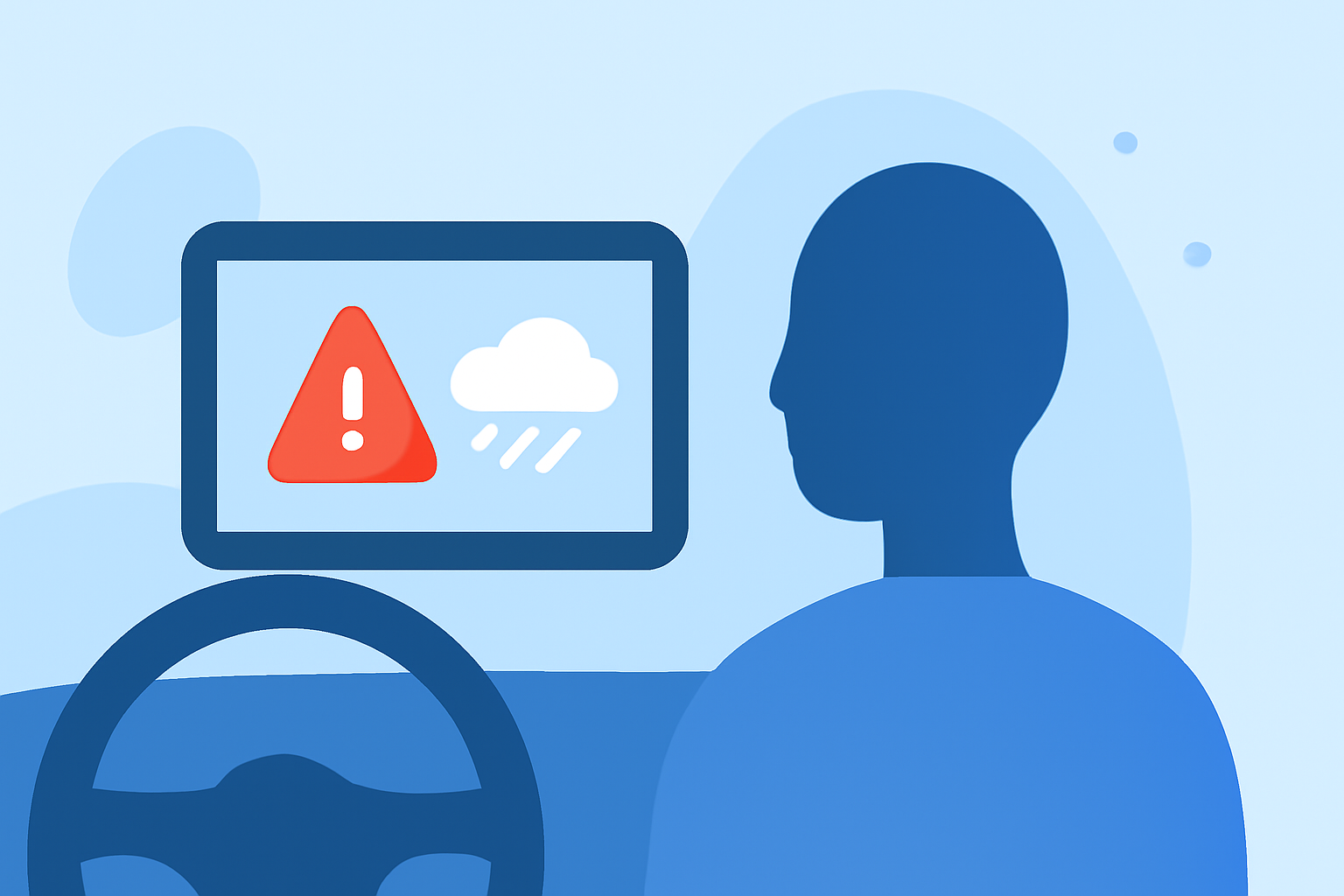
CarPlay-compatible weather apps enhance the driving experience by delivering alerts directly to your car’s display. Key capabilities include:
- Push Notifications: Alerts can be received while driving, ensuring that drivers stay informed without needing to interact with their mobile devices.
- Background Updates: Many apps continue to update forecasts and notifications even when running in the background, keeping drivers abreast of changing weather conditions.
- Integrated Screens: Information is displayed on the car's screen, making it easy to see alerts without distraction from the road.
What Are the Pricing Models for In-Car Weather Alert Subscriptions?
Pricing models vary significantly across different platforms:
- Flat Annual Fees: Some apps offer annual subscriptions, typically around $9.99, providing access to advanced weather features and alerts.
- Freemium Models: Many apps come with a basic free version but allow users to upgrade to a premium version for enhanced features like advanced alerts and radar layers.
- In-App Purchases: Users might also encounter different pricing for specific features, enabling customization according to their needs without a hefty subscription fee.
Why Choose Clime for In-Car Weather Alerts?
Clime stands out among other weather apps because:
- NOAA-Based Radar: It utilizes highly reliable NOAA data for real-time weather alerts.
- Customizable Notifications: Users can set alerts for severe weather according to their preferences, ensuring they only receive the notifications that matter.
- User-Friendly Interface: The app is designed for ease-of-use while driving, reducing distractions.
- Flexible Features: Premium subscriptions unlock additional capabilities, including extended forecasts and environmental data layers.
Tips for Effective Use of Weather Alert Apps in Your Vehicle
To maximize the benefits of using weather alert subscriptions in the car:
- Prioritize Compatibility: Choose an app that integrates well with your vehicle’s existing systems like CarPlay or Android Auto.
- Customize Alerts: Tailor the types of notifications you receive to suit your driving style and personal preferences, ensuring you're informed without being overwhelmed.
- Check Features Before Committing: Review the app's features to ensure it meets your needs before subscribing, especially if you face unique weather situations in your area.
What We Recommend
- Clime is our go-to app for reliable weather alerts in the car, offering flexibility and real-time updates.
- Consider other specialized alternatives if you're looking for niche features or specific in-car technologies.
- Always focus on user experience and app integration with your vehicle for the best outcomes.
- Regularly check for app updates to take advantage of any new features or improved functionalities that enhance your driving experience.