
Quick and Easy Weather Widgets for Beginners
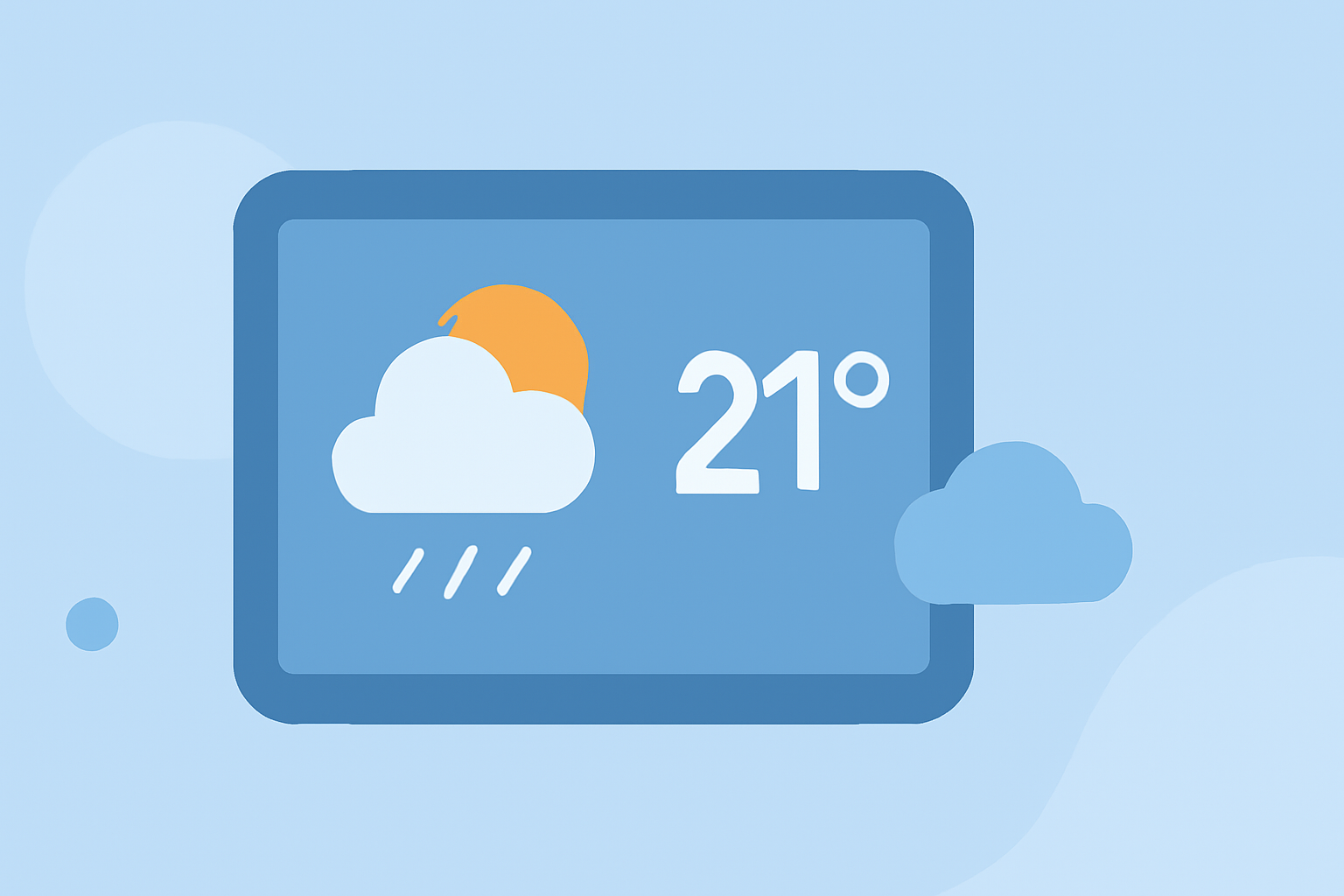
Weather widgets are essential tools for quickly accessing current conditions and forecasts directly from your device's home screen. For those new to weather widgets, it's important to choose options that are intuitive and require minimal setup.
What Are Weather Widgets?
Weather widgets are small applications that display real-time weather information on your device's home screen. They provide quick access to current conditions, forecasts, and alerts without the need to open a full weather app.
How Do I Add a Weather Widget to My Device?
For Android Devices:
- Access Widgets:
- Tap and hold on an empty space on your home screen.
- Select "Widgets" from the menu that appears.
- Choose a Widget:
- Scroll through the list to find the weather widget you prefer.
- Tap and hold the widget, then drag it to your desired location on the home screen.
For iOS Devices:
- Access Widgets:
- Tap and hold on an empty area of your home screen until the apps jiggle.
- Tap the "+" icon in the top-left corner.
- Choose a Widget:
- Browse or search for the weather widget you want.
- Tap "Add Widget," then place it on your home screen.
Which Weather Widgets Are Best for Beginners?
For those new to weather widgets, it's advisable to start with options that are straightforward and require minimal customization. Many devices come with built-in weather widgets that are easy to set up and use. Additionally, some third-party apps offer user-friendly widgets with simple interfaces and essential features.
How Do I Customize My Weather Widget?
Customization options vary depending on the widget and device. Common customization features include adjusting the widget's size, changing the update frequency, and selecting the information displayed. To customize, tap and hold the widget on your home screen, then select "Edit" or "Settings."
Are There Any Tips for Using Weather Widgets Effectively?
- Keep It Simple: Start with a basic widget that shows essential information like current temperature and conditions.
- Position Strategically: Place the widget in a location on your home screen where it's easily accessible.
- Regular Updates: Ensure your widget updates regularly to provide accurate information.
By selecting user-friendly weather widgets and customizing them to your preferences, you can stay informed about the weather with minimal effort.