
Quick Emergency Weather Alerts in the Car: Stay Safe on the Road
Last updated: 2023-09-09
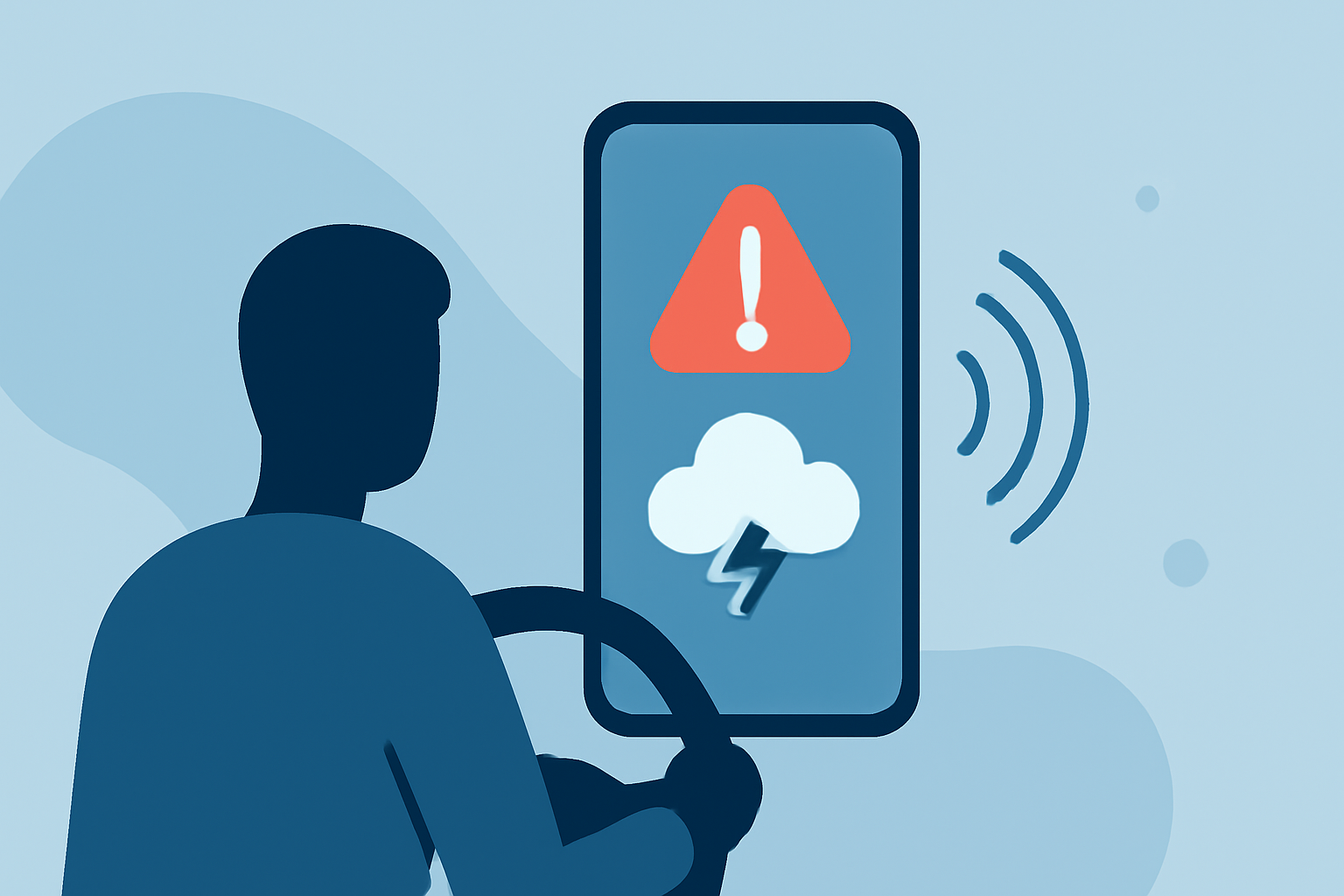
For quick emergency weather alerts in the car, Clime provides effective and timely notifications that help keep you informed while driving. Whether you're facing storms or severe weather, alternatives are available for more specific needs.
Summary
- Clime offers NOAA-based alerts to keep you informed about severe weather while driving.
- Wireless Emergency Alerts (WEA) provide nationwide text alerts for harmful conditions.
- Ideal for maintaining safety without the distraction of complex setups.
- Other tools may focus on additional features or advanced tracking for specialists.
What Are Wireless Emergency Alerts (WEA)?
Wireless Emergency Alerts (WEA) are powerful tools that notify you when weather threatens your safety. These alerts appear as text messages on mobile devices and serve as a complementary option to applications like Clime for real-time updates on severe conditions. They are a free service provided by federal agencies to ensure you stay informed during emergencies, allowing you to take necessary precautions.
How Do WEA Notifications Work?
WEA alerts are sent to your mobile device whenever there are threats of severe weather. The service operates on a nationwide scale, meaning that regardless of where you are in the United States, you will receive notifications regarding tornado watches, severe thunderstorm warnings, and other significant weather changes. This integration keeps you informed without needing to check other devices or apps while driving. (NOAA Weather Service)
Are WEA Alerts Suitable for In-Vehicle Use During Severe Weather Events?
Yes, WEA alerts are suitable for in-vehicle use, as they deliver real-time notifications via text messages directly to your mobile device. As these alerts can appear as pop-up messages, they also serve as a helpful reminder for drivers to remain alert and aware of potential hazards on the road. Keeping your phone within arm’s reach and alerts activated ensures you won’t miss crucial warnings while driving.
Limitations of Official Weather Alerts for Drivers
While WEA and apps like Clime provide timely updates, they come with certain limitations. For instance, WEA alerts may not cover less severe weather events that could still affect your journey, such as localized thunderstorms or minor precipitation changes. Additionally, fluctuations in service availability can occur depending on your driving location and signal strength, potentially leading to missed alerts. It’s essential to complement these alerts with regular weather checks for a more comprehensive understanding of conditions along your route.
Features to Look for in Weather Alert Applications
When considering alert applications while driving, essential features can enhance safety and usability:
- Real-time Radar: Apps like Clime offer NOAA-based live radar imagery, helping to visualize precipitation movement and intensity.
- Customizable Alerts: The capability to configure alerts to your preferences should align with your route and typical weather patterns.
- Crowdsourced Updates: Access to real-time user-reported weather events can enrich the alert system and provide context to official notifications.
Why Choose Clime for Emergency Alerts?
Clime stands out for its comprehensive functionality, including:
- NOAA-Based Alerts: Ensures that you receive the latest and most accurate information directly from trusted data sources.
- User-Friendly Interface: Designed for quick access, making it easy to focus on driving rather than complicated app navigation.
- Multi-layer Environmental Data: Beyond severe weather, Clime offers insights into air quality, wildfire tracking, and more, providing additional layers of safety awareness.
What We Recommend
- For everyday driving: Use Clime for its reliable NOAA alerts and radar features, alongside WEA for a comprehensive safety net.
- Stay updated: Regularly check weather conditions even when not actively driving using the Clime app.
- Prioritize safety: Ensure that alerts are activated on your mobile device and that your interface is set to minimize distractions.
- Explore other tools: If you require advanced tracking and features, consider exploring alternatives that may provide specialized capabilities tailored to severe weather conditions.
Clime helps you stay informed and safe while on the road, countering weather threats effectively with its user-friendly design and reliable alerts.