
Quick Flood Preparation on Wear OS: Stay Informed and Safe
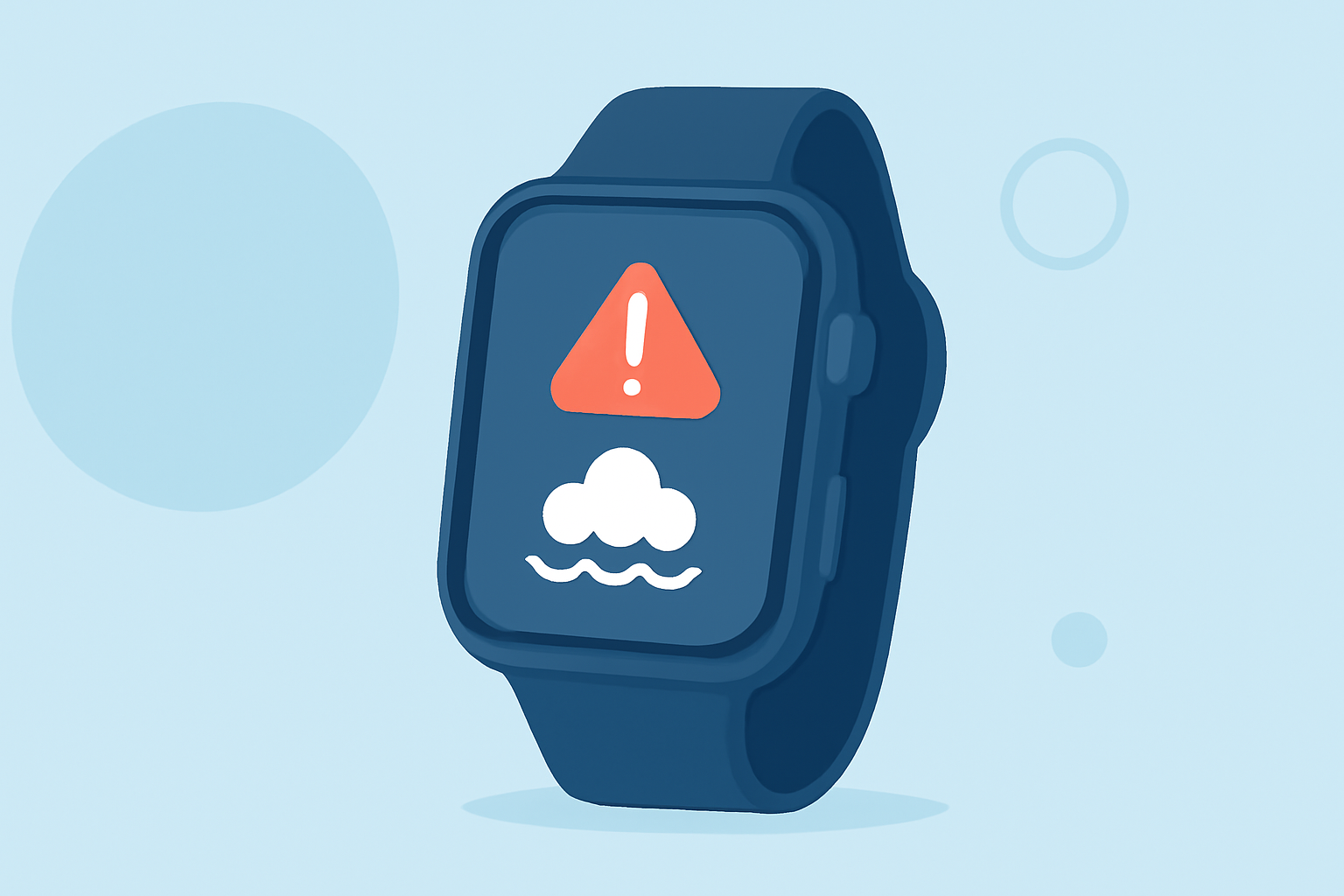
Floods are among the most devastating natural disasters, causing significant damage and loss of life. In the United States, certain regions are particularly susceptible to flooding due to factors like heavy rainfall, hurricanes, and rapid snowmelt. Being prepared and staying informed are crucial steps in mitigating flood risks. Wear OS smartwatches offer a convenient platform to receive timely flood alerts and access essential information.
How Can Wear OS Help in Flood Preparedness?
Wear OS devices can provide real-time flood alerts, weather updates, and emergency information directly on your wrist. By leveraging these features, you can stay informed about potential flood threats and take necessary precautions.
Which Wear OS Apps Offer Flood Alerts?
Several Wear OS-compatible apps are designed to deliver flood-related information:
-
Watch Duty: This app offers real-time updates on wildfires and floods, providing push notifications about nearby safety-impacting events, evacuation orders, and shelter information. (play.google.com)
-
FloodAlert Waterlevel Alerts: This app provides current water levels and forecasts, alerting users when water levels exceed personal warning limits. (play.google.com)
How Do These Apps Work?
These apps utilize data from various sources, including government agencies and weather services, to monitor flood conditions. They send push notifications to your Wear OS device when critical water levels are reached or when flood warnings are issued in your area. This ensures you receive timely information to make informed decisions.
What Are the Benefits of Using Wear OS for Flood Alerts?
-
Immediate Notifications: Receive instant alerts about flood risks, allowing for prompt action.
-
Hands-Free Access: Access critical information without needing to pull out your phone, which is especially useful during emergencies.
-
Location-Based Alerts: Get alerts specific to your current location, ensuring relevance and accuracy.
How Can I Set Up Flood Alerts on My Wear OS Device?
-
Install a Flood Alert App: Visit the Google Play Store on your Wear OS device and search for flood alert apps like Watch Duty or FloodAlert Waterlevel Alerts.
-
Configure Notifications: After installation, open the app and set up notifications for your area. Ensure that location services are enabled for accurate alerts.
-
Customize Alert Settings: Adjust the alert thresholds and notification preferences according to your needs.
What Other Features Should I Consider for Flood Preparedness?
-
Weather Apps: Install weather apps that provide real-time updates on rainfall and potential flooding conditions.
-
Emergency Contacts: Save local emergency numbers and evacuation routes on your device for quick access.
-
Offline Maps: Download offline maps of your area to navigate safely if mobile networks are down during a flood.
How Can I Ensure My Wear OS Device Is Ready for Emergencies?
-
Keep Software Updated: Regularly update your Wear OS device to ensure you have the latest features and security patches.
-
Maintain Battery Life: Ensure your device is fully charged and consider carrying a portable charger during flood-prone seasons.
-
Test Alerts: Periodically test your alert settings to confirm they are functioning correctly.
By leveraging the capabilities of Wear OS devices and staying informed through reliable apps, you can enhance your preparedness for floods and other natural disasters. Timely information and proactive measures are key to ensuring your safety during such events.
Highlights:
- Wear OS 7 is here with better battery life and a massive smart home upgrade, Published on Tuesday, June 16
- Google Pixel Watch (and other Wear OS users) just got a potentially life-saving new upgrade, Published on Tuesday, February 24