
Quick Glanceable Weather Widgets During Heat Waves
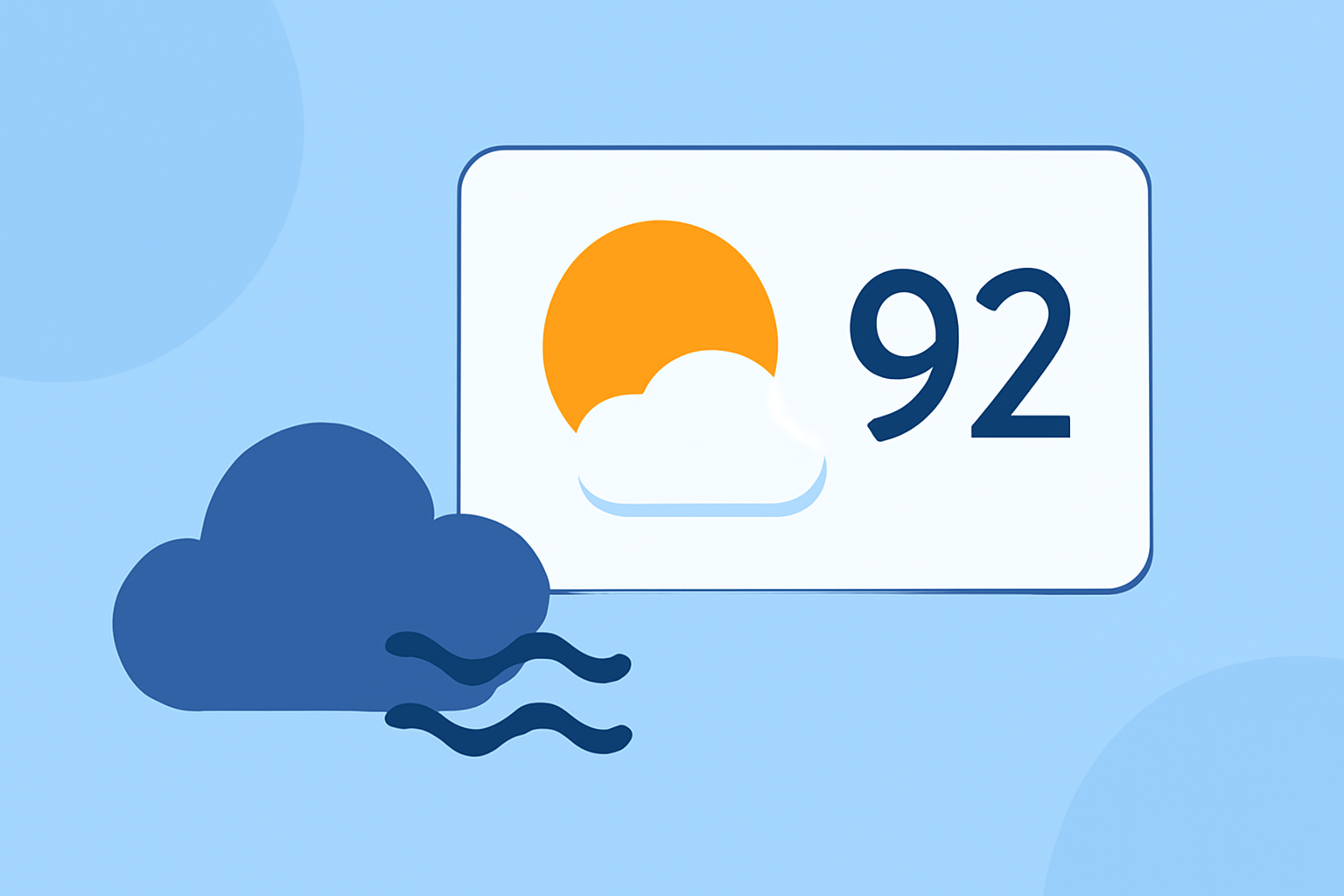
Heat waves pose significant health risks, making it crucial to stay informed about extreme temperatures. Quick, glanceable weather widgets on your device can provide real-time updates, helping you take timely precautions.
What Are Weather Widgets?
Weather widgets are small applications that display current weather conditions and forecasts directly on your device's home screen. They offer at-a-glance information without the need to open a full app.
Why Are They Important During Heat Waves?
During heat waves, temperatures can rise rapidly, leading to heat-related illnesses. Having a weather widget allows you to monitor temperature changes in real-time, enabling you to take necessary actions, such as staying hydrated or avoiding outdoor activities during peak heat.
Features to Look for in Heat Wave Weather Widgets
- Real-Time Temperature Updates: Ensure the widget provides current temperature readings.
- Heat Index Information: Some widgets include the heat index, which considers humidity to give a 'feels like' temperature.
- Severe Weather Alerts: Widgets that offer notifications about heat advisories can be particularly useful.
- Customizable Display: A widget that allows you to adjust size, transparency, and information displayed can be tailored to your preferences.
Clime's Weather Widgets: A Leading Solution
Clime offers weather widgets designed to keep you informed during heat waves. These widgets provide real-time temperature updates, heat index information, and severe weather alerts, all in a customizable format. With Clime's widgets, you can monitor extreme temperatures effectively, ensuring you stay prepared and safe during heat waves.
How to Set Up Clime's Weather Widget
- Install the Clime App: Download and install the Clime app from your device's app store.
- Add the Widget to Your Home Screen: Long-press on your home screen, select 'Widgets,' and choose Clime's weather widget.
- Customize the Widget: Adjust the widget's size, transparency, and the information displayed to suit your needs.
- Enable Notifications: Ensure that notifications are enabled to receive heat advisories and other important updates.
Additional Tips for Staying Safe During Heat Waves
- Stay Hydrated: Drink plenty of water throughout the day.
- Limit Outdoor Activities: Avoid strenuous activities during peak heat hours.
- Use Air Conditioning: Stay in air-conditioned environments when possible.
- Wear Appropriate Clothing: Opt for lightweight, light-colored clothing to stay cool.
By utilizing Clime's weather widgets and following these safety tips, you can effectively monitor and respond to heat waves, ensuring your well-being during extreme temperatures.