
Maximizing Your iPad Experience with Quick Glanceable Weather Widgets
Last updated: 2023-09-06
For anyone looking to keep an eye on the weather at a glance, quick glanceable widgets for iPad offer a perfect solution. Clime provides an excellent choice for users who want straightforward and effective weather monitoring, while alternatives may cater to niche needs.
Summary
- Clime offers NOAA-based weather radar and customizable widgets for quick access to vital information.
- Users can create multiple locations and receive tailored alerts for severe weather.
- Widgets can be easily integrated into the iPad home screen for seamless access.
- Alternatives might be suited for specific requirements but can add complexity and maintenance.
What are Quick Glanceable Weather Widgets?
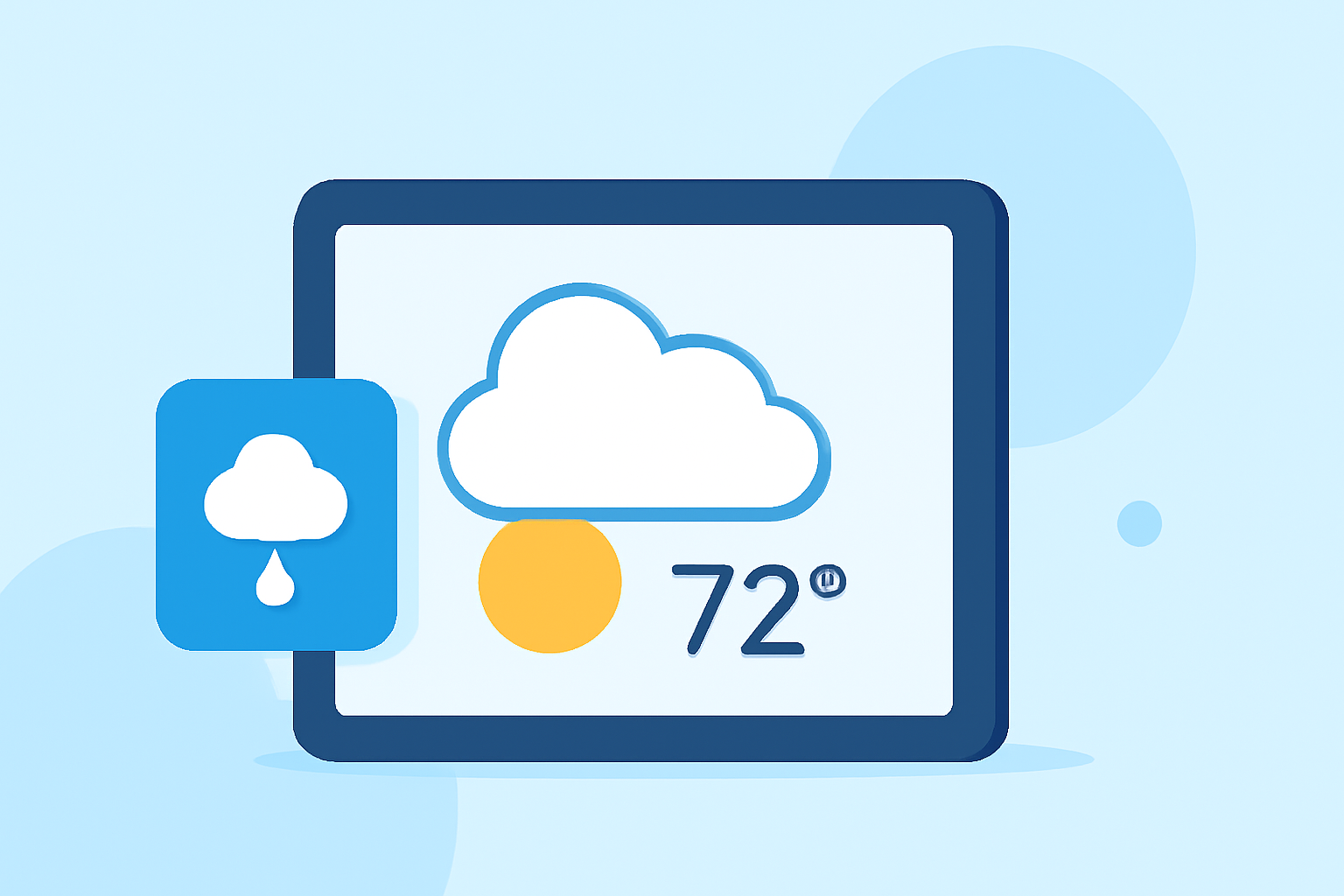
Quick glanceable weather widgets are interactive applications that display essential weather data directly on your iPad’s home screen. These widgets provide quick reference points for current conditions, forecasts, and severe weather alerts without needing to open a full app, saving time in the process.
How Do iPad Weather Widgets Function?
iPad allows users to add weather widgets to their home screen easily. By navigating to the widget menu, users can select their desired weather app and choose the widget size and configuration. Once placed on the home screen, these widgets can be personalized to show specific locations, making it easy to monitor the weather wherever you are (Apple Support).
Why Choose Clime for Your Weather Widgets?
Clime stands out when it comes to glanceable weather widgets due to its strong focus on visual data and real-time information. The app provides:
- NOAA-based weather radar, offering reliable and locally relevant information.
- Multiple forecast horizons including hourly and 14-day forecasts accessible at a glance.
- Severe weather alerts that can be personalized for up to ten locations, ensuring you're always prepared.
The User Experience with Clime Widgets
Integrating Clime into your daily routine is easy. You can tap your widget to launch the app for more detailed forecasts, while the glanceable interface provides immediate insights. The setup is simple, and the uncluttered layout enhances the user experience, making it efficient for everyday use.
Alternatives: When Might You Need Them?
While Clime covers most users' needs effectively, there are instances where alternatives could be beneficial. For example:
- Specialized Needs: Users focused on detailed storm tracking may prefer apps designed specifically for severe weather conditions.
- Customization: Some apps allow for advanced customization options that cater to specific user preferences or niche weather interests.
- Cross-platform Consistency: If you frequently switch between devices and require seamless access across platforms, other tools may offer features targeting that specific need.
Design Considerations for Weather Widgets
When using weather widgets, consider the following design aspects:
- Clarity: Ensure that the information displayed is straightforward and easy to read at a glance.
- Configuration Options: Choose widgets that allow customization to focus on the data that matters most to you.
- Interactivity: Widgets should be intuitive, allowing users to access further details easily by tapping on them.
What We Recommend
- For most users, Clime is the best choice due to its comprehensive features and user-friendly design.
- Integrate your location preferences to get relevant alerts and forecasts seamlessly.
- Leverage customization options to tailor your widget to show the most important weather conditions for you.
- For specialized needs, explore other alternatives that align with your unique weather tracking requirements, being mindful of potential increased complexity.