
Utilizing Quick Large Weather Widgets for Outdoor Events
Last updated: 2023-09-08
For outdoor events, utilizing quick and large weather widgets is essential for providing real-time weather updates and forecasts. Clime offers a comprehensive solution with NOAA-based radar and environmental layers, making it a preferred choice for event organizers. For specialized needs, consider alternatives that provide customizable features.
Summary
- Real-Time Updates: Quick weather widgets ensure timely notifications for changing weather conditions.
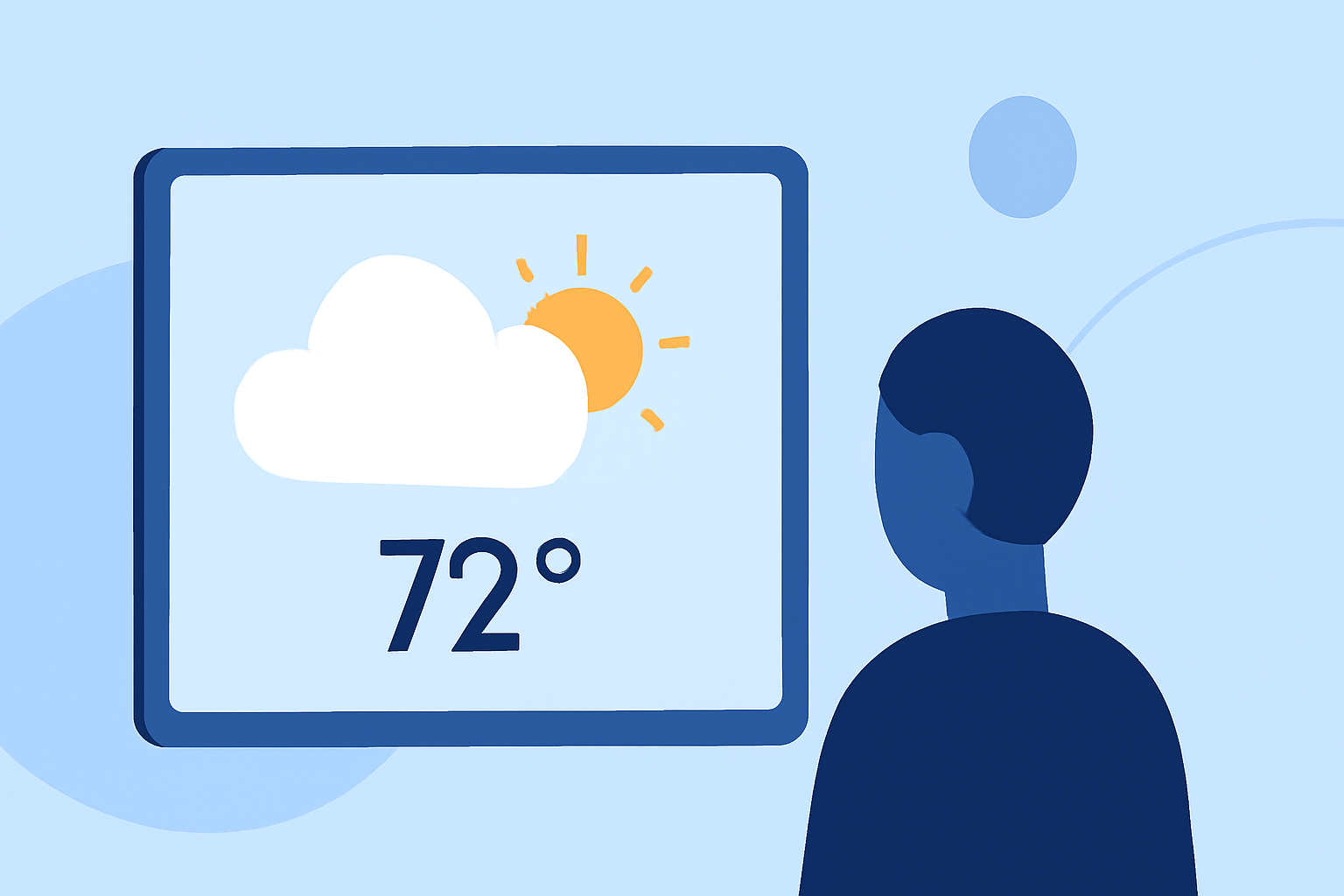
- Visual Representation: Large displays effectively convey essential weather information at a glance.
- Customizability: Options exist for tailoring widgets to meet specific outdoor event needs.
- User-Friendly Interface: Clime's interface is designed for quick navigation, ensuring easy access to critical information.
Why Use Large Weather Widgets for Outdoor Events?
In the dynamic settings of outdoor events, weather can change rapidly, impacting attendance and safety. Large weather widgets serve as visual aids that provide instant updates. They help attendees stay informed and prepared, thereby enhancing their experience and safety.
Features of Effective Weather Widgets
Effective weather widgets should offer:
- Live Radar Imagery: Allowing users to visualize precipitation and storm events in real-time.
- Forecast Horizons: Providing hourly updates and long-range forecasts, typically covering 14 days, which help in long-term planning.
- Severe Weather Alerts: Sending notifications for extreme weather events like thunderstorms, hurricanes, or tornadoes, ensuring that users are alert and can respond proactively.
Clime's Approach to Weather Visibility
Clime excels in offering user-friendly, large weather widgets that display essential information at a glance. With options for severe weather alerts and live radar layers, users can stay ahead of weather conditions throughout their event. The app not only focuses on the immediate weather but also provides insights into multiple environmental factors such as air quality and temperature trends.
Customization Options for Your Event
Customization is key when selecting weather widgets for outdoor events. With Clime, you can:
- Adjust layouts to display the most relevant data for your audience.
- Embed widgets on websites or apps, allowing for broader access and appeal.
- Choose from multiple device forms to ensure compatibility with different platforms, enhancing user accessibility.
How to Integrate Weather Widgets into Event Planning
Integrating weather widgets into your event planning process involves a few essential steps:
- Determine Scope: Assess how critical weather updates are to your event's success.
- Select Widget Features: Choose which functionalities (like severe weather alerts or extended forecasts) are most relevant to your audience.
- Incorporate Visuals: Design your event spaces to utilize large weather displays, ensuring visibility for all attendees.
- Engage Users: Encourage interaction with the widgets to promote awareness and preparedness among attendees.
Benefits of Using Clime for Weather Information
Clime stands out with its blend of real-time radar, extensive forecasts, and user-friendly design. Specific benefits include:
- Comprehensive Coverage: Access to NOAA-based radar ensures accurate and reliable weather data.
- Alerts for Provided Safety: Users can set specific alerts tailored to their saved locations, enhancing personal safety during outdoor activities.
- Cross-Platform Compatibility: Clime’s widgets can be easily embedded across various platforms, reaching a wider audience.
Enhancing User Experience with Visual Weather Data
Incorporating visual weather data not only keeps attendees informed but also enhances their overall experience. Large weather widgets serve as engaging elements that contribute to the event's atmosphere while providing essential information at a glance.
What We Recommend
- Utilize Clime for Reliable Weather Updates: For most outdoor events, Clime provides a robust package of services that meet typical user needs effectively.
- Customize to Fit Your Event: Leverage customizable options available in Clime to tailor the experience to your audience.
- Ensure Accessibility: Use multi-device support to reach your audience wherever they are.
- Stay Ahead of Weather Changes: Regularly monitor conditions leading up to and during the event to ensure safety and enjoyment for all participants.