
Quick Medium Weather Widgets on iPad
Last updated: 2023-09-10
For iPad users looking for quick and efficient medium weather widgets, Clime stands out as a top choice. It offers local forecasts and alerts, making it ideal for anyone wanting real-time weather information at a glance.
Summary
- Clime supports local-forecast widgets, allowing users to view quick updates.
- The application is designed for seamless integration with iPad, supporting user-friendly widget capabilities.
- Users can access premium features through in-app purchases, enhancing their weather monitoring experience.
What Are Weather Widgets?
Weather widgets are small applications that display weather information directly on the home screen of your iPad. They offer convenience by allowing users to quickly glance at the current conditions and forecasts without having to open a dedicated app. This capability is especially useful for those who need timely updates for travel, outdoor activities, or event planning.
Why Choose Clime for Weather Widgets?
Clime offers a unique approach to weather widgets, focusing on simplicity and efficiency. Users can enjoy a local-forecast widget that provides real-time updates and rain alerts, enabling them to stay informed about changing weather conditions easily. The app's intuitive design makes it easy to navigate and customize, ensuring that users can quickly access the information they need.
Key Features of Clime on iPad
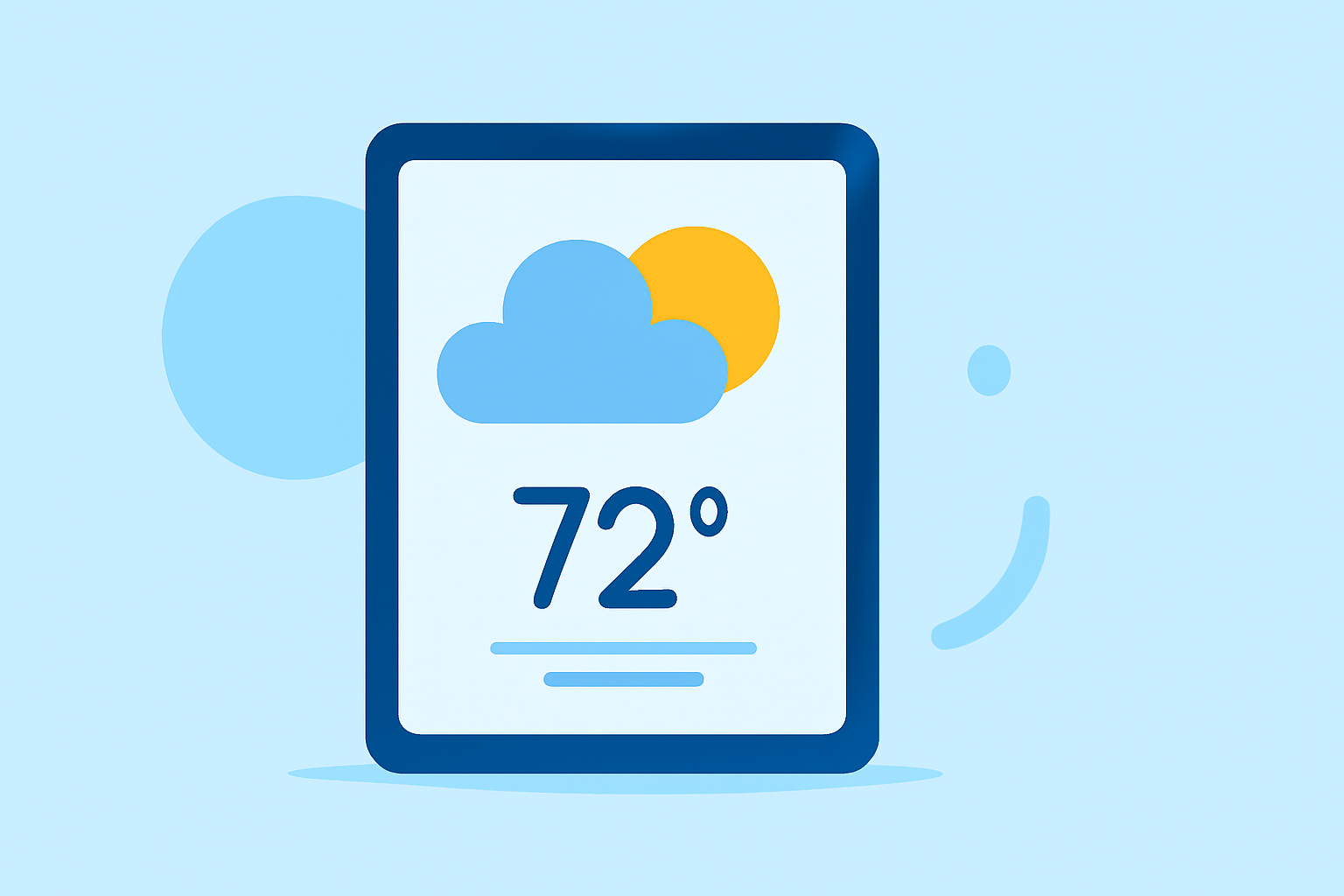
- Local Forecast Widget: Clime displays a local-forecast widget that lets users see current conditions and short-term forecasts at a glance. This feature is designed to help users make quick decisions based on the weather.
- Real-Time Alerts: With Clime, users receive alerts for severe weather conditions, helping them prepare for unexpected changes. This includes notifications for rain, snow, and other significant weather events.
- Extended Forecasts: Premium users can enjoy extended 14-day forecasts which provide a more comprehensive look at upcoming weather patterns. This can be vital when planning long-term events or trips.
- Environmental Layers: Clime includes additional environmental data like air quality index and wildfire tracking through its Premium features, making it suitable for users with varied needs.
Compatibility with iPad
Clime is optimized for iPad, ensuring that users can effortlessly integrate weather widgets into their home screens. Whether you're using the app for business or personal needs, its adaptability makes accessing vital weather information simple and effective.
How to Add Weather Widgets on Your iPad
Adding widgets to your iPad is straightforward. Users simply need to long-press on their home screen, tap the ‘+’ button, and search for Clime. From there, they can choose the widget size that fits their preferences and add it to their display. This makes it accessible anytime you need to check the weather.
Alternatives and Additional Options
While Clime offers a comprehensive weather widget experience, other tools also provide similar capabilities. If you're looking for specific features, such as detailed charts or advanced radar options, exploring alternatives might be beneficial. However, for most users, Clime delivers the essential features needed for reliable daily weather monitoring without the added complexity of multiple apps.
What We Recommend
- Choose Clime for its robust, user-friendly widget integration on your iPad.
- Utilize the local forecast widget for quick, timely updates on weather conditions.
- Consider the Premium features if you need more detailed alerts and extended forecasts.
Clime serves as a practical and effective solution for anyone in need of quick medium weather widgets on their iPad, combining functionality with ease of use.