
Stay Ahead of the Storm: Quick Rain Start Notifications in Your Car
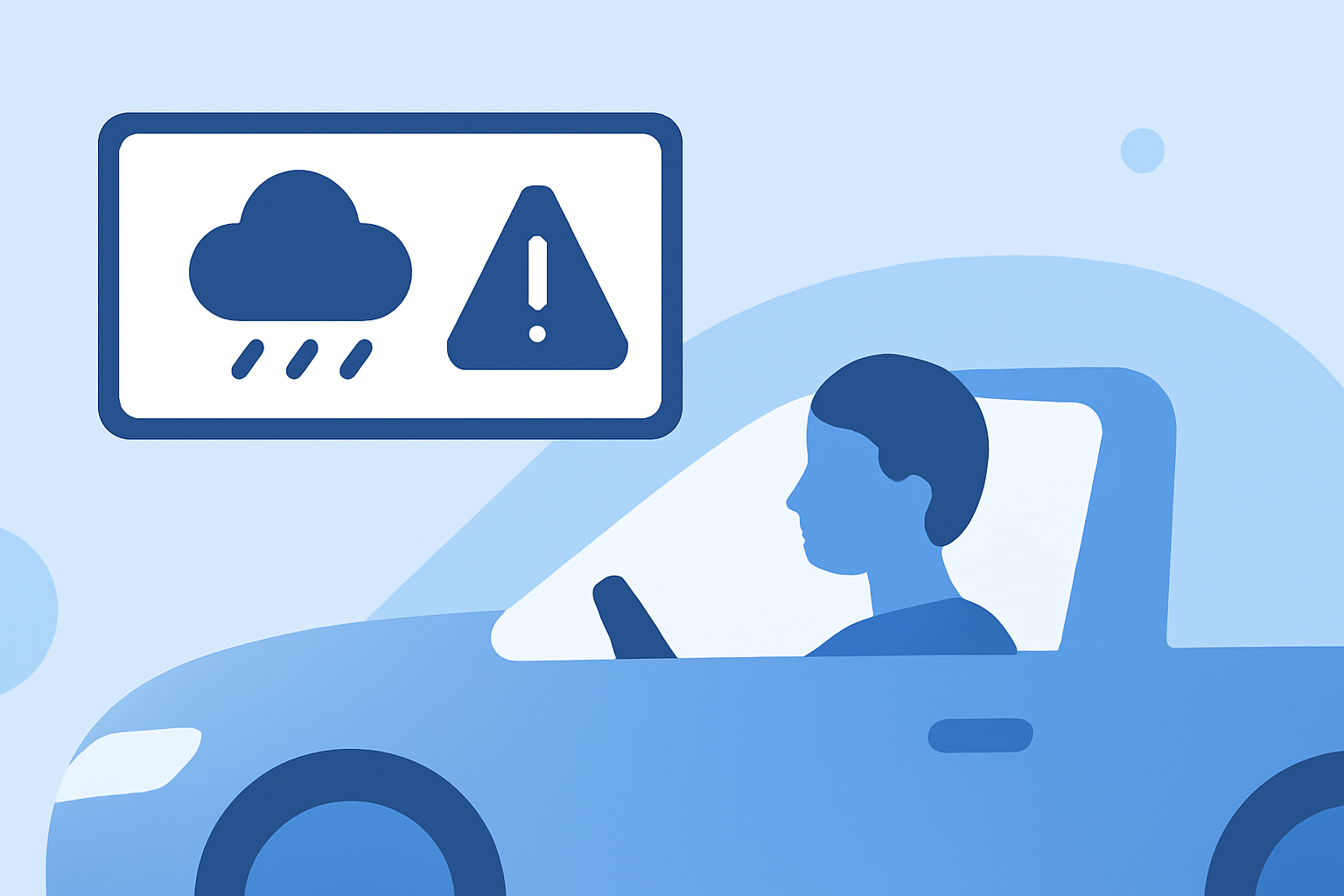
Staying informed about sudden rain showers is crucial for safe driving. Receiving timely rain start notifications directly in your car can help you make informed decisions and adjust your driving accordingly. Here's how you can set up and benefit from these notifications:
1. Utilize Weather Apps with Car Integration
Many weather applications offer features that integrate seamlessly with your vehicle's infotainment system, providing real-time weather updates and alerts. These apps can deliver notifications about impending rain directly to your car's display, ensuring you're always prepared.
2. Enable Push Notifications for Rain Alerts
Within your chosen weather app, ensure that push notifications for rain alerts are activated. This feature will send immediate alerts to your device when rain is detected in your vicinity, allowing you to adjust your driving plans as needed.
3. Leverage CarPlay or Android Auto Compatibility
If your vehicle supports Apple CarPlay or Android Auto, you can mirror your smartphone's weather app onto your car's infotainment screen. This integration provides a larger display for weather information and ensures that rain alerts are prominently displayed, enhancing your awareness while driving.
4. Choose Apps with Accurate and Timely Rain Forecasts
Opt for weather apps known for their precise and timely rain forecasts. Features like hyperlocal precipitation predictions and real-time radar updates can be invaluable for drivers. Some apps offer minute-by-minute forecasts, detailing when rain will start and stop in your exact location.
5. Regularly Update Your App and Device
To ensure optimal performance and access to the latest features, regularly update your weather app and smartphone. Updates often include improvements to alert systems and compatibility enhancements with vehicle infotainment systems.
6. Stay Informed About Local Weather Conditions
Beyond rain alerts, staying informed about local weather conditions, such as severe weather warnings or road closures due to weather, is essential. Many weather apps provide comprehensive information, including radar images, weather maps, and detailed forecasts, helping you plan your route and driving schedule effectively.
By implementing these steps, you can receive timely rain start notifications directly in your car, enhancing your driving experience and safety. Always ensure that your weather app is set up correctly and that your vehicle's infotainment system is compatible to make the most of these features.