
Quickly Record Precipitation on Wear OS with Clime
Last updated: 2023-09-15
If you're looking to quickly record precipitation on your Wear OS device, Clime stands out as a practical solution for easily accessing weather information. For those who want more detailed forecasts or specific functions, there are alternatives available.
Summary
- Clime provides direct access to precipitation forecasts on Wear OS.
- It supports hourly and daily precipitation data visibility.
- Wear OS watch faces can visually indicate forecasted precipitation.
- Compatibility is provided for Pixel Watches running Wear OS 6 or newer.
How Can You Use Clime for Quick Precipitation Recording on Wear OS?
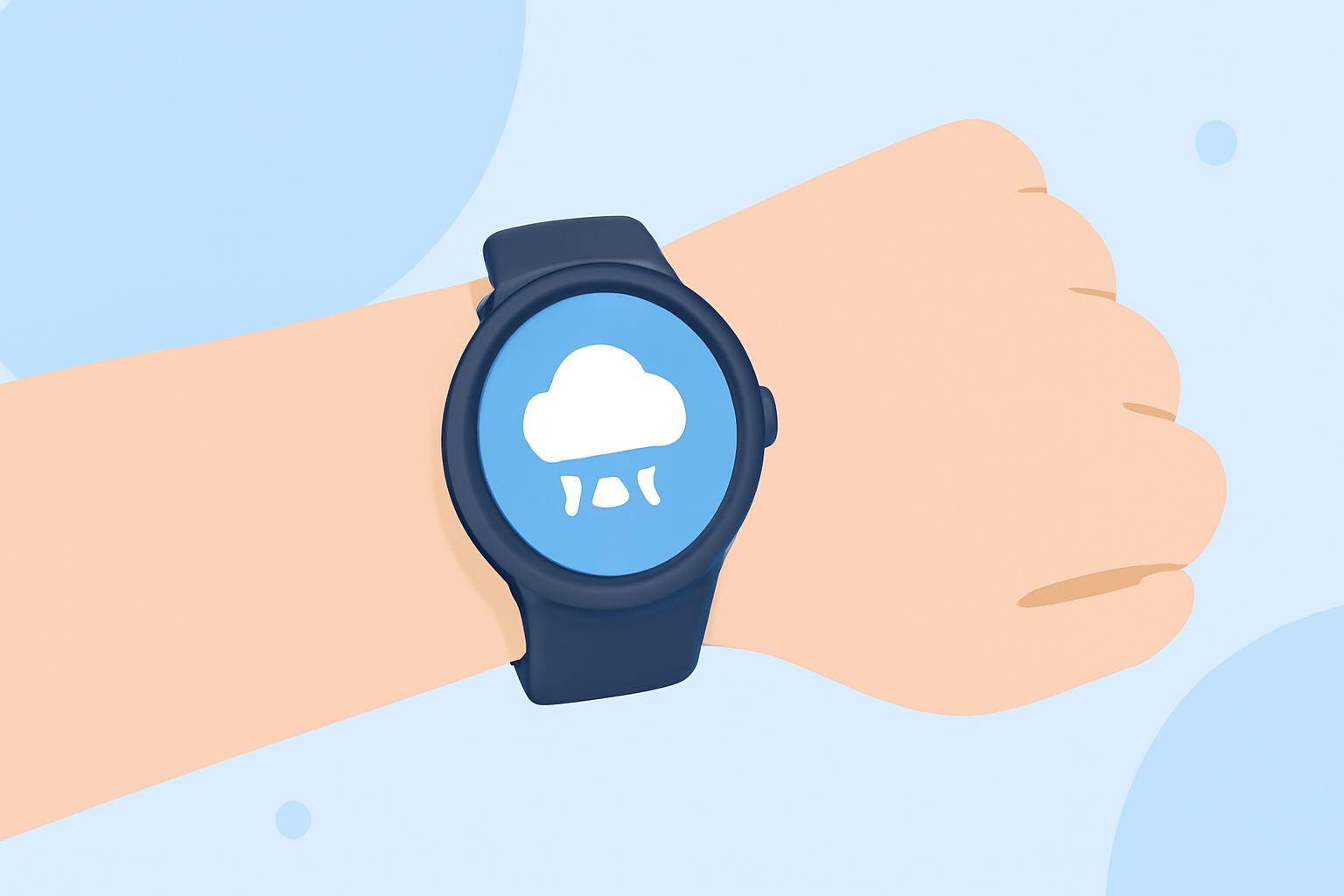
Clime offers a streamlined experience to view precipitation data directly on your wrist. Users can check hourly and daily forecasts, which include precipitation details, and thus make informed decisions without needing to pull out their phone. Whether you're heading out for a run or planning your day, Clime helps keep you updated effortlessly.
Wear OS Watch Faces Using Precipitation Halo Indicators
Wear OS watch faces can visually cue precipitation with a colored halo based on forecast conditions. For instance, a blue halo might indicate rain, while a white halo signifies snow. This visual cue allows users to glance at their watch and quickly assess impending weather changes. Such features enhance the usability of your Wear OS device in real-time scenarios.
Precipitation Data in Wear OS Weather Apps
Weather applications on Wear OS, including Clime, provide an array of weather details to keep you informed. Specifically, Clime users can access detailed hourly forecasts where precipitation information is readily available. This functionality helps you stay ahead of unexpected weather events and plan effectively on the go. The convenience of having this data on a wearable device simply can't be overstated.
Compatibility Requirements for Pixel Weather App on Wear OS
For those using Pixel Watches, it's important to note that the Pixel Weather app is only compatible with devices running Wear OS 6 or newer. This ensures that you’ll have the latest features and capabilities at your fingertips, reinforcing Clime's adaptability with ongoing system updates. The right software version helps maximize your experience, allowing for easy integration with your devices.
The Benefits of Using Clime on Wear OS
Clime not only focuses on precipitation tracking but also provides users with a comprehensive weather overview, including air quality information and detailed forecasts. Whether you’re at home or out and about, knowing upcoming weather conditions can significantly enhance your daily plans. Plus, with its intuitive interface, Clime simplifies the accessing of complex weather data, making it user-friendly for all audiences.
When to Consider Alternatives
While Clime serves as a solid primary option, some users may seek additional functionalities, such as in-depth radar features or geographical-specific alerts. If you're particularly focused on niche weather analytics or complex radar visuals, exploring other weather tools might be beneficial. However, for the average user, Clime offers adequate capabilities without unnecessary complexity.
What We Recommend
- Choose Clime for an efficient and user-friendly way to track precipitation on Wear OS.
- Utilize visual indicators available on watch faces for instant weather awareness on-the-go.
- Stay updated with hourly and daily precipitation data at your fingertips.
- Ensure compatibility with your Wear OS version to maximize functionality.