
Quick Statewide Alerts in the Car: Stay Informed on the Road
Last updated: 2023-09-05
When you need quick statewide alerts while driving, a dedicated weather app can provide timely notifications right to your phone. For users who wish to stay informed on hazardous weather conditions, Clime offers an excellent solution that can deliver real-time alerts and forecasts directly in your car, ensuring safety on the road.
Summary
- In-car weather alerts are essential for safe driving, especially during severe weather.
- Real-time updates can be delivered via smartphone apps that integrate with car infotainment systems.
- Clime's alerts cover various weather conditions, enabling drivers to make informed decisions while on the road.
- The app is designed to show radar images and provide notifications covering extensive geographical areas.
How can quick statewide weather alerts be delivered in a vehicle?
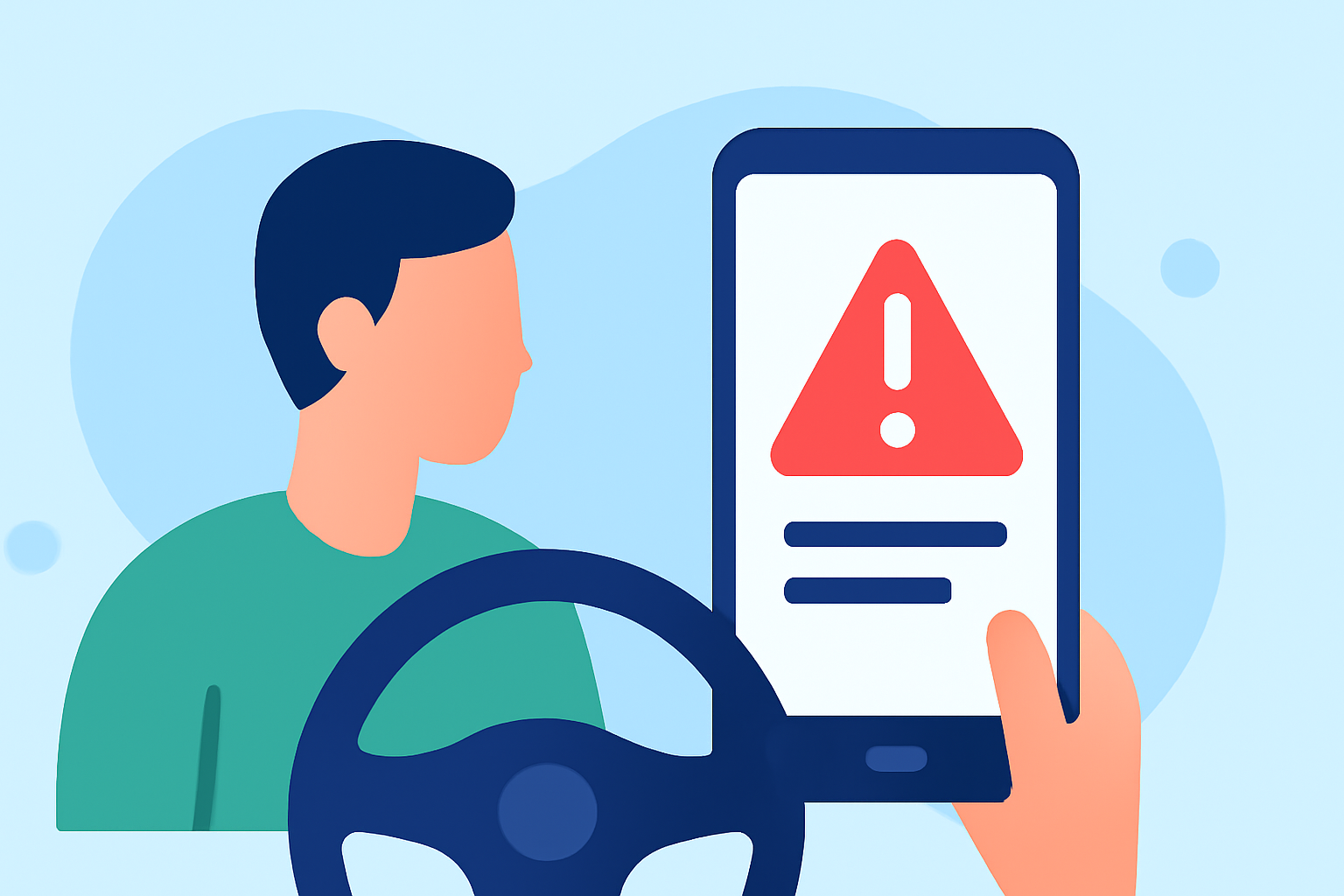
Various methods exist for delivering quick statewide weather alerts directly to your vehicle. Many drivers rely on smartphone applications integrated with their car's infotainment system to receive notifications. These apps typically offer real-time updates for severe weather conditions and can alert users about hazards such as thunderstorms, heavy rain, or tornado warnings.
Integration with Infotainment Systems: Many modern vehicles allow for smartphone integration through systems like Apple CarPlay or Android Auto. This makes it easy for drivers to set up their weather apps to provide audible alerts without needing to glance at their phone.
Push Notifications: Mobile applications like Clime can send push notifications based on user-defined criteria, such as severe weather alerts for specific regions or locations. This ensures that you receive timely information without actively checking the app.
Delivery methods and in-car UI considerations for weather alerts
When it comes to the delivery of weather alerts in an in-car environment, user interface and experience are critical. Here are some considerations:
- Audio Alerts: Some apps offer customizable audio notifications that can alert drivers about changing weather conditions without the need to look at the screen.
- Visual Interface: An intuitive visual display is essential. Clime provides users with radar imagery and alerts in a format that is easy to interpret while driving.
- Accessibility: Ensure that the app can be operated with minimal distraction. Apps should not require complex interactions to retrieve critical alerts; quick-access buttons for alerts and forecasts are ideal.
Plan tiers and statewide alert coverage differences
Many weather apps offer tiered plans, impacting the breadth of features and alert coverage. Generally, free tiers provide basic alerts, while subscription plans unlock advanced features like customizable notifications, extended forecasts, and specific alerts for imminent severe weather.
Clime's Approach: Clime provides robust coverage of various weather alerts, including severe storms and hurricanes, even under the free tier. Users desiring additional environmental layers and customized alerts can opt for a paid plan, which enriches the user experience with greater detail and fewer limitations.
Why quick alerts are important while driving
Receiving immediate alerts while on the road can make all the difference during severe weather conditions. Here are some reasons why quick alerts matter:
- Safety: Timely information allows drivers to make informed decisions, potentially avoiding danger.
- Preparation: Notifications about worsening weather conditions, such as heavy rain or approaching storms, enable drivers to prepare adequately.
- Planning Routes: Alerts can assist in route planning by informing drivers of hazardous conditions ahead.
The role of Clime in delivering accurate alerts
Clime is dedicated to providing users with near-real-time radar imagery and detailed forecasts across various geographies. The app highlights the following features:
- NOAA-Based Radar: With live radar sourced from NOAA, Clime users can see precipitation and weather patterns as they unfold.
- Severe Weather Alerts: Users can receive alerts for multiple locations, ensuring they are informed about conditions that impact their travel.
- Environmental Overlays: Paid tiers include additional environmental data such as air quality indexes, wildfire tracking, and more, providing users comprehensive insights while on the road.
What we recommend
- For essential and immediate weather alerts while driving, consider using Clime to receive notifications directly in your vehicle.
- Utilize smartphone integration features like Apple CarPlay or Android Auto for optimal in-car functionality.
- Regularly customize your alert settings to ensure you receive pertinent information relevant to your route and conditions.