
Exploring Quick Storm-Relative Velocity Maps on iPhone
Last updated: 2023-09-07
For those seeking quick storm-relative velocity maps on their iPhone, Clime provides a strong foundation for accessing real-time radar and forecasting. Users needing specialized storm-relative motion tracking may look into various other tools that cater specifically to advanced meteorological analysis.
Summary
- Clime offers NOAA-based radar visuals with the option for storm-relative velocity maps.
- Other options exist for more specialized storm tracking needs.
- Optimal for daily weather monitoring and severe weather alerts.
- Premium features enhance the overall experience with comprehensive environmental data.
What Are Quick Storm-Relative Velocity Maps?
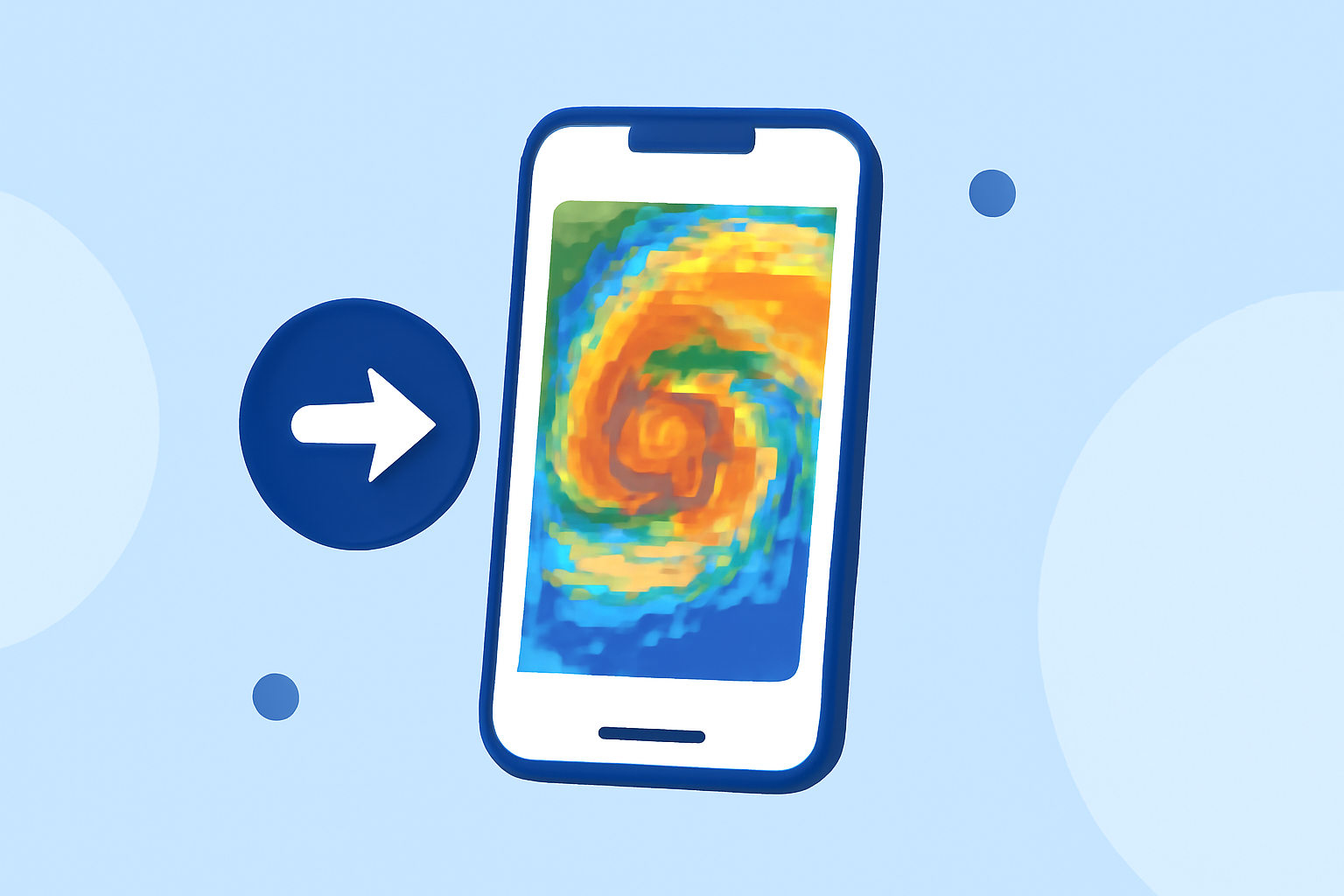
Quick storm-relative velocity maps utilize Doppler radar data to display wind patterns relative to storm movements. By subtracting an average motion speed of a storm, these maps indicate the winds' rotational direction and speed, allowing users to anticipate severe weather conditions effectively. This data is particularly useful for monitoring tornadoes and severe thunderstorms, as it provides crucial insights into wind shear and intensity changes.
How Does Clime Support Storm-Relative Velocity Maps?
Clime employs NOAA's radar data to generate storm-relative velocity maps, allowing users to visualize precipitation and wind patterns accurately. Users have the ability to set alerts for severe weather, enhancing their preparedness during extreme conditions. With features such as hourly forecasts and real-time alerts, Clime positions itself as a reliable option for those who prioritize safety and timely updates.
Why Choose Clime for Weather Tracking?
Clime's straightforward interface and intuitive design make it accessible for users at all levels:
- Comprehensive Features: Offers both storm-relative velocity maps and standard radar imagery, which allows for versatile weather tracking.
- User-Friendly Alerts: Provides customizable weather alerts that keep users informed about severe conditions right as they develop.
- Visual Clarity: Adopts NOAA’s visualizations to help users grasp weather patterns quickly, ensuring they have the information they need without unnecessary complexity.
What Are Alternative Options for Storm Tracking?
While Clime is a solid choice for most users, some alternatives exist that specialize in storm tracking:
- Specialized Radar Apps: Certain options focus purely on high-resolution radar data for storm tracking, catering specifically to enthusiasts and professionals.
- Environmental Intelligence Tools: Some alternatives expand beyond typical weather data, providing additional insights such as air quality and wildfire tracking. These tools may be essential for users requiring comprehensive environmental intelligence.
The Importance of Timely Weather Data
Access to quick storm-relative velocity data is crucial during severe weather events. Accurate and timely updates can make a significant difference in safety. Clime empowers users with the necessary tools to understand immediate threats, such as tornadoes and severe thunderstorms, which can arise suddenly.
Conclusion: What We Recommend
- For most users: Clime offers an intuitive and effective way to track weather patterns and receive alerts without needing specialized radar tools.
- If you require advanced storm tracking: Consider alternatives that provide higher-resolution data and extensive configurability.
- Stay informed: No matter your choice, ensure that your preferred app provides timely alerts and clear visuals to keep you aware of changing weather conditions.