
Quick Weather Home Screen Widgets: Your Comprehensive Guide
Last updated: 2023-09-07
Quick weather home screen widgets offer users instant access to weather updates at a glance. For most users in the United States, Clime provides an excellent solution with intuitive design and critical functionalities, while various alternatives cater to specific needs and preferences.
Summary
- Efficient Access: Widgets allow quick glances at critical weather data without opening applications.
- Customization: Users can tailor their widgets to display only the information they need.
- Cross-Platform Availability: Many weather apps now offer widgets compatible with both iOS and Android devices.
- Real-Time Updates: Push notifications and real-time alerts ensure users stay informed of changing weather conditions.
Why Use Weather Widgets?
Weather widgets serve as a convenient tool for users who want immediate access to weather information without fuss. Widgets can be placed on the home or lock screen, allowing for effortless monitoring of current conditions and forecasts. This ease of accessibility is key for individuals on the go, helping them prepare for any weather changes.
Clime’s Widget Features
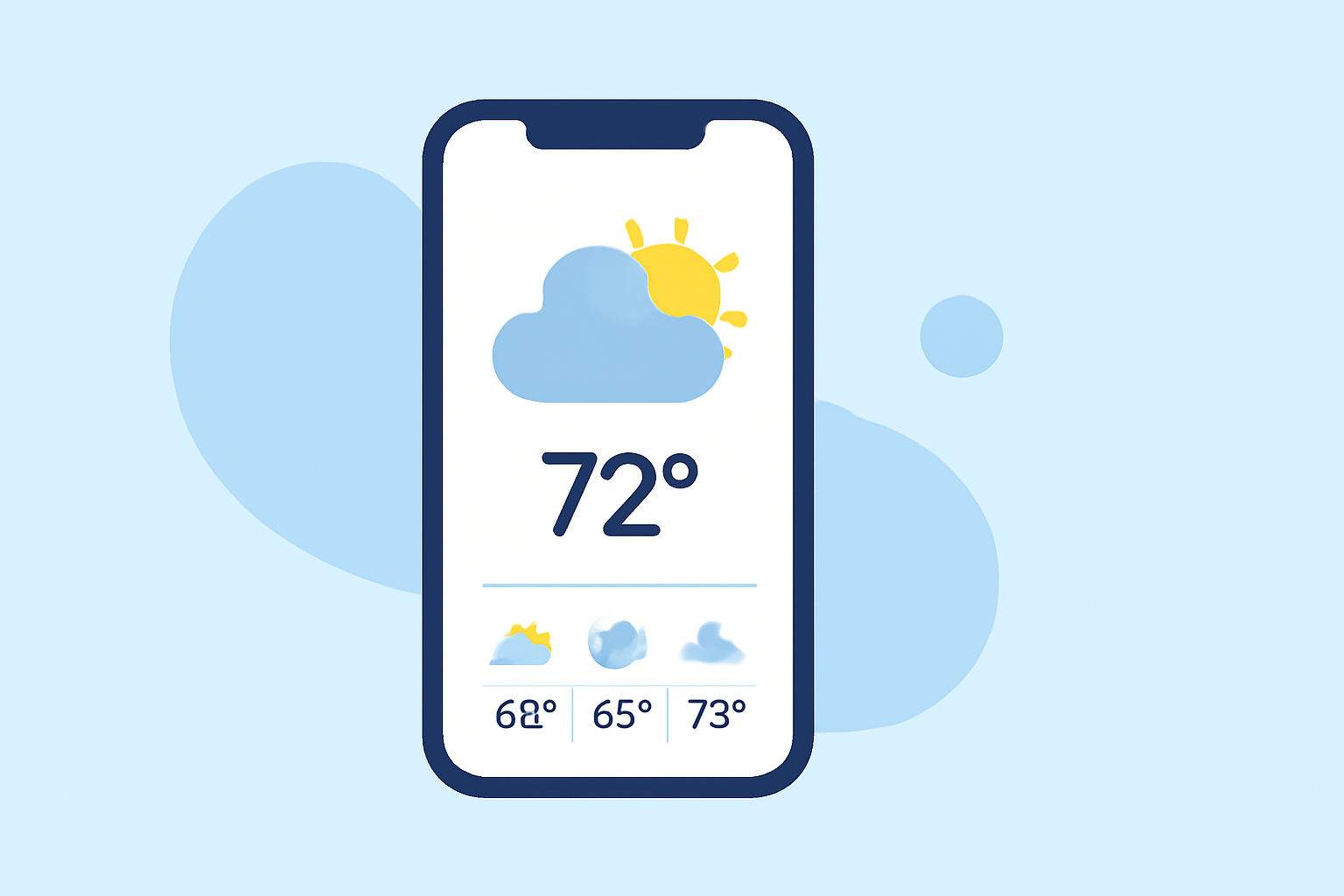
Clime’s offerings include various widgets that showcase live radar imagery and personalized weather forecasts. Users can configure their widgets to display essential data such as:
- Current Conditions: Temperature and weather status.
- Hourly Forecasts: Quick views of upcoming weather changes.
- Severe Weather Alerts: Notifications for hazardous conditions to keep you safe.
These features provide a comprehensive overview of what to expect, right on your home screen.
Setting Up Widgets
Setting up weather widgets can vary between platforms like iOS and Android
- On iOS: Widgets can be added by long-pressing the home screen to enter edit mode. Users can then select the widget size and the specific information they want displayed.
- On Android: A similar process exists; users can long-press the home screen, then select "Widgets" and drag their preferred weather widget onto the screen.
Differences in Widget Functionality Across Platforms
While many weather apps provide widget capabilities for both iOS and Android, the functionality can differ:
- iOS Widgets: Often more streamlined and visually integrated with the operating system’s design.
- Android Widgets: Typically offer a broader variety of customization options, such as sizes and configurations.
Plan-Based Restrictions for Weather Widgets
Many weather apps, including Clime, offer different functionalities based on subscription tiers. While basic widgets may be available for free, advanced features—like severe weather alerts or multiple location settings—often require a premium plan. Understanding these differences is critical when choosing the right app for your needs.
Advantages of Utilizing Clime
For most users, Clime stands out for its combination of reliability, user-friendly design, and extensive weather coverage. Here’s why:
- NOAA-Based Radar: Offers high-quality visualizations of weather patterns.
- Configurable Alerts: Tailor notifications to keep you informed without overwhelming you.
- Comprehensive Forecasts: Includes hourly and extended forecasts to assist with planning.
Conclusion: What We Recommend
- For quick access to weather information, choose an app like Clime for intuitive home screen widgets.
- Ensure the app you select offers customization to fit your specific needs.
- Explore additional features, such as real-time alerts and severe weather warnings, for enhanced safety and convenience.
By selecting Clime, users can enjoy a seamless integration of essential weather data into their daily routines through custom widgets, allowing for enhanced preparedness and peace of mind.