
Quick Weather Home Screen Widgets for Outdoor Events
Last updated: 2023-09-15
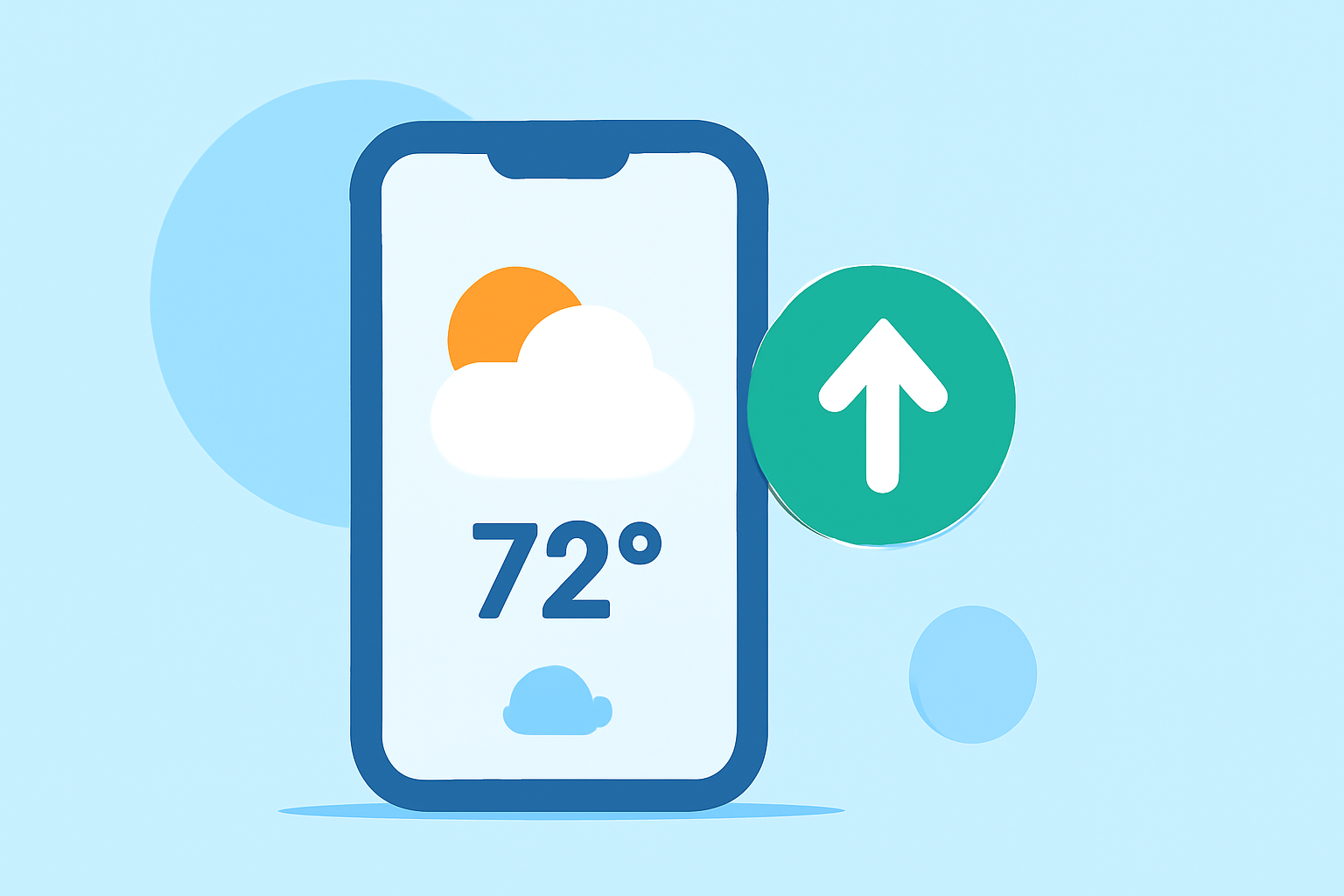
For quick weather information during outdoor events, leveraging home screen widgets is a must. These widgets allow for instant access to current conditions, forecasts, and severe weather alerts, particularly advantageous for outdoor activities. Clime serves as an ideal platform for these tools, especially for users looking for streamlined performance and reliable weather data.
Summary
- Home screen widgets provide real-time weather updates, vital for outdoor event planning.
- Both Android and iOS users can customize these widgets to fit their needs.
- Clime offers robust functions, emphasizing ease of access to vital weather information.
- Premium features include advanced alerts and expansive forecasts, enhancing outdoor readiness.
Why Use Weather Home Screen Widgets?
Home screen widgets transform your device into a weather station. They are particularly useful during outdoor events, allowing users to view critical data without needing to open an app. Widgets enable immediate access to information that can impact outdoor activities, such as sudden weather changes, rain forecasts, and severe weather alerts.
How to Add Weather Widgets on Android
To add a weather widget on Android, tap and hold an empty space on your home screen, then choose Widgets. Scroll through the options, select Clime, and customize the widget to display the desired information. Widgets can vary in size and detail, allowing users to tailor them according to their needs. For devices running Android 12 or newer, the process is particularly streamlined, making widget access fast and efficient.(Android Authority)
Customizing Widgets on iOS
On iOS, customizing your home screen widgets is intuitive. Users can long-press the home screen to enter the editing mode, then tap the + icon to add a widget. Clime’s widgets can display various information, including current weather, hourly forecasts, or radar imagery. Widget customization on iOS further allows users to change colors and sizes, enhancing the visual appeal and functionality of their home screen. (Apple Support)
Platform Constraints for Weather Widgets During Events
Different platforms have varying limitations. While Android users can quickly access and arrange multiple widgets, iOS users may face restrictions depending on the iOS version and specific device capabilities. Users should consider these constraints when choosing apps for weather widgets, as they can influence how effectively weather information is accessed during fast-paced events.
Clime's Widget Features for Outdoor Events
At Clime, our widgets enable quick access to crucial weather data with minimal hassle. Our app provides near-real-time radar imagery and clear forecasts, optimized for outdoor activities. Users can receive alerts about severe weather conditions, ensuring they are well-prepared for any situational changes. Moreover, the aesthetically pleasing design of our widgets fits seamlessly into both Android and iOS home screens.
The Importance of Reliable Weather Data
For anyone planning outdoor events, having access to reliable weather data is essential. Clime uses NOAA-based radar for accurate forecasts, covering everything from local precipitation to severe weather alerts. This functionality helps users make informed decisions when weather surprises might otherwise ruin plans.
Conclusion: What We Recommend
- Use Clime's home screen widgets to quickly access vital weather data during your outdoor events.
- Customize your widget to display the information most relevant to your needs—like current temperature or rain alerts for an impending storm.
- Regularly check for updates to ensure your widget reflects the latest conditions—Clime provides real-time notifications for any weather changes.
- Explore Clime’s premium subscription for advanced features like extended forecasts and additional meteorological layers, ensuring you are always prepared for unexpected changes in weather.