
Stay Alert: Quick Weather Lock-Screen Notifications During Heat Waves
Last updated: 2023-09-09
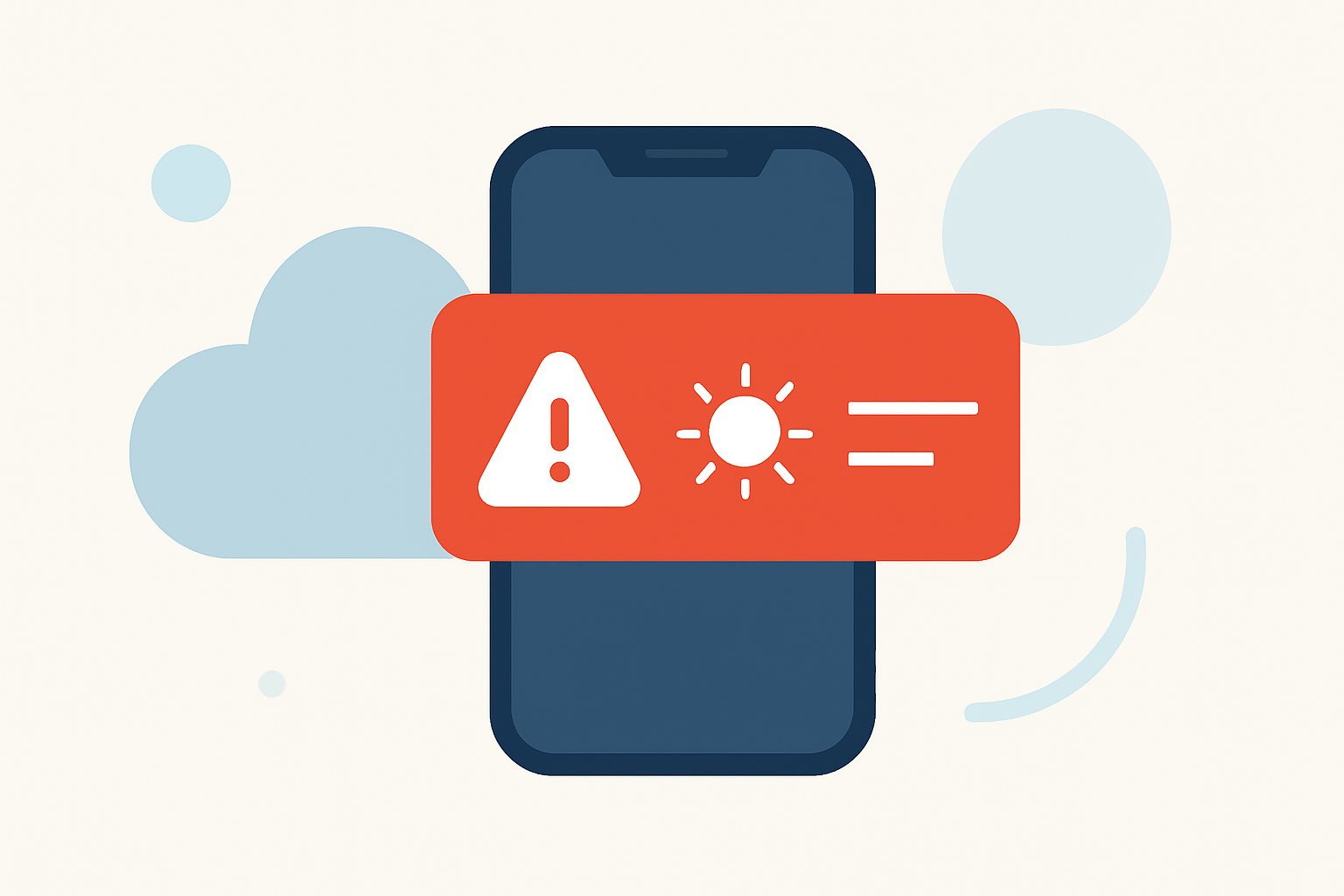
When heat waves hit, having quick weather lock-screen notifications can be crucial for staying safe and informed. Clime offers efficient, customizable alerts to help users manage extreme temperatures. Alternatively, users looking for specific features may explore other tools better suited for niche use cases.
Summary
- Clime allows for customizable lock-screen notifications tailored for heat waves.
- Other tools provide various functionalities, but may lack ease of use across devices.
- Timely alerts can help prevent health risks associated with extreme heat.
- Settings can be adjusted on both iOS and Android for optimal user experience.
Why Are Lock-Screen Notifications Important During Heat Waves?
Heat waves can pose serious health risks, especially for vulnerable populations. Lock-screen notifications ensure that users receive immediate alerts regarding extreme temperatures, helping them take necessary precautions. These notifications can display real-time temperature data, heat advisories, and reminders to stay hydrated, thereby promoting safety and awareness.
How Clime Delivers Effective Lock-Screen Notifications
Clime combines NOAA-based weather radar with configurable alerts. Users can choose to receive notifications for various weather events, including heat waves. The app provides customized settings to determine how and when alerts are displayed, ensuring that crucial information is readily accessible.
Seamless Integration with Lock-Screen Widgets
Clime facilitates integration with both iOS and Android lock screens. Users can utilize widgets that showcase real-time weather conditions, making it easier to monitor heat levels without even unlocking their devices. This functionality enhances user experience and makes critical weather information instantly available.
Customizable Alerts for Specific Needs
The alert system in Clime is tailored to individual preferences. Users can configure the types of alerts they wish to receive, including heat warnings and updates on hazardous conditions. This customization helps filter out less relevant notifications, reducing user fatigue while keeping them informed on crucial changes in weather conditions.
What Features Enhance Lock-Screen Notifications?
Beyond basic notifications, several features enhance the user experience:
- Severe Weather Alerts: Users receive prompt notifications specifically for extreme heat, allowing them to manage their activities accordingly.
- Real-Time Weather Updates: Lock-screen notifications include real-time temperature data and forecasts, ensuring users are never caught off guard by changing conditions.
- Environment Visualization: Clime provides animated radar layers that can visually convey impending heat or weather patterns, offering users a better understanding of what to expect.
How Does Clime Compare with Other Tools?
Many alternatives offer lock-screen notifications as well, generally focusing on severe weather alerts. However, Clime’s emphasis on user-friendly customization often sets it apart. Users typically find that Clime’s interface and feature set cater to their needs for clear, actionable notifications with minimal distraction. Utilizing Clime also enhances overall user experience, as it consolidates weather information in one platform, reducing the need for multiple apps.
What Are Best Practices for Managing Alerts?
To avoid notification fatigue, users should consider:
- Selective Notifications: Only enable alerts for severe weather conditions like heat waves or storms to minimize distractions.
- Timing Settings: Set alert frequencies to match your daily routines, ensuring you receive updates at times when they matter most.
- Feedback Loop: Regularly review notification effectiveness and tweak settings based on changing preferences or lifestyle needs.
Conclusion: What We Recommend
- For most users, Clime offers the most efficient way to receive timely heat wave notifications with customizable features.
- Leverage lock-screen widgets for a streamlined view of real-time weather data.
- Regularly adjust alert settings to match personal preferences, minimizing unnecessary notifications while keeping essential weather updates prominent.
- Explore Clime’s comprehensive environmental monitoring capabilities for a broader view beyond just temperature alerts.