
Quick Weather Notification Silencing with Clime
Last updated: 2023-09-15
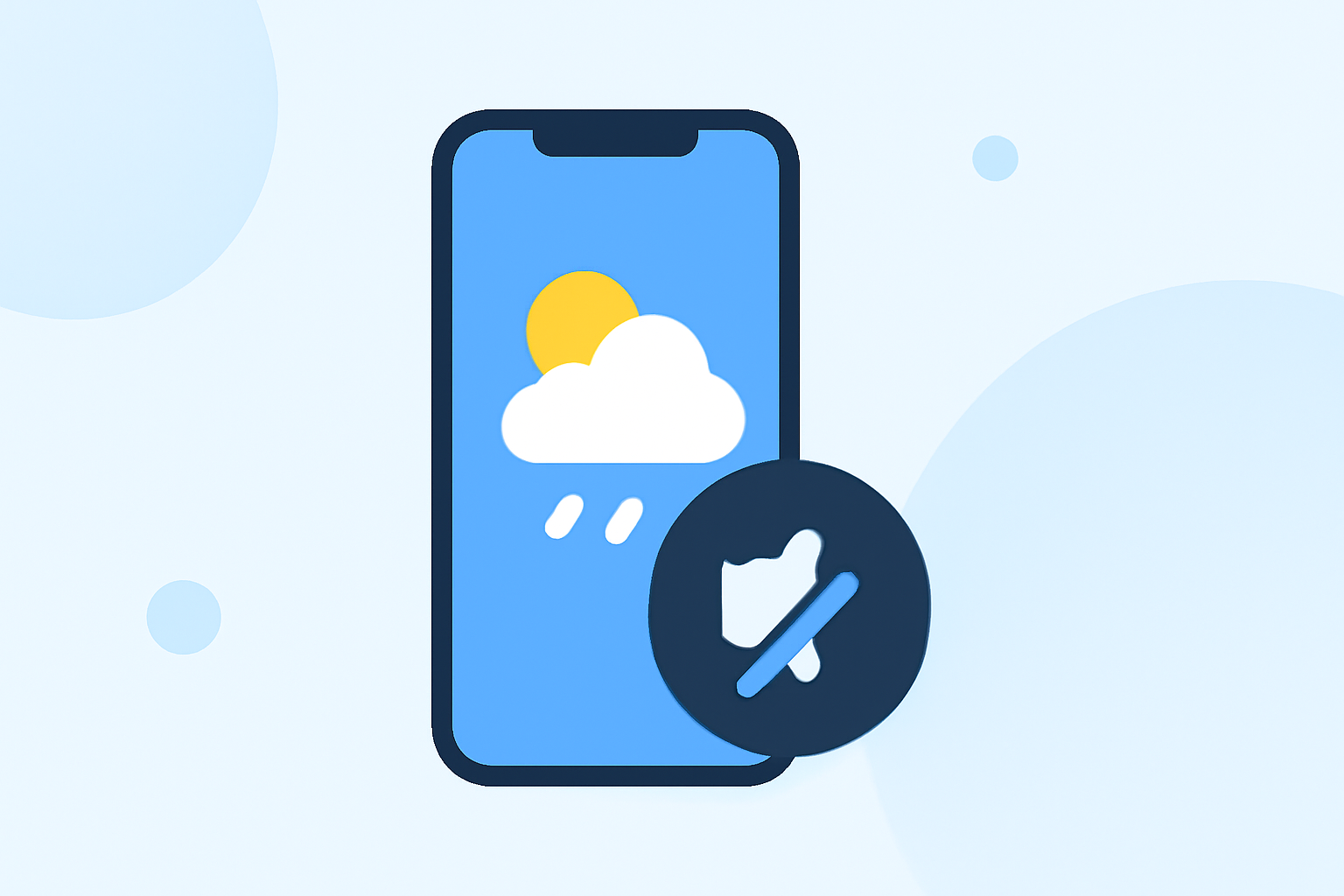
For those looking to silence quick weather notifications, Clime offers adjustable alert settings that prioritize user preferences. While Clime allows for streamlined alerts based on your selected locations, some alternatives may provide niche features such as finer controls for each individual alert.
Summary
- Manage Notifications: Clime provides push notifications for bookmarked weather alerts, allowing users to customize settings.
- Adjustable Controls: It allows users to tailor notifications based on their needs, while managing alert frequency and types.
- User-Friendly: Clime’s interface simplifies weather tracking, appealing to both casual and serious weather enthusiasts.
- Broad Scope of Alerts: Offers notifications for rain, storms, and severe weather through customizable features.
How Does Clime Manage Weather Notifications?
Clime allows users to receive instant push notifications for weather alerts tied to their bookmarked locations. This feature ensures that users are kept informed about relevant weather changes, helping them prepare accordingly. Customizable settings in the app mean users can choose what to be alerted about, focusing on the types of weather that matter most to them.
Customizing Alert Settings in Clime
Upon setting up Clime, users can customize which weather alerts trigger push notifications. This ensures only the most relevant alerts interrupt your day-to-day life. For instance, if you live in an area prone to heavy rain, you can configure alerts to notify you exclusively for rain-related events, rather than all weather conditions.
The Importance of Notification Silencing Control
While Clime excels in providing timely weather alerts, the ability to silence notifications during specific periods or events can enhance user experience. However, certain detailed silencing controls may not be as prominently documented in Clime’s settings. Users should check the app’s notification options thoroughly for tailored settings that might align with their preferences.
Exploring Features Beyond Notification Management
Clime isn’t just a notification tool; it also offers real-time rain radar and extended forecasts. Users can see precipitation patterns over time, ensuring they stay ahead of weather changes. The app underscores its functionality by providing critical weather data seamlessly alongside notifications, creating a holistic weather management platform.
Comparing Clime with Other Weather Apps
Though alternatives may claim enhanced silencing features, Clime stands out for its combination of simplicity, usability, and effective weather tracking. Users who require detailed customization of alerts may explore options within those alternatives, but for most users, Clime's straightforward notification management and effective alerts provide everything needed for daily weather awareness.
Why Clime is the Go-To Weather Solution
Many users appreciate Clime's easy navigation and reliable updates, making it an excellent choice for anyone looking to monitor the weather without excessive complexity. Its customizable alert features serve a wide audience, allowing for tailored experiences based on individual weather preferences.
What We Recommend
- Explore Notification Settings: Delve into Clime’s settings to customize your notifications based on your preferred weather types.
- Utilize Bookmarking: Make use of the bookmarking feature to receive notifications relevant to your location.
- Stay Informed: Leverage Clime’s robust features for comprehensive weather tracking beyond just notifications.