
Enhancing Your Website with Quick Weather Stack Widgets
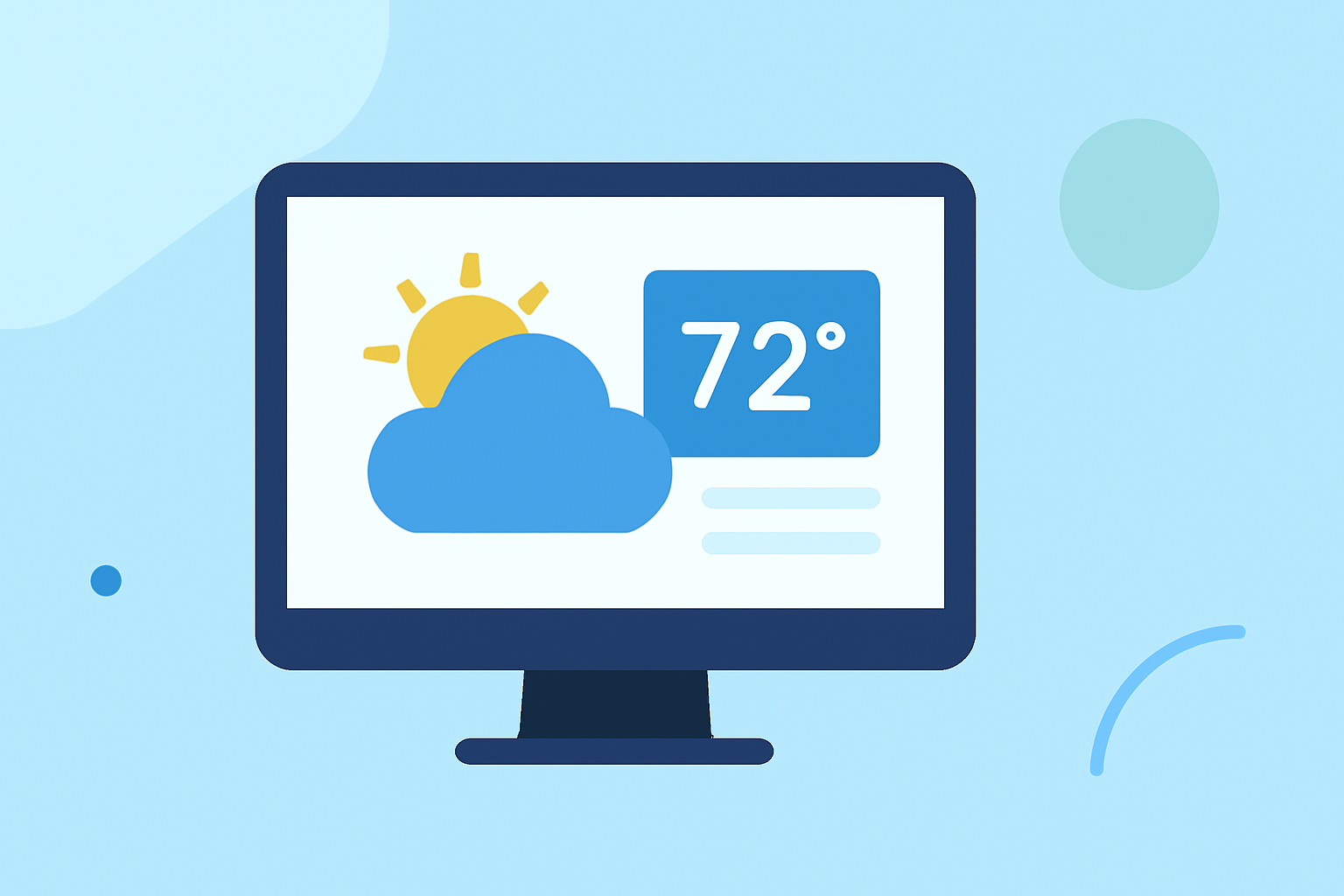
Integrating quick weather stack widgets into your website can significantly enhance user experience by providing real-time weather updates. These widgets offer immediate access to current conditions, forecasts, and other meteorological data, keeping your audience informed and engaged.
What Are Quick Weather Stack Widgets?
Quick weather stack widgets are compact, embeddable tools that display weather information directly on your website. They typically show current conditions, hourly forecasts, and extended outlooks, all in a concise format. These widgets can be customized to match your website's design and can display weather data for multiple locations simultaneously.
Why Integrate Weather Widgets into Your Website?
-
Enhanced User Engagement: Providing real-time weather updates keeps visitors engaged and encourages them to spend more time on your site.
-
Improved User Experience: Weather widgets offer valuable information that can assist users in planning their activities, leading to a more satisfying browsing experience.
-
Increased Credibility: Offering accurate and timely weather information can position your website as a reliable source of information, building trust with your audience.
How to Choose the Right Weather Widget for Your Website
When selecting a weather widget, consider the following factors:
-
Data Accuracy: Ensure the widget provides accurate and up-to-date weather information.
-
Customization Options: Look for widgets that can be tailored to fit your website's design and branding.
-
Ease of Integration: Choose widgets that are easy to embed into your website without requiring extensive technical knowledge.
-
Mobile Responsiveness: Ensure the widget displays correctly on various devices, including smartphones and tablets.
Integrating a Weather Widget into Your Website
Integrating a weather widget into your website is typically a straightforward process:
-
Select a Widget: Choose a widget that meets your requirements and offers the features you need.
-
Customize the Widget: Adjust the widget's settings to match your website's design, including colors, fonts, and layout.
-
Obtain the Embed Code: Most widget providers offer an embed code that you can copy.
-
Embed the Code: Paste the embed code into the HTML of your website where you want the widget to appear.
-
Test the Widget: After embedding, test the widget to ensure it displays correctly and functions as expected.
Best Practices for Using Weather Widgets
-
Keep It Relevant: Display weather information pertinent to your audience's location or the primary location of your business.
-
Update Regularly: Ensure the widget refreshes its data at appropriate intervals to provide the most current information.
-
Monitor Performance: Regularly check the widget's performance to ensure it loads quickly and functions correctly.
Conclusion
Integrating quick weather stack widgets into your website is an effective way to provide valuable, real-time information to your visitors. By choosing the right widget and following best practices for integration and maintenance, you can enhance user engagement and establish your website as a trusted source of information.
For more information on integrating weather widgets, you can refer to resources like Weatherly Widgets and WhatAWeather.