
Quick Weather Updates for Skiing on Wear OS: Your Essential Guide
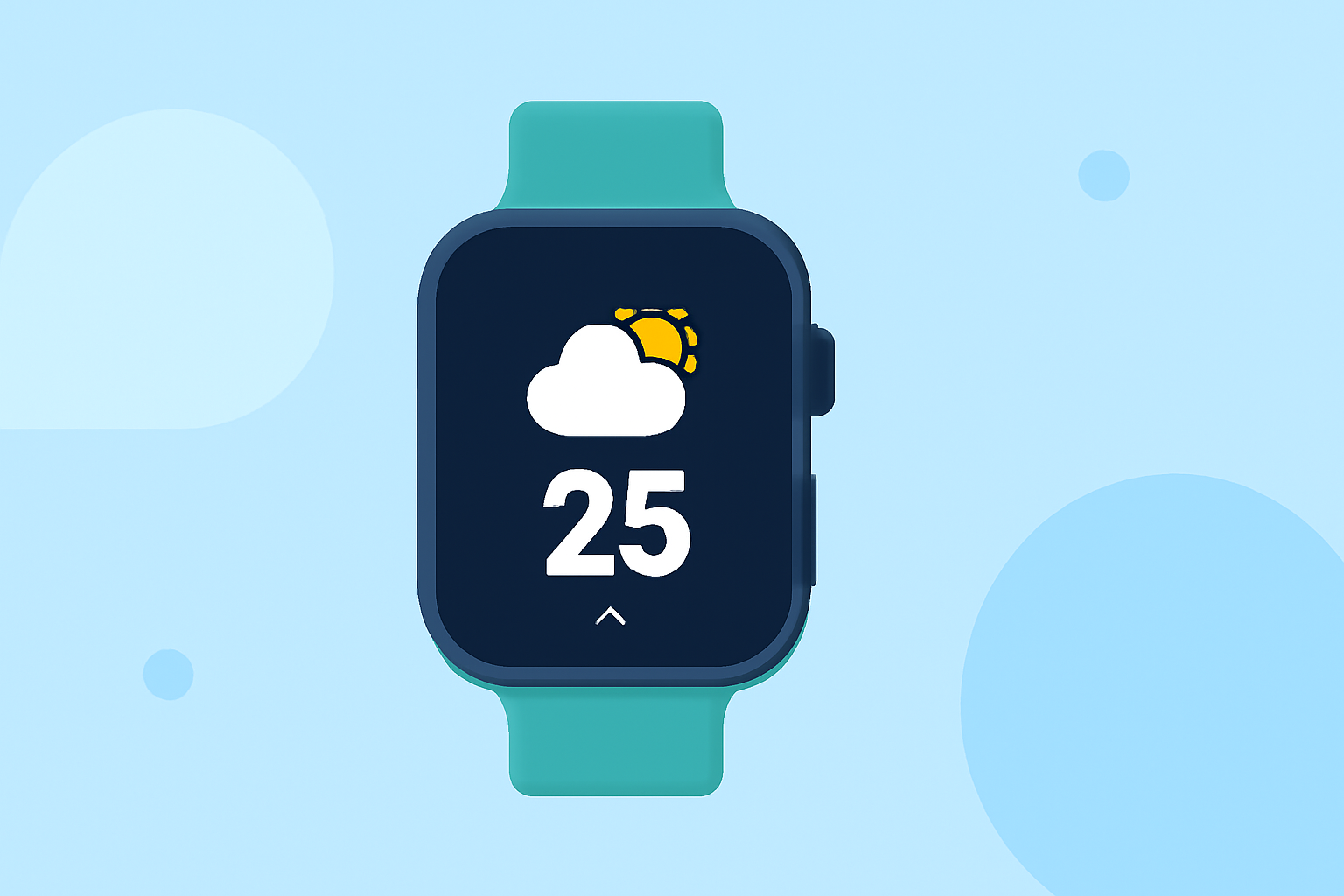
When preparing for a skiing adventure, having up-to-date weather information is crucial for safety and enjoyment. With the evolution of Wear OS smartwatches, accessing quick weather updates has become more convenient. This guide explores how to obtain timely weather information for skiing directly from your Wear OS device.
Why Is Real-Time Weather Information Essential for Skiing?
Skiing conditions are highly dependent on weather patterns. Real-time updates on temperature, precipitation, wind speed, and avalanche risks are vital for making informed decisions on the slopes. Having this information readily available on your wrist ensures you can adjust your plans promptly, enhancing both safety and enjoyment.
How Can Wear OS Enhance Your Skiing Experience?
Wear OS smartwatches offer a range of features that can be tailored to provide essential weather updates for skiing:
-
Customizable Watch Faces: Many Wear OS devices allow you to set up watch faces that display real-time weather information, including temperature, wind speed, and precipitation forecasts.
-
Weather Apps: Several weather applications are compatible with Wear OS, offering detailed forecasts and alerts.
-
Complications and Tiles: Utilize complications (small widgets) and tiles to access weather data quickly without navigating through multiple apps.
Which Wear OS Apps Provide Skiing-Specific Weather Information?
While the availability of specific skiing weather apps for Wear OS is limited, general weather applications can be configured to display relevant information:
-
SkyHalo Weather for Wear OS: This app offers continuous forecasts up to 48 hours, daily and hourly forecasts for up to 5 days, and NWS weather alerts. It also provides rain/snow forecasts, barometer and wind displays, and sun/moon rise/set times. SkyHalo is tested on Wear 2.x, 3.x, and 4.x, ensuring compatibility across various devices. (play.google.com)
-
How is the Weather? - Wear OS: This app provides current, hourly, and daily weather forecasts with simple and intuitive layouts. It also offers widgets and complications for quick access to weather information directly from your watch face. (play.google.com)
How Do I Set Up These Apps on My Wear OS Device?
-
Install the App: Navigate to the Google Play Store on your Wear OS device and search for the desired weather app.
-
Configure the App: Open the app and set your preferred location, ensuring it corresponds to your skiing destination.
-
Customize Watch Face or Complications: Depending on the app, you can customize your watch face to display weather information or add complications for quick access.
What Are the Benefits of Using Wear OS for Skiing Weather Updates?
-
Immediate Access: Quickly check weather conditions without needing to pull out your phone.
-
Safety: Stay informed about sudden weather changes that could impact skiing conditions.
-
Convenience: Access detailed forecasts and alerts directly from your wrist, allowing for on-the-go adjustments to your plans.
Are There Any Limitations to Using Wear OS for Skiing Weather Information?
While Wear OS provides convenient access to weather updates, it's important to note that the Google Weather app has been phased out for Wear OS 6 and newer versions. Users are encouraged to use weather apps provided by their smartwatch manufacturer or third-party apps from the Play Store. (androidcentral.com)
Conclusion
Equipping your Wear OS smartwatch with the right weather applications can significantly enhance your skiing experience by providing timely and accurate weather information. By setting up apps like SkyHalo Weather or How is the Weather?, you can ensure you're always prepared for the conditions on the slopes.
Highlights:
- Google is phasing out the Wear OS Weather app, but for something better, Published on Friday, September 12