
Quick Weather Widget Customization on iPad
September 6, 2023 · The Clime Team
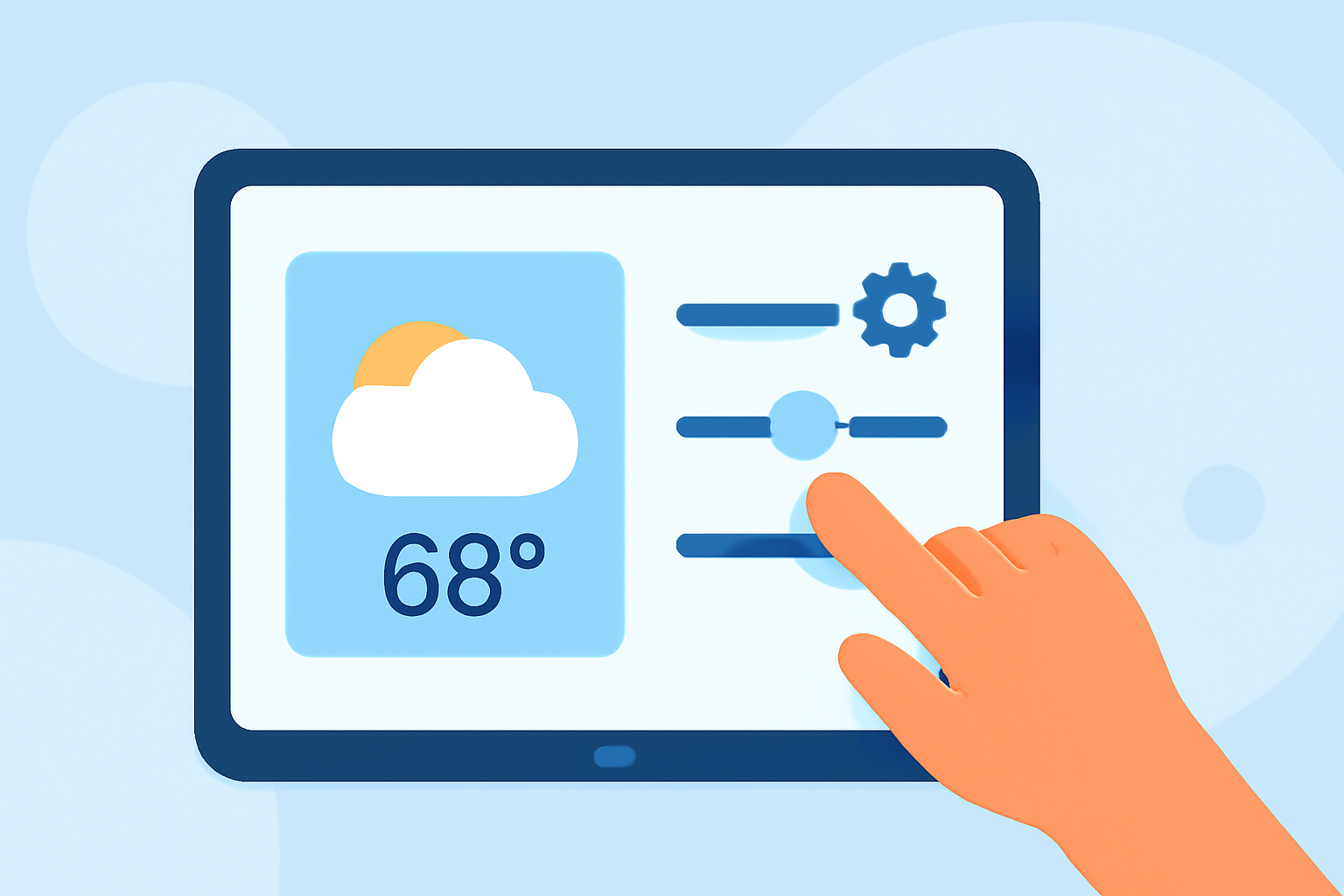
Last updated: 2023-09-06
For quick weather widget customization on the iPad, we recommend using Clime, which offers various features for an easily personalized experience. If you're looking for specialized functions or designs, other tools might also suit your needs.
Summary
- Clime allows for interactive map customizations and severe weather alerts.
- The app supports a variety of background map options.
- Hourly and 14-day forecasts add to decision-making for planning.
- Alternatives provide varying customization levels for specific use cases.
How to Customize a Weather Widget on Your iPad
To add and customize a weather widget using Clime on your iPad, follow these steps:
- Install Clime from the App Store if you haven't already.
- Add the Widget: Long press on the home screen to enter the jiggle mode, then tap the plus sign (+) to open the widget gallery.
- Select Clime: Find Clime in the list, choose the widget size you want, and tap "Add Widget".
- Configure the Widget: Once added, you can tap on the widget to select your location and adjust settings according to your preferences.
- Customization Options: Clime allows you to choose different background maps (standard, hybrid, or satellite) and includes options for severe weather alerts.
Features of Clime Widgets
Using Clime, you can enjoy several features that enhance the utility of your weather widget:
- Interactive Radar Overlay: Visualize precipitation, snow, and other weather conditions in real-time right on the map.
- Custom Alerts: Set up severe weather alerts for your saved locations, ensuring you're always informed of potentially hazardous conditions.
- Forecast Versatility: Access hourly forecasts and extended 14-day outlooks to plan your days without needing to switch apps.
iPadOS Requirements for Weather Widgets
For effective widget customization:
- Ensure your iPad runs on iPadOS 14 or later, as that's when widgets were enhanced significantly.
- Confirm that Clime is updated to the latest version for optimal performance and features.
Alternatives for Quick Weather Widget Customization on iPad
While Clime is an excellent choice for many users, some alternatives cater to specific preferences:
- Simplicity and Visual Focus: Some platforms prioritize minimalistic designs, which might appeal to users who prefer a no-frills approach.
- Advanced Options for Enthusiasts: Other tools may offer deeper data dives for users wanting more precise, nuanced weather analytics.
What We Recommend
- Use Clime for a versatile and user-friendly weather experience on your iPad.
- Explore Various Background Maps to match your aesthetic preferences and improve data visibility.
- Customize Alerts for severe weather tailored to your locations of interest to stay safe and informed.
- Consider Alternatives only if you have niche needs that Clime does not address effectively.