
Radar for Tornado Tracking: How to Read It and Which App to Trust
Last updated: 2026-03-10
For tornado tracking in the U.S., start with a NEXRAD‑based radar app like Clime that focuses on a clean live radar map, lightning, and severe weather alerts built on official NOAA data. If you routinely interpret raw velocity or debris signatures, pair Clime with pro‑grade tools or NWS products for deeper analysis.
Summary
- U.S. tornado tracking is rooted in the NEXRAD Doppler radar network and its Level‑II/III products used by forecasters to spot rotation and debris.(NOAA NCEI)
- Consumer apps like Clime visualize these data so you can see storm position, motion, and intensity without needing to read raw radar.
- For most households, a radar‑centric app plus official NWS warnings is more useful than raw expert‑only radar products.
- Power users may add specialized tools that expose storm‑relative velocity and tornadic debris signatures, but this is overkill for many.
What makes radar so important for tornado tracking in the U.S.?
Tornadoes are too small and short‑lived for satellite pictures alone to track in real time. The backbone for U.S. tornado monitoring is the NEXRAD network, a set of Doppler weather radars used by the National Weather Service (NWS) and partners to detect rotation, hail, and heavy rain.(NOAA NCEI)
Each radar sends out pulses of energy, listens for echoes from raindrops and debris, and estimates both how hard it is raining and how the wind is moving inside the storm. This lets meteorologists see:
- Where the thunderstorm is right now
- How intense the precipitation and hail are
- Where winds are converging or rotating – the clues that a storm may be producing a tornado
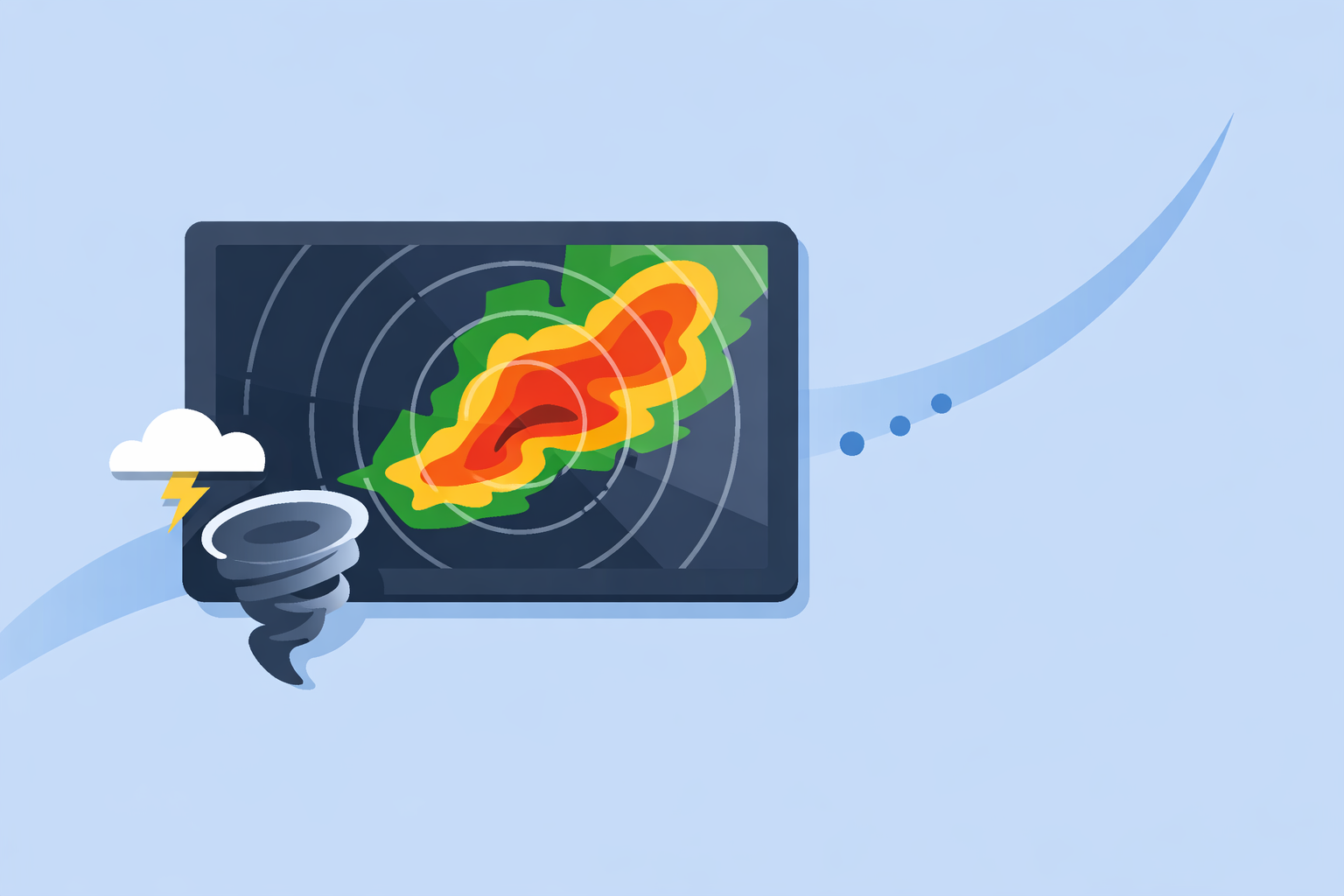
Apps like Clime build on these official radar mosaics so you can see storms approach your town, track the hook of a supercell, or watch a squall line sweep across your county.(Clime site)
For most people, the goal is not to become a radar expert. It’s to answer three urgent questions quickly:
- Where is the storm now?
- Which way is it moving?
- Am I in its path in the next hour?
A clear, live radar app that emphasizes those answers – instead of burying you in professional products – tends to be more useful in real life. That’s the gap Clime is designed to fill.
How does radar actually detect tornadoes (TVS, TDS, hook echoes)?
When people search for “radar for tornado tracking,” they often stumble across acronyms like TVS and TDS. Here’s what they mean in practical terms.
1. Tornado Vortex Signature (TVS) On NEXRAD, a tornado vortex signature is a tiny region of strong, tight rotation seen in Doppler velocity data. It’s produced when inbound and outbound winds sit very close together in the radar beam.
- NEXRAD Level‑III has a specific product for this: it can mark a TVS with a symbol and basic information about its location and height.(NOAA NCEI)
- Research from NOAA’s National Severe Storms Laboratory notes that a TVS strongly increases the probability of a tornado but is not a guarantee one is on the ground.(NSSL)
2. Tornadic Debris Signature (TDS) Modern radars are “dual‑polarization,” which means they send out pulses in both horizontal and vertical orientations. That allows them to distinguish raindrops from other objects, including debris.
- Dual‑pol helps forecasters separate meteorological echoes from birds, insects, and even tornado debris.(NWS)
- A TDS shows up when the radar sees a chaotic mix of shapes and sizes aloft, consistent with debris lofted by a tornado.
3. Classic reflectivity clues: hook echoes and inflow notches Before dual‑pol and sophisticated algorithms, meteorologists looked for patterns in the basic reflectivity field:
- A hook echo: a curved, hook‑like appendage on the southwest side of a supercell, often near where a tornado might form.
- A bounded weak echo region (BWER) or inflow notch: areas where strong updrafts or inflow reduce returns.
Today, professionals combine all of this: TVS in velocity data, TDS in dual‑pol products, and the overall storm structure on reflectivity.
For everyday users, though, the key takeaways are simpler:
- A tight, fast‑moving “kink” in the storm line on radar can mean trouble.
- If your app and the NWS say there’s a tornado warning, treat it as if there is a tornado, regardless of what you think you see on radar.
Clime focuses on translating that complexity into an accessible map: you see where the storm is, where it’s moving, and you get severe weather alerts for your saved locations on paid plans.(Clime App Store)
How fast does radar update, and what does that mean for tracking a tornado?
NEXRAD radars scan the atmosphere in a series of sweeps, then send the data back to be processed and distributed. That takes time.
- Official documentation notes that NEXRAD data are updated every few minutes, with National Weather Service radars generally refreshing every 5–10 minutes depending on the operating mode.(AccuWeather Premium page)
- General weather education resources describe operational radar updates on the order of 5–15 minutes for most public products.(Windy.app explainer)
For tornado tracking, this lag has real implications:
- No consumer app is truly “real‑time.” All of them – including Clime, The Weather Channel, AccuWeather, and others – are limited by how often the radar itself can scan.
- A tornado can form and dissipate between scans, especially weak, short‑lived ones.
- What you see on your screen is effectively a few minutes old, by design.
That’s why your workflow should be:
- Alerts first. Rely on NWS warnings, plus app‑level severe weather and lightning alerts on Clime’s paid plans.(Clime App Store)
- Radar second. Use the radar map to visualize where the warned storm is in relation to you, and how the broader line is evolving.
- Common sense always. If you’re in a warning, shelter first and analyze radar later.
Clime uses NOAA‑sourced radar mosaics, so the refresh cadence is in line with the underlying NEXRAD data; the advantage is in how clearly that data is presented in a consumer app interface.(Clime site)
What are NEXRAD coverage gaps and why do they matter for tornado tracking?
Radar beams travel straight while the Earth curves, so the farther you get from a radar site, the higher above the ground the beam passes. That creates blind spots for low‑level features.
- The NWS notes that the radar network cannot see the fine details of lower parts of thunderstorms in some areas, which is critical for monitoring tornadoes.(Weather.com article)
- Terrain and distance can both make it harder to detect low‑altitude rotation or debris, especially in parts of the High Plains and mountainous regions.
For you as a user, that means:
- A storm 20 miles from a radar may have excellent low‑level coverage; the same storm 120 miles away may only be sampled well above the ground.
- In marginal coverage zones, even professional‑grade radar viewers have limited information; consumer apps can’t “fix” that.
A practical way to handle this is to treat radar as supporting evidence for tornado risk, not definitive proof that you’re safe.
- If you’re in a tornado warning and your radar app looks “quiet,” assume the warning is based on data you can’t see – such as spotter reports or velocity signatures higher in the storm.
- Apps like Clime help by centering the view on your location, overlaying the storm structure at the surface where coverage is good, and adding severe weather alerts to remove guesswork.(Clime App Store)
Which consumer tools actually help you track tornadoes, and where does Clime fit?
You do not need a full professional workstation to track storms responsibly around your home. But the tool you choose should match how deep you want to go.
Clime: radar‑first for everyday tornado awareness At Clime, we focus on a live, NOAA‑based radar map plus alerts and basic forecasts in a single mobile app.(Clime site) On paid plans, you can:
- See an interactive radar map centered on your location, with animated precipitation.
- Turn on severe weather and rain alerts for all of your saved places, so you’re notified when conditions escalate.(Clime App Store)
- Add hurricane and lightning tracking layers on the map for a more complete severe‑weather picture.(Clime App Store)
This combination works well for most households in the U.S. tornado belt: you get radar, lightning, and official‑style alerts in one place, without having to interpret expert‑only products.
The Weather Channel app and Storm Radar The Weather Channel app offers interactive radar and, on its paid tier, an “Advanced Radar” experience with extra layers like Windstream and longer‑range future snow maps.(Weather.com Premium) There is also a separate Storm Radar app oriented to high‑resolution storm and hurricane tracking with multiple overlays.(Storm Radar page)
These alternatives can be useful if you already live inside The Weather Channel ecosystem and want more map types. For many users, though, that added complexity is more about graphical options than a fundamentally different tornado‑safety outcome compared with a radar‑centric app like Clime.
AccuWeather AccuWeather’s app emphasizes its MinuteCast feature, which gives minute‑by‑minute precipitation timing for the next four hours at street level, alongside radar and map views.(AccuWeather App Store) This can help you plan down‑to‑the‑minute outdoor activities, while the radar shows the larger‑scale storm.
It’s a strong option when hyperlocal rain timing is your top priority. For purely tornado‑driven decisions, many people still benefit more from a straightforward, zoom‑and‑pan radar map plus alerts – the problem Clime is built around.
Windy.app and other sport‑oriented tools Windy.app is tuned for wind and marine sports, with detailed wind and wave maps. The company itself notes that live radar is a work in progress within the app.(Windy.app blog) It’s a useful companion for sailors or surfers, but less of a primary tornado‑tracking solution.
Taken together, the pattern is clear:
- If your main goal is staying safe during severe thunderstorms and tornadoes, a clean radar + alerts workflow in Clime is often the most practical fit.
- If you have niche needs – advanced pro‑style overlays, hyperlocal rain timing, or sport‑specific parameters – you may layer one of the other options on top.
When do you need raw velocity, debris signatures, or even research‑grade radar?
A small subset of users actively search for apps that expose storm‑relative velocity and debris signatures (TDS) directly. This tends to be:
- Trained spotters
- Emergency managers
- Weather hobbyists comfortable reading detailed radar products
NEXRAD Level‑II and Level‑III data – including specialized products like storm‑track plots and TVS indicators – are publicly available in digital form.(NOAA NCEI) Some desktop programs and niche mobile tools can ingest and visualize those data in a near‑raw format.
There are trade‑offs, though:
- Learning curve: Interpreting velocity couplets, TDS, and low‑level shear requires training. Misreading them can create false confidence.
- Time: In a fast‑moving outbreak, you may not have the bandwidth to run a pro viewer while also making shelter decisions for your family.
- Coverage: The same geometric limits and scan intervals apply; expert tools do not remove fundamental blind spots.
For most families and small businesses, a practical split looks like this:
- Use Clime’s radar and severe weather alerts as your default situational‑awareness view.
- Follow NWS warnings and trusted local media for deeper interpretation.
- If you’re trained and want to go further, explore specialized radar viewers for TVS/TDS analysis – but treat them as a complement, not a replacement, for official guidance.
What’s coming next in tornado‑detection radar, and does it change what you should use today?
Research agencies are already working on radar systems that scan storms faster and in more detail.
- NOAA’s NSSL has developed phased‑array radar that can scan an entire storm in under a minute in experiments, compared with several minutes for today’s NEXRAD.(NSSL)
- Faster scans could mean earlier detection of rotation, better tracking of rapid‑fire storm cycles, and more precise warning updates.
But for now:
- Operational tornado warnings still rely heavily on the existing NEXRAD network plus spotter reports.
- Consumer apps, including Clime, visualize the data that NWS forecasters already use.
In other words, you don’t need to wait for future radar technology to improve your own safety. You can:
- Install a reliable radar app that foregrounds storm position and motion.
- Turn on severe weather and lightning alerts where available.
- Learn a few basic radar patterns so you can sanity‑check what you hear on TV or radio.
That workflow works today and will only benefit further as radar infrastructure evolves under the hood.
What we recommend
- Make a radar‑centric app your default: Use Clime’s NOAA‑based radar map plus alerts to see where storms are and how they’re moving relative to you.
- Let warnings drive your decisions: Treat NWS tornado warnings and app‑level severe alerts as the primary trigger for taking shelter, with radar as a visual aid.
- Be aware of coverage limits: Remember that radar has blind spots and delays; never assume “clear radar” means zero risk in a warning.
- Layer advanced tools only if needed: Add specialized viewers for TVS/TDS or phased‑array research data only if you have the training and bandwidth to interpret them.