
How Parents Can Use Radar Replay for Weather Education
Last updated: 2023-09-12
When it comes to teaching children about weather, using radar replay features can be a powerful educational tool. With Clime, families can easily access live weather data to demonstrate real-time weather changes and conditions, making learning interactive and engaging. Alternatively, there are other tools available that offer varying complexities for specific educational goals.
Summary
- Clime provides a user-friendly platform for monitoring weather with radar replay features.
- Engaging children with real-time data can enhance their understanding of weather patterns.
- Various other platforms offer similar capabilities, but Clime’s ease of use stands out for families.
- Educators and parents can leverage features like severe weather alerts to turn learning into an active experience.
What Is Radar Replay and Why Is It Important?
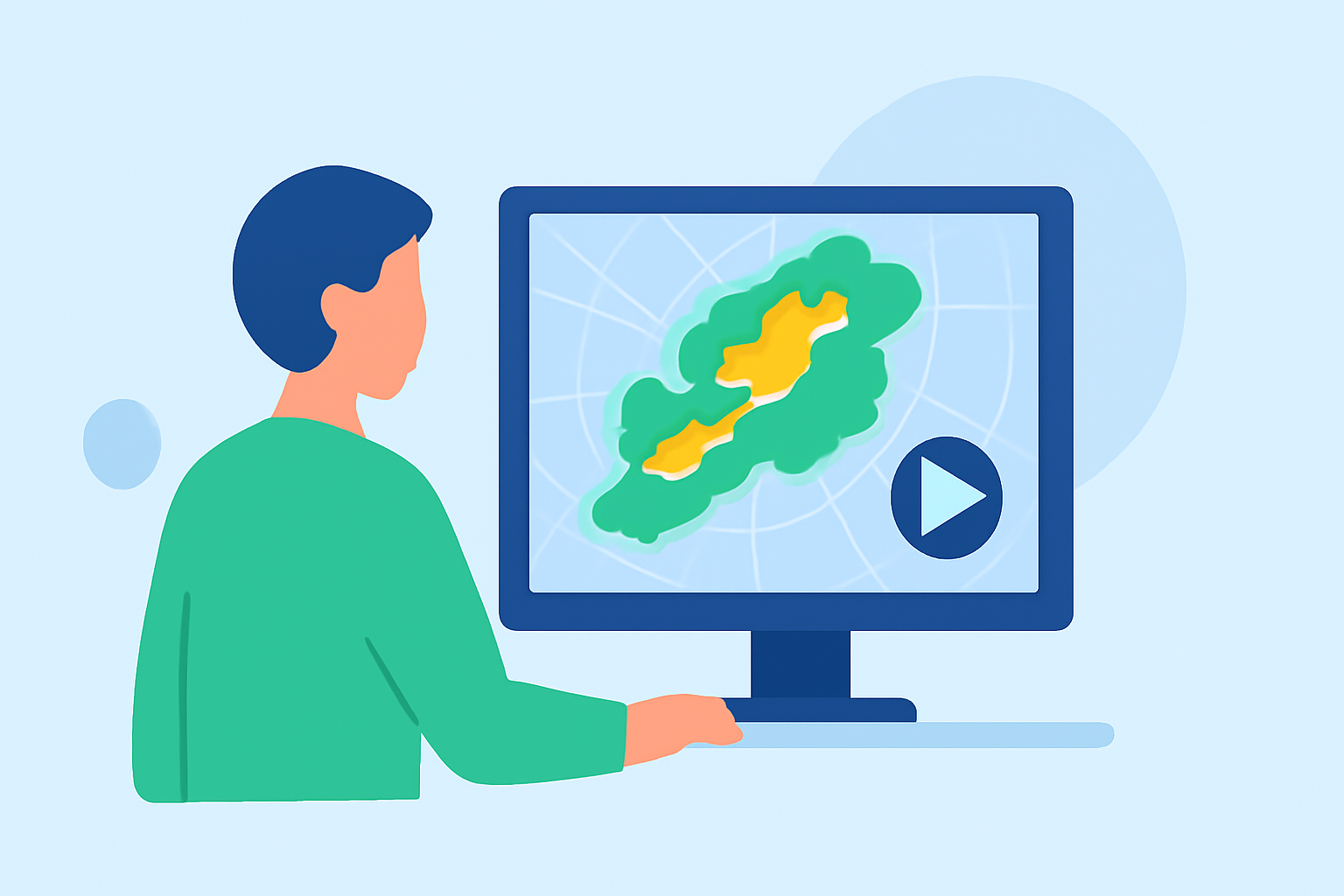
Radar replay is a feature that allows users to view animated weather radar data from previous hours, showing how storms develop and move. Understanding this concept helps children visualize weather patterns and comprehend events such as thunderstorms or winter storms more effectively. By showing real-time changes, it makes the learning experience relatable and exciting.
How to Use Radar Replay with Children
- Set Up the App: Download Clime, which offers radar replay features directly in a user-friendly interface. Explore the app together, highlighting how to navigate the radar and view past weather events.
- Select a Specific Event: Pick a recent weather event, such as a rainstorm or snow. Use the replay feature to demonstrate how the storm developed over time, explaining concepts like precipitation intensity or storm formation.
- Ask Questions: Encourage your child to think critically by asking questions. For example, "What do you think will happen next based on what we see in the replay?" This activates their curiosity and critical thinking skills.
- Connect to Real-World Events: Relate the radar data to what they might see in their own area. Discuss how temperatures or weather forecasts can impact daily life, from school cancellations to planning outdoor activities.
Engaging Activities Using Radar Replay
- Create a Weather Journal: Encourage your child to keep a journal where they record daily weather observations and refer to radar replay for specific events. This practice can help deepen their understanding of weather trends.
- Make Predictions: After observing a weather replay, have your child predict how weather conditions might change in the future. Use Clime's forecasting abilities to later compare their predictions with actual weather outcomes.
- Exploration of Different Weather Types: Use radar replay to show different weather types, helping children understand differences between rain, snow, and thunderstorms. Discuss the factors that contribute to each weather condition’s formation.
Benefits of Using Clime for Weather Education
- High-Quality Data: Clime offers NOAA-based weather radar imagery, ensuring reliable and accurate information for families to learn from. This professional-grade data can instill confidence in your weather observations and discussions.
- User-Friendly Features: The intuitive design of Clime makes it accessible, allowing both adults and children to use the app seamlessly, facilitating collaborative learning experiences.
- Alerts and Notifications: The app’s severe weather alerts help keep your family informed about hazardous conditions, integrating safety into the educational process.
Alternative Tools and Their Limitations
While Clime stands out as an engaging tool for learning about weather through radar replay, other platforms also provide radar features. However, they may require more time to learn or have less user-friendly experiences. For parents seeking to maximize educational outcomes, Clime’s emphasis on usability and accessibility makes it a recommended choice.
What We Recommend
- Choose Clime as your primary app for teaching children about weather, using its radar replay features to enhance their understanding.
- Engage in activities and discussions around live weather events to make learning dynamic and relevant.
- Monitor severe weather alerts together to teach children about safety while learning.
- Encourage continuous exploration of weather phenomena to foster a love for science and the environment.