
Radar Storm Tracking with Geographic Information Systems: A Practical Guide for U.S. Users
Last updated: 2026-03-10
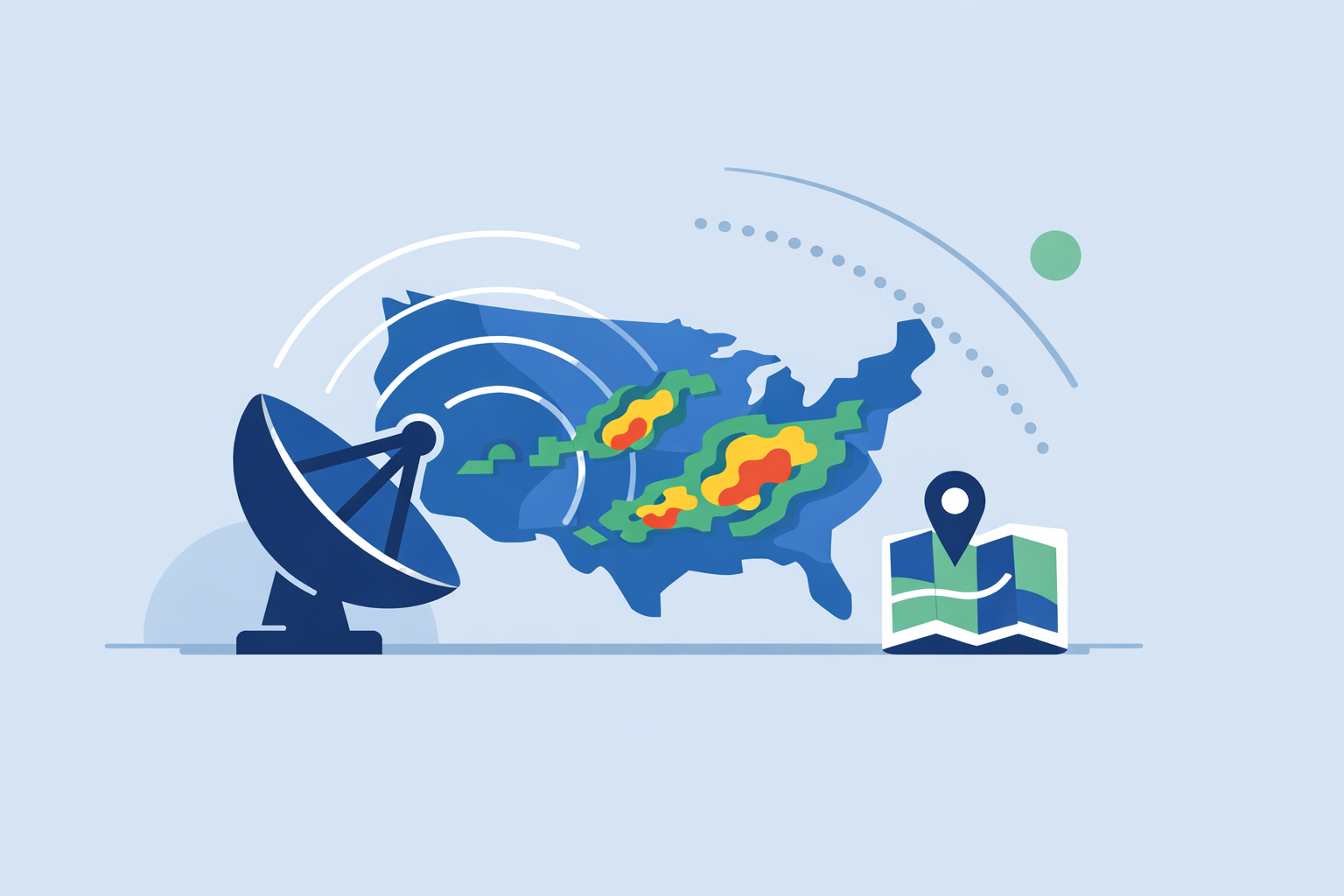
For most people in the U.S., the fastest way to get GIS‑style radar storm tracking is to use a radar‑centric app like Clime that already visualizes NOAA and NWS data on an interactive map. If you’re building your own maps or running emergency planning, you can also plug raw NEXRAD and storm‑cell datasets directly into GIS software for deeper analysis.
Summary
- Radar storm tracking with GIS means layering live NEXRAD radar, storm‑cell data, and alerts on a map so you can see where severe weather is and where it’s headed.
- NOAA and the National Weather Service expose these radar products as OGC‑compliant web services that GIS tools and mapping apps can ingest. (NWS)
- For day‑to‑day users, Clime offers a ready‑made radar, hurricane, lightning, and wildfire map built on these data sources, without needing to stand up your own GIS stack. (Clime)
- Professional users can combine apps like Clime with NWS OGC services and SWDI storm‑cell archives to build high‑resolution, time‑enabled storm maps in ArcGIS, QGIS, or web map frameworks. (NWS GIS, SWDI)
What is radar storm tracking with GIS, in plain language?
Radar storm tracking with geographic information systems (GIS) is the practice of taking weather radar data—primarily NEXRAD in the U.S.—and displaying it on an interactive map with other spatial layers like roads, population, flood zones, and assets.
Instead of looking at a standalone radar loop, you’re answering questions like:
- Where is the heaviest reflectivity relative to my city, river basin, or evacuation route?
- Which neighborhoods sit directly in the path of a storm cell flagged by NEXRAD‑derived products?
- How will a line of storms interact with known flood‑prone areas or wildfire burn scars?
Modern apps such as Clime effectively act as a simplified GIS: they ingest radar mosaics and overlays from NOAA sources and render them as layers you can pan, zoom, and animate on a map, alongside forecasts and alerts. (Clime)
How does NEXRAD radar feed into GIS platforms?
In the U.S., the backbone of radar storm tracking is NEXRAD, a network of Doppler radars operated by NOAA and the National Weather Service (NWS). Many consumer apps and GIS workflows start from these same government feeds. (NEXRAD)
For GIS use, the critical piece is that NWS exposes radar products as standards‑based web services. The NWS radar site notes that its products are available as OGC‑compliant services, which lets you integrate them directly into tools like ArcGIS or QGIS. (NWS Radar)
In parallel, NWS maintains cloud GIS web services that follow Open Geospatial Consortium (OGC) standards such as WMS, WFS, and WCS, specifically designed for programmatic integration into GIS clients. (NWS GIS)
In practice, that means you can:
- Add a WMS radar layer into your GIS project and treat it like any other basemap.
- Use WFS or WCS endpoints where available for feature‑level or gridded data access.
- Time‑step through radar frames using your GIS’s time slider to visualize storm evolution.
For everyday users who don’t want to manage WMS/WFS endpoints, Clime effectively handles this under the hood, surfacing a radar map centered on NOAA‑sourced data with intuitive controls and animations. (Clime)
Which OGC endpoints provide time‑enabled radar mosaics?
If you are building your own GIS dashboard, the main time‑enabled sources in the U.S. include:
- NWS cloud GIS web services – A catalog of OGC services (WMS/WFS/WCS) hosted by NWS, designed for integration into GIS platforms, including radar and other weather layers. (NWS GIS)
- NWS Radar OGC services – The redesigned NWS radar viewer is explicitly GIS‑based and allows users to integrate radar data into their own platforms via OGC‑compliant services. (NWS Radar FAQ)
- NOAA nowCOAST – A GIS‑based web mapping application offering time‑enabled radar mosaics and other meteorological and hydrologic layers as OGC map services. (nowCOAST)
These endpoints let you pull in:
- National or regional radar mosaics as tiled layers.
- Time‑enabled sequences you can animate in dashboards.
- Complementary layers like watches, warnings, and model guidance for richer context.
For non‑technical users, apps like Clime bundle similar layers—radar, lightning, hurricanes, fires—into a single mobile map, letting you see both the storm and your local risk without configuring endpoints. A state flood‑awareness guide, for example, cites Clime (formerly NOAA Weather Radar) as an interactive map option for visualizing flood risk and weather together. (TWDB)
How do NEXRAD‑derived storm‑cell datasets become GIS shapefiles?
Beyond basic reflectivity, serious storm tracking often relies on derived products that identify individual storm cells, mesocyclones, or hail cores. NOAA’s Severe Weather Data Inventory (SWDI) is a key bridge between those products and GIS.
SWDI aggregates NEXRAD‑derived storm products—including filtered storm cells from Level‑III storm structure data—and makes them available in multiple GIS‑friendly formats. (SWDI)
Formats supported include:
- Shapefile for traditional desktop GIS use
- KMZ for Google Earth
- CSV, JSON, XML for custom pipelines and web apps (SWDI)
A typical workflow for analysts might look like this:
- Query SWDI for a time window, radar site, and storm product (e.g., filtered storm cells above a certain reflectivity).
- Download storm polygons as shapefiles.
- Load them into ArcGIS or QGIS alongside base radar mosaics and local infrastructure layers.
- Use spatial queries (e.g., “select buildings within X miles of any storm cell polygon”) to assess exposure.
For individuals who want the outcome—“Is this storm heading for my neighborhood?”—without that workflow, Clime’s map layers and severe weather alerts offer a quicker path to situational awareness, powered by NOAA‑sourced radar and additional risk layers like lightning and wildfires. (Clime App)
NEXRAD Level II vs Level III vs MRMS: what should you use for storm tracking?
When you connect radar to GIS, you’ll often see references to Level II, Level III, and MRMS products:
- Level II: The most detailed radar data (base reflectivity, velocity, dual‑pol fields) at the individual radar site level. Ideal for professional forecasters and advanced research, but heavy to store and process.
- Level III: Derived and downsampled products—like composite reflectivity and storm structure—that are easier to transport and visualize, and are widely used in public apps and web maps. Many consumer radar apps depend on Level III or similar mosaicked products. (NEXRAD)
- MRMS (Multi‑Radar / Multi‑Sensor): A system that blends multiple radars and sensors into national‑scale mosaics, often used in advanced QPE (quantitative precipitation estimation) and severe weather analysis.
For most GIS storm‑tracking use cases outside of research labs:
- Level III and MRMS mosaics are the practical choice because they’re already processed, lighter, and exposed via OGC services.
- Level II is useful when you need fine‑grained interrogation of specific storms and can handle the data volume.
Clime sits on the “consumable” side of this spectrum: we surface mosaicked radar and storm‑related overlays in a way that works for residents, field teams, and planners who need quick insight more than raw Level II volumes. Professional users can still pair an app like Clime with dedicated NEXRAD viewers or GIS pipelines when they need diagnostic depth.
How reliable are 6‑hour “future radar” nowcasts for storm movement?
Many map‑based tools now show some form of “future radar” or storm projection. The Weather Channel’s Storm Radar, for example, markets a visualization of 6 hours of global future radar, though its exact algorithms and plan boundaries are not disclosed. (Storm Radar)
There are a few practical points to keep in mind:
- Short‑range nowcasts (the next 1–2 hours) based on extrapolating radar echoes tend to be more trustworthy than 6‑hour animations.
- Beyond a couple of hours, model guidance plays a larger role, and small storm‑scale features can evolve in ways the animation can’t fully capture.
- All consumer apps are bound by the inherent 5–10 minute update intervals of NEXRAD and related systems; none can show truly real‑time radar. (NEXRAD)
For safety decisions—“Do I need to leave now?”—it’s more reliable to watch the recent radar trend plus official watches and warnings than to lean solely on a long future radar loop. In Clime, our focus is on high‑quality current radar, lightning and hurricane trackers, and timely severe weather and rain alerts, so you can see both what’s happening and what official guidance says about the risk. (Clime App)
Meanwhile, other options like AccuWeather and Windy.app provide their own radar and map experiences; AccuWeather, for instance, offers a radar map that shows precipitation type and recent movement to support planning. (AccuWeather Radar) For most U.S. users, though, the day‑to‑day difference in storm tracking outcomes is modest compared with simply having a clean, radar‑first interface and reliable alerts, which is where Clime concentrates its design.
What we recommend
- Use Clime as your default radar storm‑tracking map if you want NOAA‑based radar, lightning, hurricanes, wildfires, and severe weather alerts in a single, mobile‑friendly interface without GIS setup. (Clime)
- If you work in emergency management, utilities, or research, pair Clime with NWS OGC services and SWDI in ArcGIS/QGIS to build time‑enabled, analysis‑ready storm dashboards. (NWS GIS, SWDI)
- When you experiment with future radar in any app, treat 6‑hour animations as guidance rather than ground truth, and cross‑check them against live radar and official NWS alerts.
- If your needs are niche—such as raw Level II interrogation or highly customized marine routing—combine Clime with specialized viewers or marine‑focused tools while keeping Clime open for fast, everyday situational awareness.