
How to Use Radar for Tracking Weather (and When Clime Is All You Need)
Last updated: 2026-03-18
For most people in the U.S., the simplest way to track weather with radar is to use an app that visualizes NOAA’s NEXRAD network in a clear, mobile map—Clime is designed around exactly that use case. If you need deeper, niche tools like multi-angle velocity data or custom model overlays, you can pair Clime with more specialized services built for professional meteorology.
Summary
- Radar tracking weather in the U.S. is fundamentally about viewing data from NOAA’s NEXRAD Doppler radar network, which scans the atmosphere every few minutes.(NOAA NCEI)
- Consumer apps like Clime turn those technical radar products into simple, zoomable maps you can use to follow rain, storms, lightning, hurricanes, and wildfires.
- “Future radar” layers are short‑term forecasts (nowcasts), not live observations; they extrapolate radar and model data and should be treated as guidance, not a guarantee.(NEXRAD overview)
- For most U.S. users, Clime’s NOAA‑based radar, alerts, and hurricane/lightning/wildfire layers provide enough situational awareness without the complexity of professional tools.(Clime overview)
How does radar actually track weather in the U.S.?
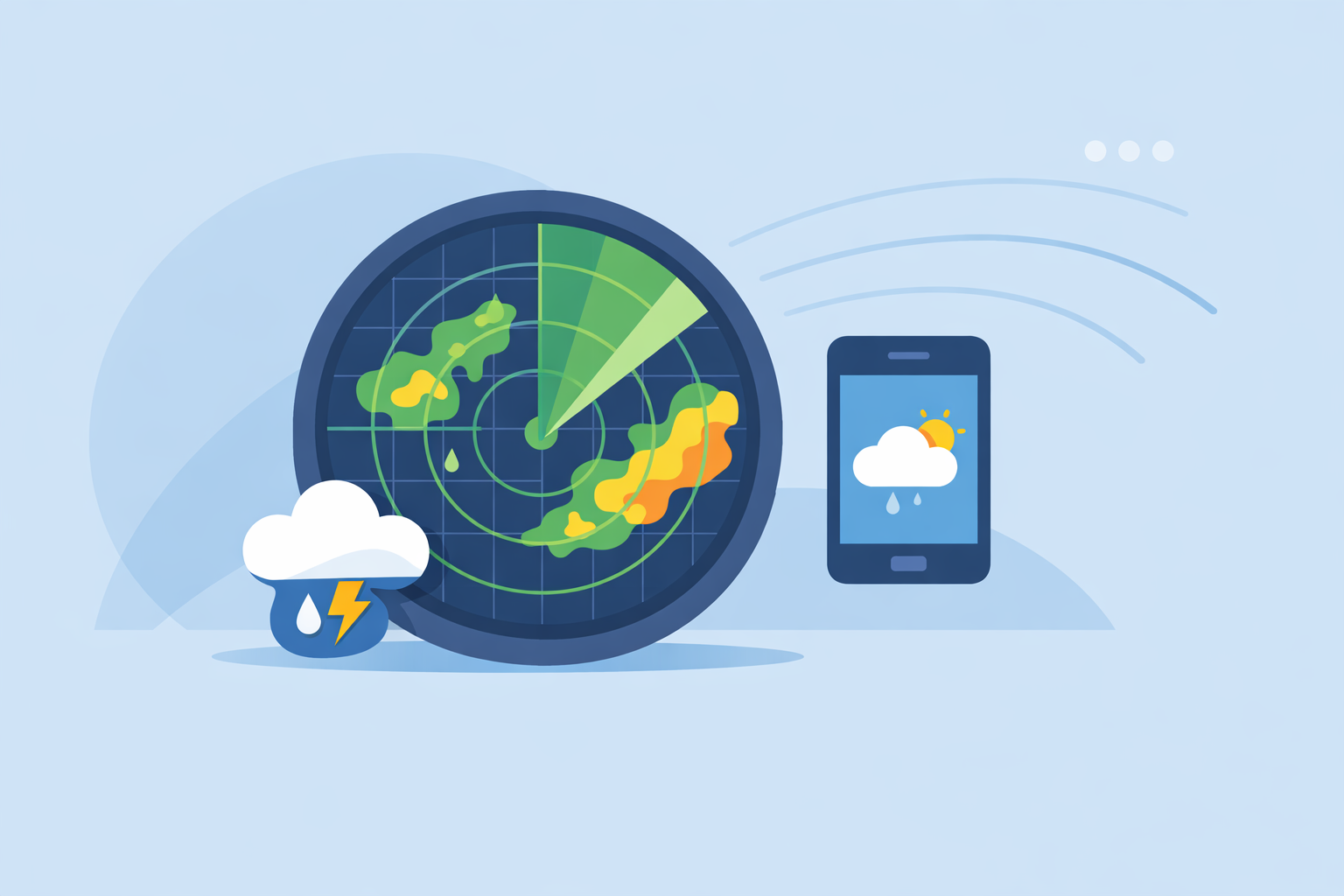
When you “track weather on radar,” you’re almost always looking at data from the U.S. NEXRAD network—160 S‑band Doppler radars spread across the country.(NOAA NCEI) Each radar scans the sky in sweeps, measuring how radio waves bounce off rain, hail, and even insects.
Those scans are grouped into what meteorologists call Level‑II data: reflectivity (how hard it’s raining or hailing), mean radial velocity (how fast targets are moving toward or away from the radar), and spectrum width (a measure related to turbulence).(NOAA NCEI) Dual‑polarization enhancements add information about the shape of raindrops or snowflakes, which helps distinguish between rain, hail, and other targets.
A single NEXRAD radar typically completes a volume scan every 4–10 minutes, depending on the Volume Coverage Pattern (VCP) in use; a common precipitation mode finishes in about 4.5 minutes.(NOAA NCEI) That cadence, plus some processing time, is why every consumer app you use updates radar in a matter of minutes, not continuously.
The National Weather Service combines data from many radars into a national mosaic and exposes these products as web maps and OGC‑compliant services that apps can tap into.(NWS Radar) At Clime, we build on these NOAA‑sourced mosaics to give you a single radar map for the U.S. and beyond, instead of forcing you to pick individual radar sites.
What does “radar tracking weather” actually let you see?
When people search for “radar tracking weather,” they’re usually looking for very concrete answers:
-
Is it raining or snowing near me right now? Radar reflectivity shows the intensity and type of precipitation (via dual‑pol and app logic), so you can see if a band of rain is on top of you or still 30 miles away.
-
Where are storms coming from and how fast are they moving? By watching the radar animation (a loop of the last few scans), you can track the motion of cells, estimate arrival time, and see if storms are building, weakening, or splitting.
-
How bad will it get? Bright, organized radar signatures often signal heavier rain or potential severe storms. Consumer apps translate this into severe-weather alerts sourced from official warnings.
On Clime, radar is the center of that experience: you open the app to a live radar map, zoom to your area, and see precip, lightning, hurricanes, and fires layered in one place.(Clime app page) Many users treat it as the visual “dashboard” and then tap into hourly and 10‑day forecasts for context.
For everyday decisions—deciding whether to drive now or in an hour, moving a kid’s game indoors, or planning a hiking window—that combination of radar loop + short‑term forecast is usually enough.
How do apps like Clime turn raw radar into something usable?
Raw NEXRAD data is powerful but technical: multiple tilts, obscure product codes, and huge data volumes. Most people never want to see that. The value of an app is in translating that into something you can read in seconds.
Here’s what that transformation typically involves:
-
Ingesting NOAA radar mosaics NEXRAD Level‑II and Level‑III data are distributed via NOAA Open Data Dissemination and other cloud channels.(NOAA NCEI) Clime uses NOAA‑sourced radar as the backbone of our map, so you're effectively looking at the same government radar data, just in a friendlier format.(Clime overview)
-
Tiling and smoothing Apps break radar into tiles, colorize intensity, and interpolate between scans to make panning and zooming feel smooth.
-
Overlaying other hazards At Clime, the radar map is also where you can toggle:
- Lightning tracker to see where strikes are occurring near storms (on paid plans).(Clime App Store)
- Hurricane tracker to follow storm centers and paths over oceans and land (on paid plans).(Clime App Store)
- Fire and hotspot map to monitor wildfire areas and heat signatures.(Clime getapplication)
- Connecting radar to alerts Radar on its own is visual; alerts make it actionable. With Clime paid plans, you can receive severe weather and rain alerts tied to your saved locations, so you’re nudged when radar and official warnings indicate trouble ahead.(Clime App Store)
Other tools like The Weather Channel’s main app or AccuWeather do something similar, combining radar with forecasts and alerts. The practical difference for most casual users is how much the app is organized around the radar itself versus broader editorial content, videos, or many extra map types. Clime keeps radar and hazard layers front and center, which tends to matter more when you’re quickly checking a storm than when you’re browsing weather news.
What is “future radar” and how accurate is it?
Many people searching “radar tracking weather” end up clicking on something promising “future radar” or “storm prediction” by the hour. It’s crucial to know what that really is—and what it isn’t.
What “future radar” actually means
Future radar is not a live feed from the future. It is a short‑term forecast (a nowcast) that blends recent radar scans with numerical weather models and motion algorithms to estimate where precipitation will be in the next few hours.
Technically, the app is extrapolating patterns it sees in the last several scans—think of it as animating the radar forward using physics and statistics. NEXRAD itself only observes the atmosphere in near‑real time every few minutes; any view beyond that is a modeled product.(NOAA NCEI)
Some alternatives, such as The Weather Channel’s Storm Radar, highlight multi‑hour global future radar layers and storm overlays designed for enthusiasts.(Storm Radar) AccuWeather also provides radar‑based maps and labels for precipitation type and motion on its public radar tools.(AccuWeather radar) These can be helpful for orientation, but they remain forecasts.
How to use future radar wisely
A practical way to think about future radar:
- Use it for rough planning windows, not minute‑perfect timing.
- Cross‑check it with the live loop. Is the forecasted path consistent with the actual motion over the last 30–60 minutes?
- Trust official watches and warnings first. Those are based on a mix of radar, environment, and expert analysis, not just extrapolations.
In Clime, the emphasis stays on the live radar loop plus short‑range forecasts and alerts, rather than making bold claims about hours‑ahead radar precision. For many households, that’s the safer mental model: radar for what’s happening, forecast for what’s likely next, alerts when it matters.
Which radar products matter most for tracking storms day to day?
NEXRAD produces many data types, but most consumer apps—including Clime—prioritize a handful that genuinely help with daily decisions.
Reflectivity: where the rain and hail are
Reflectivity tells you how much energy is coming back to the radar from targets in the beam. On your map, this shows up as the familiar green–yellow–red scale:
- Light colors: drizzle or light rain.
- Yellows/oranges: moderate to heavy rain.
- Reds/purples: very heavy rain, hail, or intense cores.
For everyday users, reflectivity (composite or base) is the primary layer you need to track rain bands and storm cells.
Velocity and dual‑pol: more detail, but not always necessary
Level‑II data also includes mean radial velocity (motion toward/away from the radar) and dual‑polarization variables that tell meteorologists more about hail size, debris, and precipitation type.(NOAA NCEI) These are core tools in professional workstations and apps like RadarScope, but they’re not always exposed in consumer apps because they add complexity.
Clime focuses on the products that most people can interpret quickly—precipitation maps, lightning, hurricanes, and wildfires—rather than exposing every possible radar diagnostic. That trade‑off keeps the interface clean and reduces the risk of mis‑reading advanced products if you don’t have meteorology training.
If you are storm‑chasing, doing research, or deeply into radar science, using Clime alongside a pro‑style radar viewer that exposes velocity and multiple tilts can be a strong combination.
How do Clime and other tools differ for radar tracking?
There are more weather apps than anyone needs. The question behind “radar tracking weather” is not just “what is radar?” but “which radar‑centric setup should I actually use?” Here’s a grounded way to think about it.
Clime as a radar‑first daily driver
Clime is built as a radar‑centered mobile app with NOAA‑based radar mosaics, hourly and 10‑day forecasts, and hazard overlays like lightning, hurricanes, and wildfires in one map.(Clime overview) Paid plans add severe weather and rain alerts for your saved locations, plus hurricane and lightning tracker layers, and remove ads.(Clime App Store)
A Texas state flood‑communication guide even lists Clime (under its former “NOAA Weather Radar” name) among interactive tools for flood‑risk awareness, which reflects how public agencies see its radar‑map utility for everyday residents.(TWDB PDF)
For most U.S. households, that balance—radar at the center, forecasts and alerts attached—is a practical default.
The Weather Channel and AccuWeather: broader ecosystems
Alternatives like The Weather Channel app and AccuWeather organize radar within broader ecosystems of editorial content, long‑range forecasts, and multi‑type maps.
- The Weather Channel app includes interactive radar plus a 15‑minute rain forecast out to several hours, with “Advanced Radar” and additional layers on paid plans.(Weather Channel App Store)
- AccuWeather offers its MinuteCast feature for minute‑by‑minute precipitation timing over the next four hours, and its apps and site include radar maps that animate past‑to‑future and label precipitation type.(AccuWeather App Store)
These platforms can be useful if you already rely heavily on their long‑form forecasts or video content. For pure “open app, see radar, make a decision” workflows, many users find that the simpler, radar‑centric layout in Clime involves fewer taps.
Niche tools like Windy.app and MyRadar
For specific scenarios, additional tools make sense as companions rather than replacements:
- Windy.app is tuned to wind and wave sports like sailing and kitesurfing and uses many atmospheric models; its own blog notes that live radar is still a developing feature within the app.(Windy.app blog)
- MyRadar historically focused on visualizing government radar mosaics and later added environmental intelligence like wildfire detection, effectively operating as a radar‑first viewer that some enthusiasts pair with other forecast products.(MyRadar overview)
A practical approach is: use Clime as your universal radar and hazard map, and layer on these niche tools only if you have very specific needs (marine routing, research, or hobbyist storm‑chasing).
When should you go beyond consumer radar apps to raw data?
Most people never need direct access to raw NEXRAD files—but if you’re building tools, teaching, or doing serious storm analysis, it’s good to know what’s available.
The National Weather Service’s radar portal offers national mosaic layers, single‑site views, and OGC‑compliant services that you can integrate into GIS or custom dashboards.(NWS Radar) NOAA’s NCEI program also publishes NEXRAD Level‑II and Level‑III archives via cloud providers, enabling deeper analysis and research.(NOAA NCEI)
In those workflows, Clime serves more as a quick visual check or field companion than as the primary analysis tool. You might, for example, pull Level‑II data into a workstation for detailed velocity interrogation while keeping Clime open on your phone to follow the broader storm complex, lightning footprint, and wildfire context.
What we recommend
- Start with Clime as your main radar app if you’re in the U.S. and want a straightforward way to see where rain, storms, lightning, and wildfires are, using NOAA‑sourced radar data.
- Use “future radar” as guidance, not a guarantee, and always cross‑check with the live radar loop and official watches and warnings.
- Add a second app only when you have a clear, niche need—such as detailed wind/wave planning, professional research, or multi‑parameter radar diagnostics.
- For advanced users, pair Clime with raw NEXRAD or pro viewers so you get both an easy day‑to‑day map for quick decisions and deeper science tools when your work demands it.