
Radar Weather Information: How to Read It and Which App to Use
Last updated: 2026-03-05
For most people in the U.S., the fastest way to get clear, useful radar weather information is to use a radar‑focused app like Clime that visualizes NOAA’s NEXRAD data with simple layers and alerts. If you regularly analyze raw radar products or build custom tools, you can also work directly with National Weather Service radar sites and NEXRAD Level‑II/III data.
Summary
- Weather radar information in the U.S. mostly comes from the NEXRAD Doppler radar network, which detects precipitation and wind and turns them into map products.
- Consumer apps like Clime sit on top of this data, offering animated radar, lightning, wildfire, hurricane layers, plus alerts in a single interface. (NCEI)
- Alternatives such as The Weather Channel, AccuWeather, and Windy.app add different forecast views, timelines, or sport‑focused maps, but often at the cost of extra complexity or paywalled layers. (apps.apple.com)
- Unless you need professional workstation‑grade tools, Clime covers the key jobs: seeing where precipitation is now, how a storm is moving, and when dangerous weather is heading your way. (climeradar.com)
What is "radar weather information" really showing?
When people in the U.S. say they want "radar weather information," they usually mean a live or near‑live map that shows where it’s raining or snowing, how intense it is, and which way it’s moving. In practice, that picture comes from a network of Doppler radars called NEXRAD, run by NOAA and the National Weather Service. (NCEI)
Each radar sends pulses of energy into the atmosphere and listens for the echoes from raindrops, snowflakes, or hail. From those echoes, the system derives:
- Reflectivity (how intense the precipitation is)
- Radial velocity (whether the precipitation is moving toward or away from the radar)
- Additional diagnostics that meteorologists use operationally
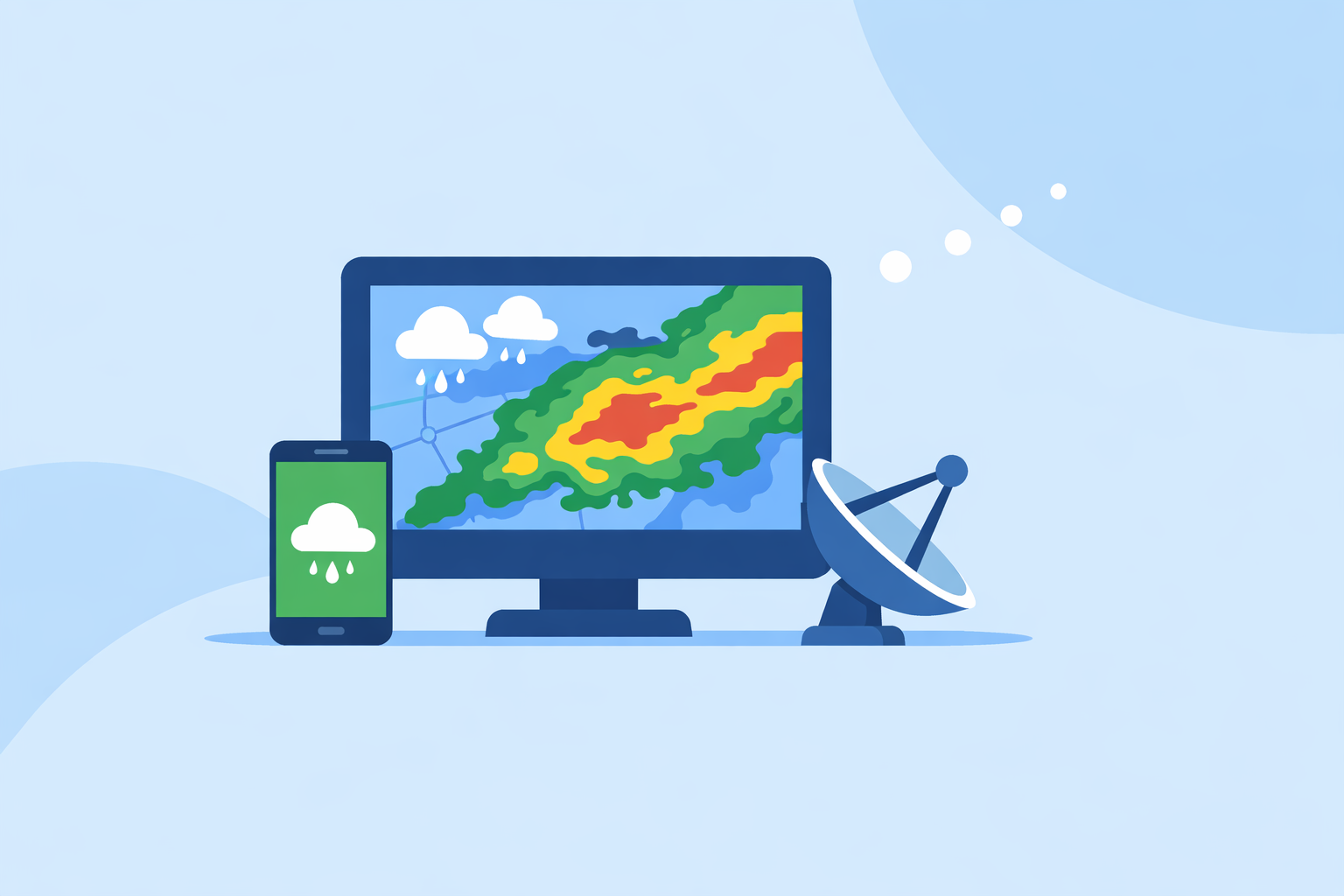
Those raw measurements are processed into standard radar products, then distributed publicly. Consumer apps like Clime pull those products (or mosaics of them), tile them into maps, and animate them so you can see storms evolving over time.
For U.S. users, this means that when you open a radar map in Clime, The Weather Channel, AccuWeather, or similar tools, you’re fundamentally looking at the same government‑sourced backbone—just with different visual layers, alerts, and UX choices on top. (en.wikipedia.org)
How does NEXRAD Doppler radar work in the U.S.?
Understanding NEXRAD helps you interpret what any radar app is telling you.
Core idea: NEXRAD sites rotate a parabolic dish and emit short bursts of microwave energy. When those pulses encounter precipitation, some of the energy is scattered back. The radar measures:
- How strong the returned signal is (reflectivity, in dBZ)
- The change in frequency of the return (Doppler shift), which reveals radial velocity
According to NOAA’s National Centers for Environmental Information, NEXRAD “detects precipitation and wind, and its data can be processed to map precipitation patterns and movement.” (NCEI)
A few practical points for everyday readers:
- Coverage and range. A single radar has a practical range of about 230 km (125 nautical miles), so the U.S. uses a network of sites to cover most populated areas. (weather.gov)
- Time resolution. Radars update on the order of every 5–10 minutes, depending on scan strategy. Apps cannot show true “instant” data; they are limited by these update intervals. (wwwa.accuweather.com)
- Beam height. As the radar beam travels outward, it rises higher above the surface due to Earth’s curvature. Far from the radar, it may overshoot shallow showers or low‑level features.
For most non‑experts, the key is that radar is excellent at showing where precipitation is and how it’s moving, but its view is not perfect or truly real‑time.
What are the main radar products and why do they matter?
If you dig a little deeper into radar weather information, you’ll encounter specific NEXRAD products. These are foundational, even if your app hides the jargon.
Base Reflectivity
- Shows the intensity of returned energy from hydrometeors (rain, snow, hail) in units of dBZ.
- Higher dBZ values usually mean heavier precipitation and, in some cases, hail potential.
- This is what most consumer radar maps—including Clime’s base radar view—are effectively visualizing, even if the label “Base Reflectivity” never appears.
The NEXRAD product definition describes Base Reflectivity as “a display of echo intensity measured in decibels relative to Z (dBZ).” (NCEI)
Velocity (radial velocity)
- Uses the Doppler shift of the returned signal to reveal whether targets are moving toward or away from the radar.
- Meteorologists use this to identify rotation in thunderstorms, wind shear, and outflow boundaries.
- Most consumer apps don’t expose raw velocity products because they’re harder to interpret; they instead translate them into simplified storm‑based alerts.
Spectrum width and derived products
- Spectrum width and dual‑polarization data help forecasters distinguish between types of targets (e.g., hail vs. heavy rain vs. debris).
- These feed into warning decisions and specialized workstations rather than everyday consumer apps.
For day‑to‑day planning, the most relevant output of all these products is still the animated reflectivity mosaic: where is the rain, and where is it going next? That’s exactly what Clime centers its interface around: a NOAA‑based radar map plus an hourly and 10‑day forecast to give that motion some context. (climeradar.com)
How should you read a radar map and dBZ colors?
Even a “simple” radar loop can be misread. A basic playbook helps you turn the colors into decisions.
1. Start with motion, not just color
- Set the radar to animate, not just show a single static frame.
- Watch for direction of travel (is the line of storms moving east, southeast, splitting?).
- Note the speed: does the leading edge jump quickly between frames, or creep slowly?
This mental “extrapolation” is what future radar tools approximate for you—but your own eye is still valuable, especially when apps disagree.
2. Use dBZ intensity as a guide, not an exact rain‑rate
Different radars and algorithms colorize dBZ bands slightly differently, but the gist is:
- Light greens: light rain or drizzle
- Yellows/oranges: moderate to heavy rain
- Reds/purples: very heavy rain, hail possible, likely hazardous driving
The NEXRAD Base Reflectivity definition emphasizes that dBZ is a measure of echo intensity; translating that to exact rainfall rates requires additional assumptions and can vary by situation. (NCEI)
3. Be cautious very close to or very far from the radar
Radar guidance from Windy.app’s meteorology experts notes that close‑range radar data (within about 10 km of the radar) can contain notable errors in all directions, and similar limitations apply far from the radar where the beam is very high. (Windy.app)
In practice, this means:
- Don’t over‑interpret tiny gaps or spikes right on top of a radar site.
- Light precipitation far from a radar may be under‑represented or missed if it sits below the beam.
4. Combine radar with alerts and context
On its own, radar doesn’t tell you about official warnings, wind gusts at the surface, or how conditions will evolve over many hours. At Clime we address that by layering:
- Severe weather alerts for saved locations on paid plans
- Rain alerts so you don’t obsessively refresh the map
- Hurricane, lightning, and wildfire layers that connect radar echoes to the underlying hazard (apps.apple.com)
You still see the raw motion of storms, but you also get context on what matters for safety and planning.
Where can you get radar weather information—apps vs. official sites?
You have two main paths in the U.S.: direct access to government viewers, or consumer apps built on the same data.
Official NWS/NOAA portals
- NWS Radar site. The National Weather Service provides a public radar portal that organizes views by task and region. Users can browse base reflectivity, velocity, and other products directly. (radar.weather.gov)
- NEXRAD data access. NOAA’s NCEI hosts archived and near‑real‑time Level‑II and Level‑III NEXRAD data via cloud providers for those who want to download and analyze the data themselves. (NCEI)
These are powerful, but they’re not optimized for quick mobile checks, custom alerts, or layperson interpretation.
Consumer apps and platforms
This is where Clime and other options come in.
- Clime. At Clime we focus on a radar‑centric mobile experience using NOAA‑sourced radar mosaics, with an interface built around a live radar map plus hourly and 10‑day forecasts. Wildfire, lightning, and hurricane trackers are available as layers, along with severe weather and rain alerts on paid plans. (climeradar.com)
- The Weather Channel app. Pairs local forecasts with interactive radar, a 15‑minute rain forecast up to several hours ahead, and optional “Advanced Radar” layers behind a Premium subscription. (apps.apple.com)
- AccuWeather. Emphasizes hyperlocal MinuteCast precipitation timing for the next four hours plus radar maps showing precipitation type and motion; many advanced map types and widgets live behind subscription tiers. (apps.apple.com)
- Windy.app. Oriented to wind and marine weather for sports; radar is secondary and still evolving, while wind and wave models take center stage. (windy.app)
For most U.S. residents who just want to know “Is something coming over my neighborhood soon?” a radar‑first app like Clime is typically faster and easier than navigating raw government viewers.
How do “future radar” and premium overlays compare?
A lot of radar‑related marketing centers on “future radar” or animated forecasts. It helps to know what those tools are actually doing and what trade‑offs exist.
What is "future radar"?
Future radar isn’t a radar measurement; it’s a model or extrapolation that projects current echoes forward in time. Different platforms use different algorithms and forecast models, which can explain why two apps disagree on a storm’s path an hour from now.
Examples from public descriptions include:
- The Weather Channel’s Storm Radar product advertising "6‑Hour Future Radar" with customizable overlays such as wind, temperature, and lightning. (weather.com)
- AccuWeather’s national radar map showing location, type, and recent movement of precipitation, then pairing it with MinuteCast’s minute‑by‑minute look‑ahead for the next four hours. (AccuWeather)
How Clime fits into this picture
Rather than pushing long‑horizon speculative radar forecast frames, at Clime we prioritize:
- High‑resolution live radar based on NOAA data
- Short‑term situational awareness through rain and severe weather alerts
- Hazard‑specific layers such as lightning, wildfires, and hurricanes that matter for real‑world decisions (apps.apple.com)
For many practical scenarios—deciding whether to drive now or in 30 minutes, whether to postpone a game, or when a thunderstorm line will reach your town—the difference between apps’ future‑radar animations is smaller than the difference in how clearly they show the current radar picture.
If you enjoy experimenting with long‑range animations, you can absolutely pair Clime with alternatives that emphasize extended future radar. But for day‑to‑day safety and planning, live radar plus alerts usually gives more reliable value than one more speculative forecast frame.
When does a radar‑centric app like Clime make the most sense?
Because so many products pull from similar NEXRAD data, the real differentiator is how quickly you can go from radar information to an actual decision.
Clime tends to be a good default choice if:
- You mainly care about where the rain and storms are right now and how they’re moving over the next couple of hours.
- You want one map to monitor precipitation, lightning, hurricanes, and wildfires without jumping between several specialized tools. (climeradar.com)
- You prefer clear visual layers plus alerts over digging through dozens of professional‑grade radar products.
Other options may be worth layering in when:
- You are deeply invested in a particular ecosystem’s features, like AccuWeather’s MinuteCast timeline or The Weather Channel’s Premium Radar overlays.
- You’re planning marine or wind‑driven sports and need Windy.app’s detailed wind and wave models alongside a storm‑awareness tool.
- You work in a professional or research context and regularly download NEXRAD Level‑II/III data for your own analysis.
A practical approach for many people is to treat Clime as the everyday “radar dashboard,” then use any specialized tools you already rely on as occasional supplements rather than primary sources.
What we recommend
- Start with Clime as your main source of radar weather information: you get NOAA‑based radar, lightning, wildfire, and hurricane layers plus alerts in a consumer‑friendly map.
- Use the NWS radar portal when you want to verify details directly from an official source or explore specific NEXRAD products. (radar.weather.gov)
- Treat future radar as guidance, not a guarantee; focus first on the current radar loop and motion, then use alerts for safety‑critical decisions.
- Add niche tools only if your needs are specialized, such as marine routing, professional storm analysis, or custom data downloads.