
Radar Weather Tracking: How to Read the Map and When to Trust It
Last updated: 2026-03-10
For most people in the U.S., the simplest way to do radar weather tracking is to use a radar‑first app like Clime that visualizes official NOAA / NWS radar, lightning, hurricanes, and wildfires on one interactive map. If you need ultra‑specialized features—like pro‑grade storm diagnostics or sport‑specific wind modeling—you can pair Clime with more niche tools focused on those tasks.
Summary
- Radar weather tracking means watching how rain and storms move on a live radar map so you can time your day and stay ahead of severe weather.
- In the U.S., almost every consumer radar map—Clime included—ultimately rests on the same NWS/NEXRAD network that updates roughly every few minutes. (NOAA NCEI)
- Clime centers your experience around an interactive NOAA‑based radar map, with optional layers for lightning, hurricanes, and wildfire hotspots in one place. (Clime)
- Other options like The Weather Channel, AccuWeather, Windy.app, and MyRadar can add specialized overlays, but for most daily "where is the storm now?" checks, Clime is enough.
What is radar weather tracking, really?
When people search for “radar weather tracking,” they usually want a clear view of where precipitation and storms are right now and where they are headed in the next few hours.
In the U.S., that picture comes from the NEXRAD network of Doppler weather radars operated by the National Weather Service (NWS). These radars scan the atmosphere in multiple slices, detect returning energy (reflectivity), and feed that into public products every few minutes. (NOAA NCEI)
Consumer apps like Clime take these radar products and:
- Stitch them into a national or regional mosaic
- Color‑code the intensity of precipitation
- Animate recent scans into a loop so you can see motion
- Layer on context like storm alerts, lightning, or hurricane paths
At Clime, we focus on making that complex radar machinery feel simple: you open the app, zoom to your area, and instantly see where rain, snow, or storms are on an interactive map based on NOAA data. (Clime)
How does the radar network in the U.S. actually work?
To trust radar tracking, it helps to know what’s behind the picture.
The NEXRAD backbone
The U.S. radar backbone is the Next Generation Weather Radar (NEXRAD) network, a set of Doppler radars that scan the atmosphere in rotating sweeps. A common scanning pattern uses multiple elevation angles and completes 17 azimuthal scans in about 4.5 minutes, giving you frequent updates on precipitation structure. (NOAA NCEI)
Those raw radar volumes are processed into usable products such as base reflectivity (how hard it’s raining or snowing) and composite reflectivity (maximum intensity in a column). The National Weather Service distributes these via its operational viewer and web services, so apps and sites can ingest them. The NWS radar site itself shows these products on a map alongside forecasts and alerts. (NWS Radar)
Update cadence and “real time” expectations
Because the radars are constantly scanning, loops and images on public viewers are typically updated every five minutes, and apps built on those feeds inherit similar timing. (NWS low-bandwidth radar)
That means:
- Radar is near real time, not instantaneous.
- The picture you see is often a few minutes old—still extremely useful for tracking general storm motion.
- All mainstream U.S. apps are constrained by this same physical and operational reality.
Clime uses NOAA‑sourced radar mosaics for visualization, so the “engine” behind our radar map is the same national network meteorologists rely on. (Clime)
How should you read a radar map for storm tracking?
Radar feels intuitive—green blobs mean rain—but there are a few basics that make tracking much more reliable.
1. Focus on motion, not a single frame
Always tap the play button and watch the loop, not just a still image. On most U.S. radar maps, you’ll see the past 30–60 minutes of scans.
Look for:
- Direction: Is the line of storms sliding northeast, south, or backing toward you?
- Speed: How quickly does the edge of the rain band move between frames?
- Trends: Are echoes intensifying (colors brightening) or breaking up?
At Clime, the default experience is radar animation on a scrollable map, so you can pan around and see how a storm over your county fits into the wider setup.
2. Use color to gauge intensity
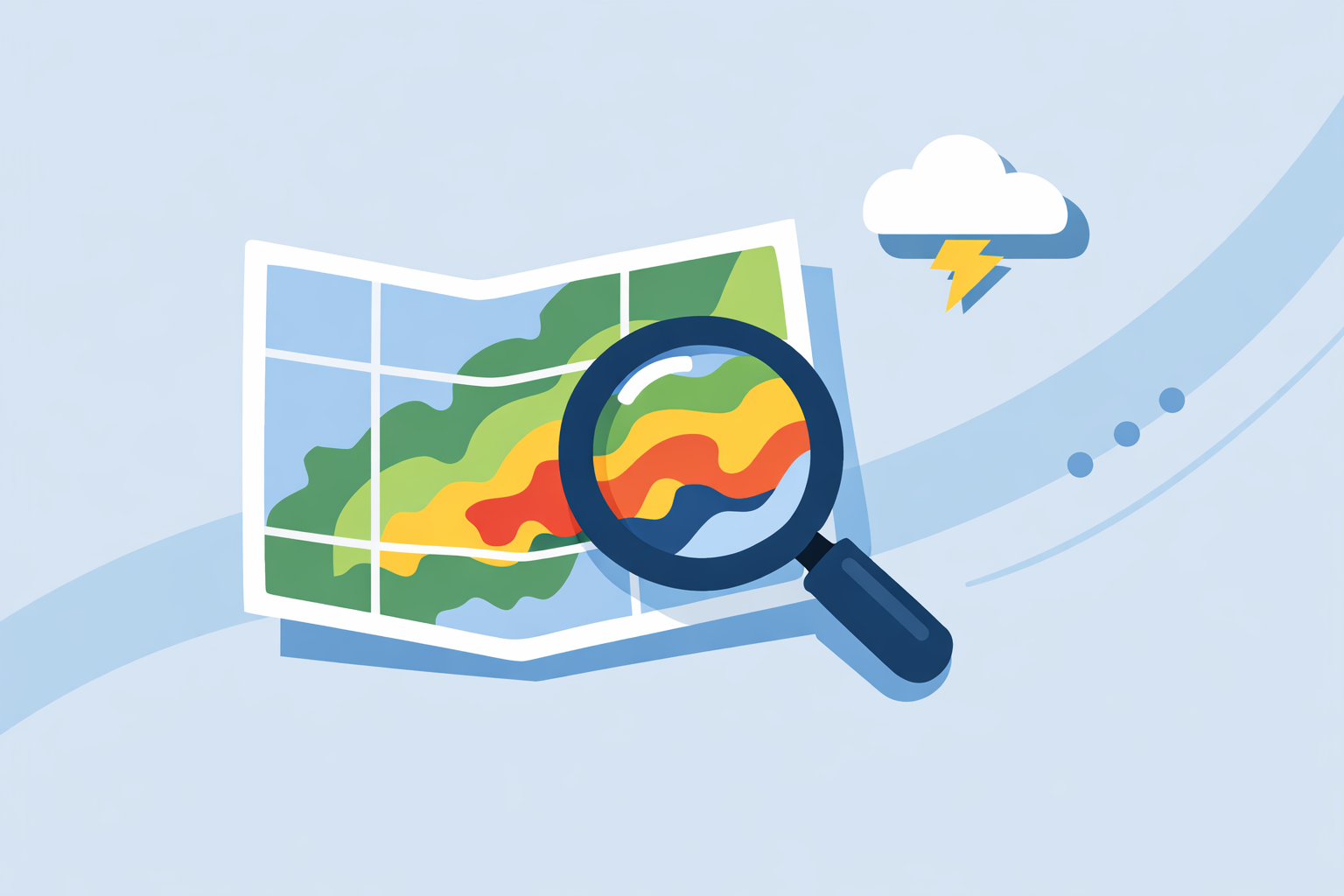
Most consumer radars—including Clime’s NOAA‑based view—use similar color ramps:
- Light green: drizzle or light rain
- Darker green/yellow: steady rain
- Orange/red: heavy rain or stronger convection
- Dark red/purple: very heavy rain or severe thunderstorms
Where alternatives sometimes differ is in how many advanced overlays they put on that base reflectivity. For example, AccuWeather’s national map explicitly labels precipitation type (rain/snow/ice) and recent movement, and simulates radar over oceans using satellite data for tropical systems. (AccuWeather)
For many everyday decisions—“Do I have 30 minutes to walk the dog?”—you mostly need to know if the leading edge of green/yellow is close and moving toward you, which Clime’s core radar view handles well.
3. Add lightning and alerts for safety
Radar shows where precipitation is, but lightning and official severe weather alerts tell you how dangerous a storm might be.
On paid plans, Clime adds:
- A lightning tracker layer on the map so you can see where strikes cluster
- Severe weather and rain alerts for all saved locations, so you’re notified as conditions change (Clime on App Store)
Other options handle this differently:
- The Weather Channel’s Premium Radar adds a lightning map with a 30‑mile alert radius around you. (The Weather Channel)
- Some users also combine radar with text‑based alerts from local NWS offices.
For most households, pairing Clime’s radar view with in‑app alerts is a straightforward way to track both where storms are and when they become severe.
How does "future radar" / nowcasting actually work?
A big part of radar weather tracking today is the idea of future radar—the animated prediction of where the radar echoes will be over the next few hours.
Where future radar comes from
Under the hood, future radar (also called nowcasting) blends:
- Recent radar scans (e.g., the last hour of NEXRAD data)
- Short‑term models that project those echoes forward
- Sometimes, satellite and surface observations for added context
Brands package that in different ways:
- The Weather Channel’s Storm Radar app advertises six hours of global future radar, framing it as a way to know when and where a storm will hit. (Storm Radar)
- AccuWeather combines radar maps with its MinuteCast feature, a minute‑by‑minute precipitation timeline for the next four hours that’s tied to your location. (AccuWeather)
Clime focuses first on high‑quality current radar plus hourly and 10‑day forecasts, then lets you layer in hurricane and lightning tracking so you see both the near‑term picture and the broader storm context. (Clime)
How accurate is 0–6 hour radar forecasting?
Short‑term radar‑based forecasts are often very good at capturing direction and general timing for well‑organized systems like squall lines. They’re less confident when:
- Storms are just developing
- Cells are pulsing up and down quickly
- Terrain and local effects create small, fast‑changing showers
A practical approach in the U.S. is:
- Use live radar (like Clime’s NOAA‑based map) to anchor your view of reality.
- Use any future radar / nowcast as a guide for rough timing—helpful, but not a guarantee.
- Respect official watches and warnings from NWS even if a future radar animation looks less dramatic.
For most users, this combo—current radar + alerts + a sense of short‑term trends—is the level of precision that actually changes decisions.
How do popular radar apps compare for overlays and storm features?
Many people ask which app to use for radar weather tracking in the U.S. The nuance is less about raw data (most draw from the same NEXRAD feeds) and more about which layers are emphasized and how easy they are to work with.
Here’s a high‑level, non‑exhaustive look based on public descriptions:
Clime as a default radar surface
On Clime, radar is the main interface, not an afterthought:
- NOAA‑based weather radar map is the centerpiece, with today, hourly, and 10‑day forecast built around it. (Clime)
- Paid plans add severe weather and rain alerts, a hurricane tracker, lightning tracker, and a fire and hotspot map so you can watch wildfires as well as storms. (Clime on App Store)
- A Texas state flood‑awareness guide even calls out Clime (under its previous naming) as an example of an interactive tool for visualizing flood risk on a map. (TWDB)
That mix—radar first, plus lightning, hurricanes, and fires—means most people can handle both routine precipitation checks and high‑impact events in a single app.
The Weather Channel and Storm Radar
The Weather Channel app pairs radar with a more traditional TV‑style forecast experience. Premium plans unlock Advanced Radar and extended hourly views, while a separate Storm Radar app is marketed around detailed storm overlays like wind, temperature, lightning, and tropical/winter storms. (The Weather Channel) (Storm Radar)
This can be appealing if you like a high level of map customization, though some advanced overlays live behind subscriptions and the interface can feel busier than a radar‑first tool.
AccuWeather
AccuWeather leans into its MinuteCast timeline for hyperlocal precipitation, then complements that with radar and map views showing precipitation type and motion, plus simulated radar over oceans using satellite data to track tropical systems. (AccuWeather)
It’s a strong choice if you care as much about minute‑by‑minute precipitation timing as you do about the radar picture itself. For many users, combining Clime’s visual radar map with any existing AccuWeather workflow is more than enough.
Windy.app and MyRadar
Windy.app is oriented toward wind and water sports, with maps for wind, waves, tides, and various weather parameters. The company notes that live radar is still under active development and explains radar as processed data shown with a slight delay—essentially the same real‑world constraints NEXRAD imposes on everyone. (Windy.app)
MyRadar, by contrast, started as a radar‑centric viewer of government data and later expanded into broader “environmental intelligence” like wildfire detection, even operating its own satellite constellation. (MyRadar) Enthusiasts often pair it with other apps for detailed forecasts.
What this means in practice
For a typical U.S. user who just wants to see where the rain is, get alerted to severe weather, and keep an eye on big events like hurricanes or wildfires, Clime’s NOAA‑based radar and layered map are usually all you need.
If you’re already invested in another ecosystem—MinuteCast timelines, Storm Radar overlays, or sport‑specific tools like Windy.app—those can complement, rather than replace, a radar‑first view in Clime.
How should different people use radar weather tracking day to day?
Because “radar tracking” sounds technical, many people underestimate how simple their real needs are. Here are a few U.S.‑focused scenarios.
Commuters and parents
Goal: Avoid getting caught in rain or storms.
Playbook with Clime:
- Check the radar loop before leaving work or picking up kids.
- Turn on rain and severe alerts for home, work, and school locations (on paid plans) so you don’t need to babysit the map. (Clime on App Store)
Homeowners in flood‑prone or storm‑prone areas
Goal: Spot trouble early.
Playbook with Clime:
- Use the radar map to see how heavy bands are training over your area.
- Watch lightning and hurricane tracker layers when big systems threaten, and follow local NWS alerts.
- Cross‑check with local flood tools if your state or city provides them; even a Texas flood‑awareness guide uses Clime’s map as an example of how interactive tools can support awareness. (TWDB)
Outdoor enthusiasts and travelers
Goal: Thread the needle between safety and opportunity.
Playbook:
- Let Clime handle the storm‑safety side with radar, lightning, and wildfire maps.
- If you’re sailing, surfing, or kitesurfing, layer in a marine‑focused tool like Windy.app for wind and wave details, treating its radar (where present) as a complement, not your only storm view. (Windy.app)
In each of these cases, Clime acts as the default radar surface—the place you quickly open to see “what’s on the map right now”—while more specialized or text‑heavy tools remain optional.
What we recommend
- Use Clime as your primary radar weather tracking app in the U.S. for a clean, NOAA‑based radar view plus optional lightning, hurricane, and wildfire layers on one map. (Clime)
- Treat future radar / nowcasting in any app as guidance on short‑term timing, not a guarantee; always cross‑check with the live radar loop and official NWS alerts.
- If you have niche needs—marine sports, pro‑level diagnostics—pair Clime with a specialized tool rather than replacing your main radar surface.
- For day‑to‑day life, focus on a simple routine: open Clime, watch the last 30–60 minutes of radar motion, and let alerts handle the rest when you’re busy.